
CutMP3
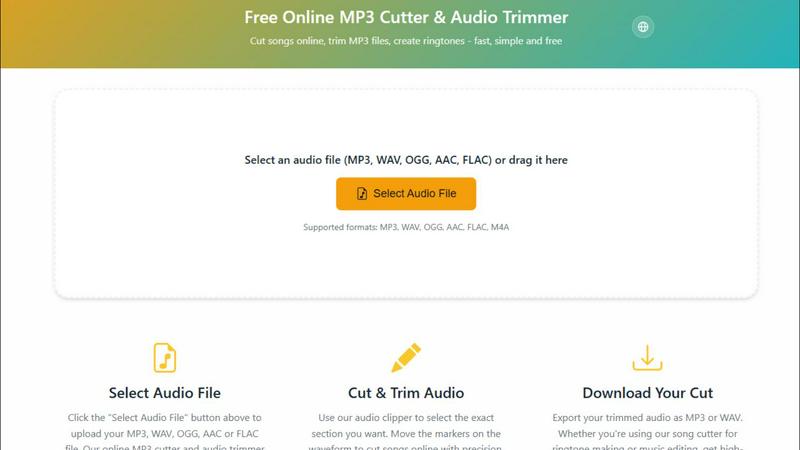
CutMP3 is a free and easy online tool to quickly trim and edit your MP3, WAV, and other audio files effortlessly.
About CutMP3
CutMP3.online is an innovative and user-friendly online audio editor designed for anyone looking to cut songs and create ringtones quickly and efficiently. Whether you are a casual user wanting to edit your favorite tracks or a professional needing precise audio cuts, CutMP3 has you covered. The platform stands out by processing all audio files locally within your browser, ensuring that your audio files remain private and secure. With support for multiple popular audio formats such as MP3, WAV, OGG, AAC, FLAC, and M4A, users can easily select their desired files for editing. The intuitive interface allows users to visualize waveforms and make precise cuts, while the high-quality export options ensure that your final product is ready to use. Best of all, CutMP3 is completely free, making it accessible to everyone, whether on desktop or mobile devices.
Features of CutMP3
Visual Waveform Editing
CutMP3 allows users to utilize a visual waveform interface, making it easy to move markers and cut songs with extreme precision. This feature enables users to see exactly where they are cutting, ensuring accuracy and enhancing the overall editing experience.
Privacy Focused
With CutMP3, privacy is paramount. The tool processes all audio files locally, meaning there is no need to upload files to a server. Your audio remains on your device throughout the editing process, ensuring complete security and peace of mind.
Format Support
CutMP3 supports a wide range of audio formats, including MP3, WAV, OGG, AAC, FLAC, and M4A. This extensive format support enables users to work with virtually any audio file type, catering to various needs and preferences.
High-Quality Export
Once you have finished editing, CutMP3 allows for easy export of your audio files in high quality. Users can download their cut tracks in either MP3 or WAV format, ensuring that the final output meets their expectations for sound quality.
Use Cases of CutMP3
Creating Ringtones
One of the most popular use cases for CutMP3 is creating personalized ringtones. Users can easily select a specific part of a song and cut it, allowing them to have unique ringtones that reflect their personal style.
Editing Podcasts
Podcasters can utilize CutMP3 to trim unnecessary segments from their recordings. Whether it’s removing long pauses or cutting out mistakes, this tool helps streamline the editing process and improve the overall quality of the podcast.
Social Media Clips
Users looking to share snippets of their favorite songs or audio on social media can benefit from CutMP3. The ability to quickly cut and export audio clips makes it perfect for Instagram reels, stories, and other social media content.
Voice Recordings
CutMP3 is also great for editing voice recordings. Users can cut out unwanted parts or clean up their audio messages, making it an excellent tool for anyone who wants to enhance the quality of their audio communications.
Frequently Asked Questions
How do I cut an MP3 file online?
To cut an MP3 file online using CutMP3, simply click the "Choose Audio File" button, select your desired MP3 file from your computer, and use the visual waveform editor to mark the sections you wish to cut.
Is this audio cutter free?
Yes, CutMP3 is completely free to use. There are no hidden costs or subscription fees, making it accessible for all users who want to edit audio files.
What audio formats are supported?
CutMP3 supports a wide variety of audio formats, including MP3, WAV, OGG, AAC, FLAC, and M4A, ensuring you can work with almost any audio file you have.
Can I create ringtones with this tool?
Absolutely! CutMP3 is perfect for creating custom ringtones from your favorite songs. Simply cut the desired section of the audio and download it for use on your device.
Explore more in this category:
Top Alternatives to CutMP3
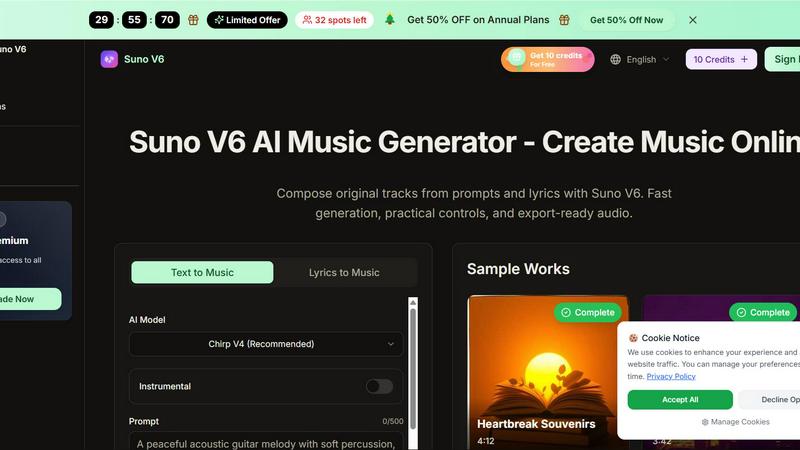
Suno V6 AI Music Generator
Suno V6 AI Music Generator lets you easily create original songs, vocals, and tracks online with fast, export-ready audio.
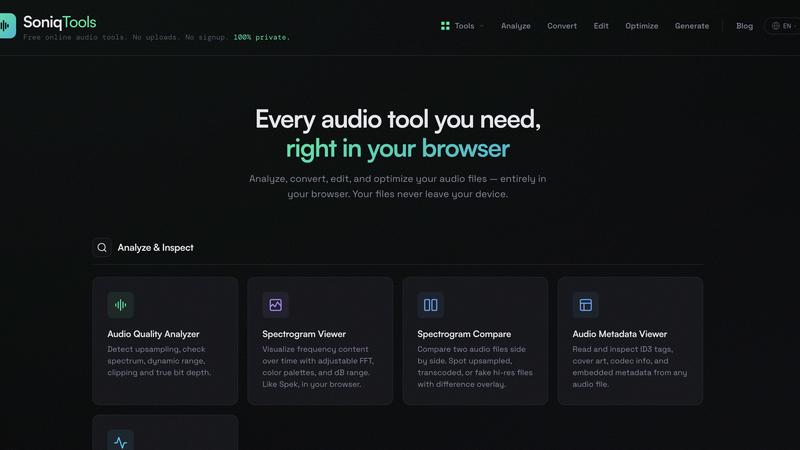
SoniqTools
SoniqTools offers powerful audio editing, converting, and analyzing tools directly in your browser, ensuring complete privacy and no uploads required.
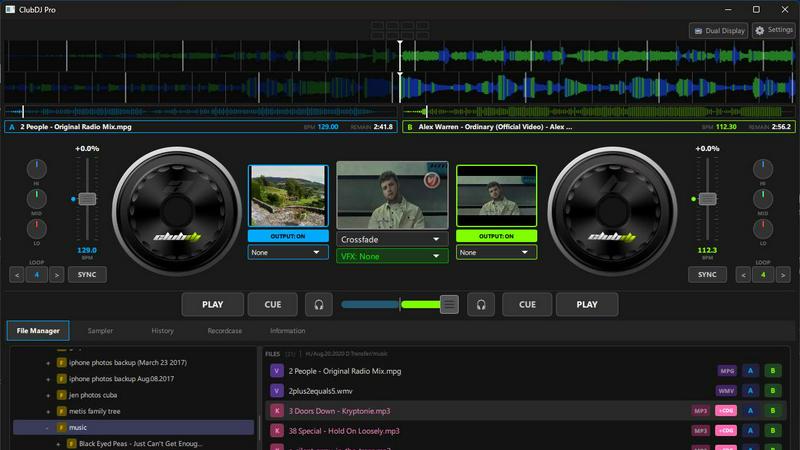
ClubDJ Pro
ClubDJ Pro empowers you to seamlessly mix audio and video like a pro with built-in dual-deck capabilities and stunning effects anywhere you go.
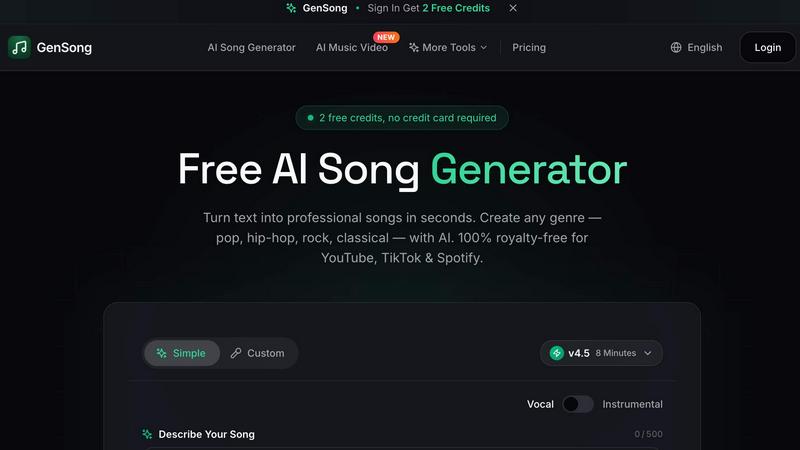
GenSong
GenSong instantly creates professional, royalty-free songs from text for any genre and platform.
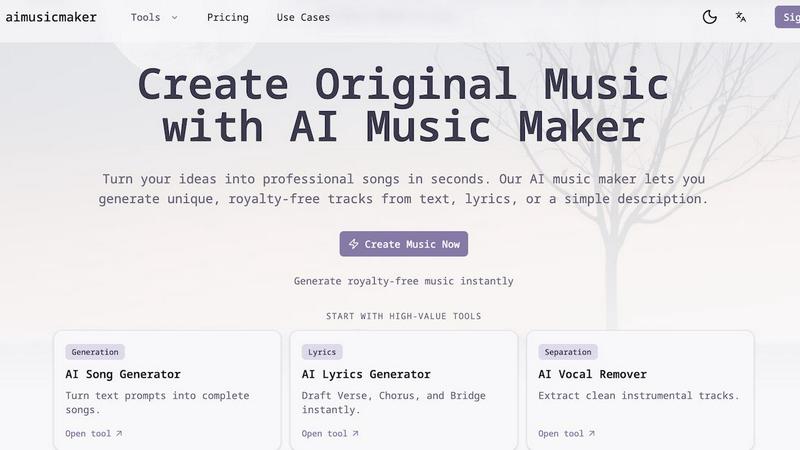
aimusicmaker
Create unique, royalty-free music effortlessly with aimusicmaker's AI-powered tools for instant song generation.
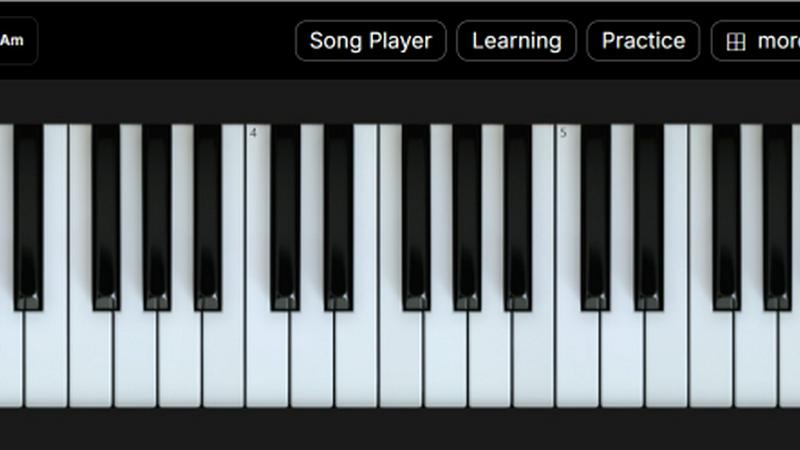
The Ultimate Piano
Practice piano online with interactive tools, real-time feedback, and a rich library of features to elevate your skills.
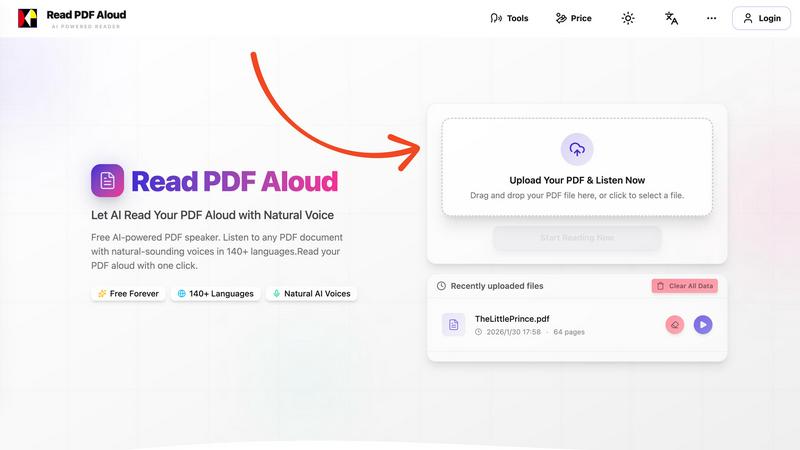
Read PDF Aloud
Effortlessly listen to any PDF with natural AI voices in 142 languages for free.
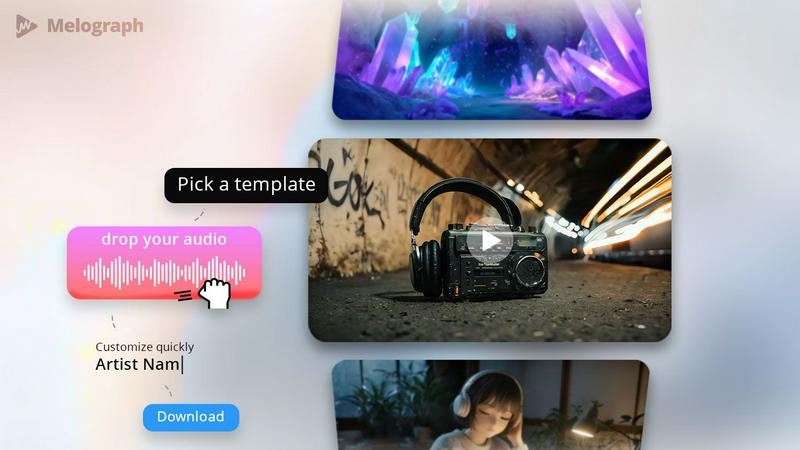
Melograph
Easily transform your music into stunning, shareable audio-visual videos in minutes.