
Dashform
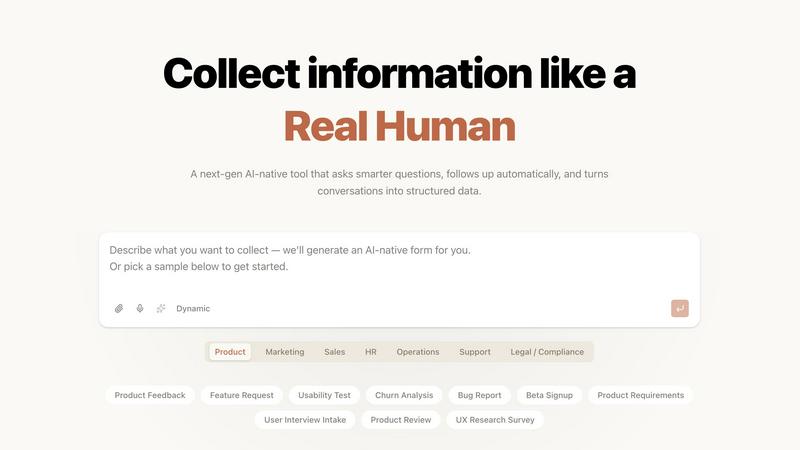
Dashform is an AI-native quiz funnel that qualifies leads automatically, ensuring you only engage with the best.
About Dashform
Dashform is a revolutionary form builder that transforms the way businesses interact with potential clients. Unlike traditional forms that often feel rigid and impersonal, Dashform is designed to be intuitive and responsive, dynamically adjusting to participant responses. This means that it can ask follow-up questions or skip irrelevant ones based on what users input, creating a seamless interaction. Dashform is perfect for agencies, coaches, consultants, and course creators who wish to qualify leads efficiently without wasting time on unqualified prospects. By allowing users to create or edit forms from prompts, screenshots, or URLs, it simplifies the process of gathering essential information. Furthermore, Dashform records full conversations, enabling users to extract key insights effortlessly. With a focus on adaptability and enhancing user experience, Dashform sets itself apart as a next-generation form-building solution.
Features of Dashform
Dynamic Response System
Dashform features a dynamic response system that reacts in real-time to participant inputs. This innovative approach allows it to ask pertinent follow-up questions or skip irrelevant inquiries, ensuring that the conversation flows naturally and remains engaging.
AI-Powered Quiz Funnels
With Dashform, users can create AI-native quiz funnels that streamline the qualification process. By simply describing their ideal client, the AI generates adaptive questions and scoring logic automatically, eliminating the need for cumbersome manual configurations.
Real-Time Lead Scoring
Dashform provides real-time lead scoring, automatically assessing responses as they come in. This feature allows users to prioritize hot leads and route them directly to their calendars while nurturing less qualified prospects through automated follow-ups.
Seamless Integrations
Dashform integrates effortlessly with existing CRM systems and other tools, enhancing productivity without the need for complicated configurations. Users can leverage the power of AI without sacrificing the functionality of their current tech stack.
Use Cases of Dashform
Agency Lead Qualification
Agencies can use Dashform to qualify leads efficiently, identifying high-potential clients who meet their budget requirements. This ensures that time spent on discovery calls is maximized with prospects who are genuinely interested in their services.
Coaching and Consulting
Coaches and consultants can leverage Dashform to filter uncommitted clients before they reach the consultation phase. By assessing budget and commitment level upfront, they can focus only on leads that show true potential.
Course Enrollment
Course creators benefit from Dashform by distinguishing between serious students and casual browsers. The tool automatically routes high-intent leads to premium offerings while directing less committed individuals to introductory courses.
User Feedback and Surveys
Dashform can be employed to gather user feedback or conduct surveys effortlessly. By asking adaptive questions based on responses, it collects meaningful insights that can drive product improvements and enhance user experience.
Frequently Asked Questions
What types of businesses can benefit from using Dashform?
Dashform is designed for a variety of businesses, including agencies, coaches, consultants, and course creators. Any organization needing to qualify leads and streamline communication can leverage its capabilities.
How does Dashform's AI generate questions?
Dashform’s AI uses natural language processing to interpret user prompts and automatically creates adaptive questions based on the desired client profile. This reduces manual setup time and enhances user engagement.
Can I integrate Dashform with my existing CRM?
Yes, Dashform offers seamless integrations with popular CRM systems and other tools, allowing you to enhance your existing workflows without the need for complex configurations.
How quickly can I set up a form using Dashform?
Setting up a form with Dashform takes just about three minutes. The AI handles the bulk of the configuration automatically, significantly reducing the time needed compared to traditional form builders.
Explore more in this category:
Top Alternatives to Dashform
UnboundAI
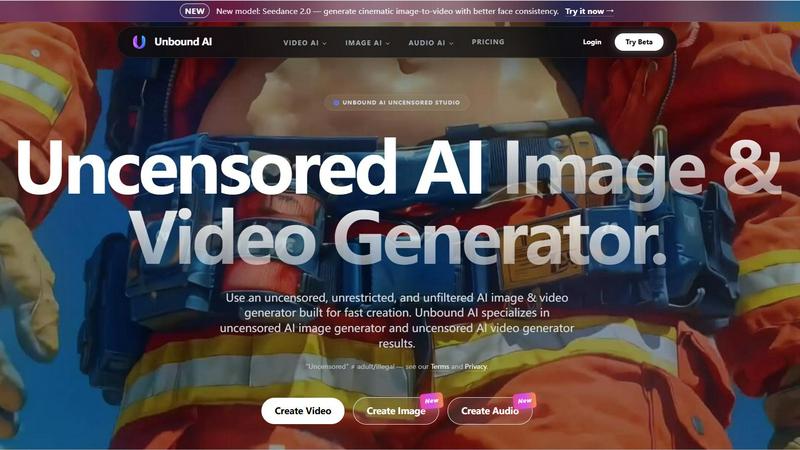
UnboundAI is your uncensored studio for generating cinematic images and videos from text or images, now supercharged with Seedance 2.0 and Wan 2.7.
Overchat AI
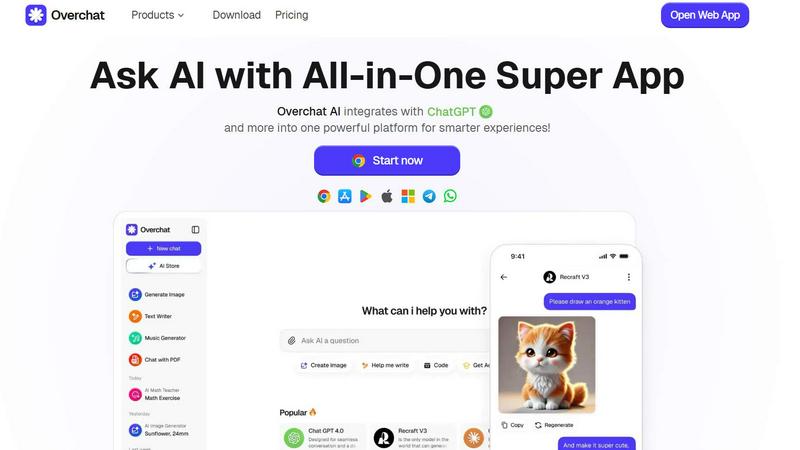
Overchat AI is your all-in-one platform for limitless chatting, image generation, and video creation with cutting-edge AI technology.
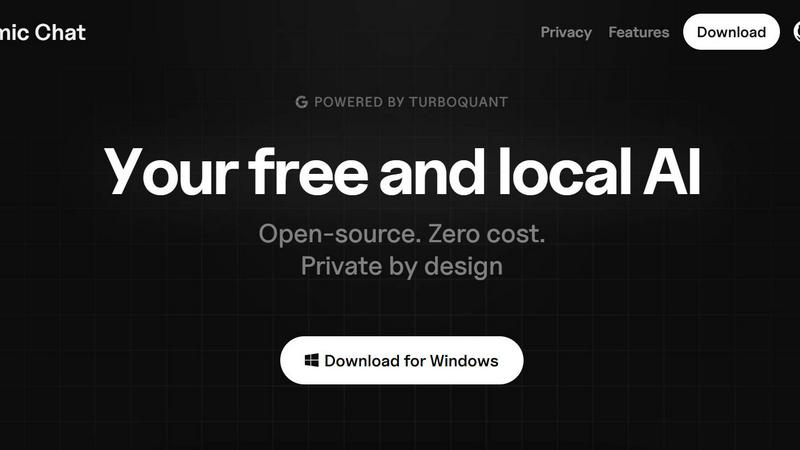
Atomic Chat
Atomic Chat is your free, private, local AI with 1,000+ models and zero data ever leaving your device.
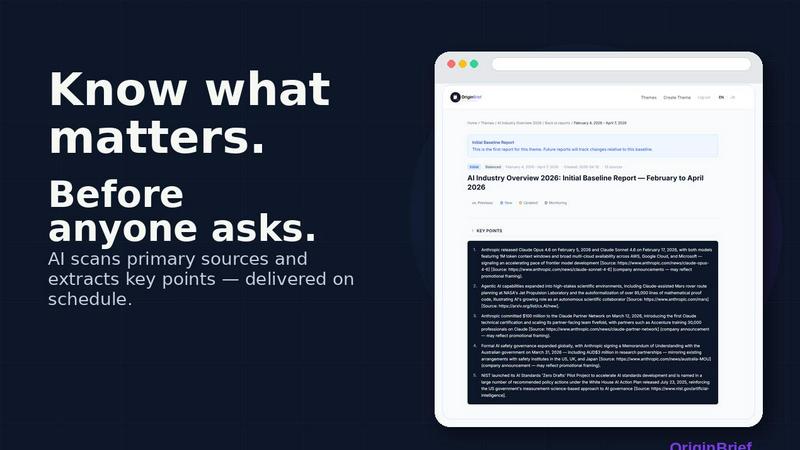
OriginBrief
OriginBrief delivers weekly AI research reports from primary sources, tracking industry changes for founders, analysts, and consultants.

OGTV
OGTV is a fast, modern Omegle alternative for genuine 1v1 video chats that turns random conversations into real friendships.
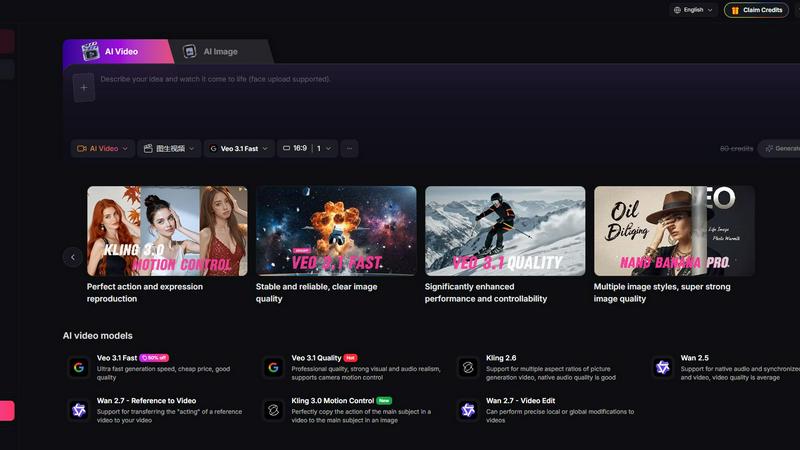
Yevideo - AI Video & Image Creation Platform
Yevideo is your all-in-one AI studio for generating stunning videos and images from text, images, and reference footage with advanced control.
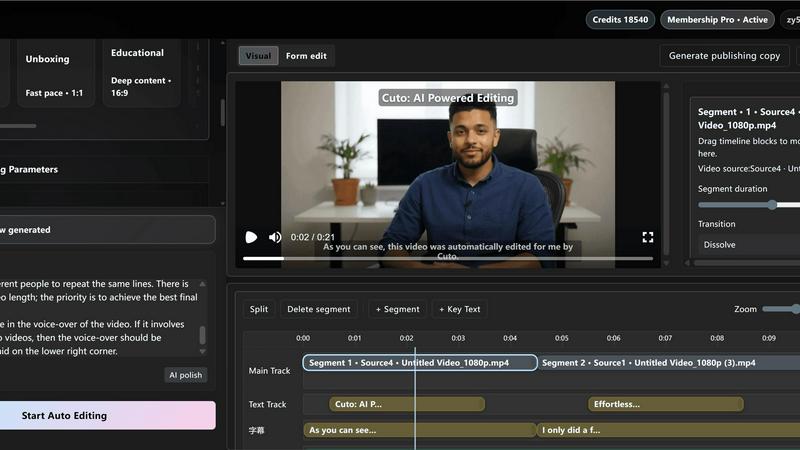
Cuto
Cuto turns your raw footage into polished, commercial-grade videos in 30 seconds with just one prompt and an editable AI edit plan.