
Dokta
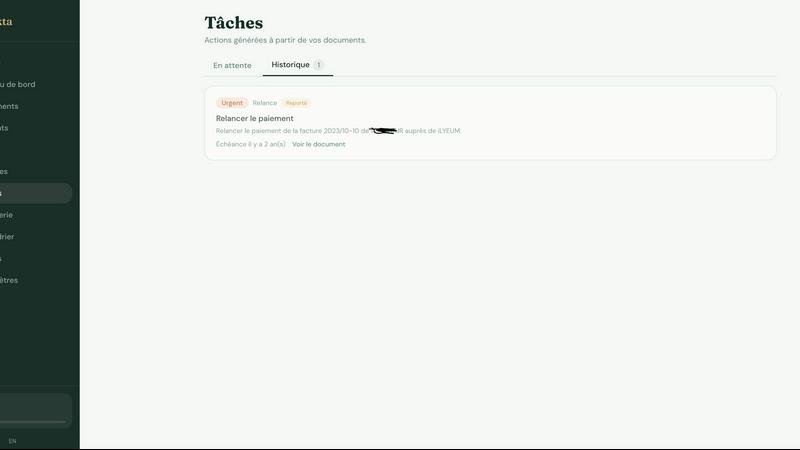
Dokta automates document management for freelancers, effortlessly handling invoices, contracts, and cash flow in just a few clicks.
About Dokta
Dokta is an innovative AI-powered document management platform designed specifically for freelancers, solo entrepreneurs, auto-entrepreneurs, and small to medium-sized businesses (SMBs). With its powerful AI engine, Dokta simplifies document handling by allowing users to effortlessly drop invoices, quotes, contracts, and more, and receiving key data extraction in under 60 seconds. The platform manages the entire document lifecycle, enabling users to create professional invoices, track payments, send automated reminders for unpaid invoices, and manage contracts and deadlines, all with ease. Dokta eliminates the stress of lost files and missed deadlines, allowing users to focus on their core business activities. By building a comprehensive client database and providing real-time cash flow tracking, Dokta empowers users to streamline their financial operations. With a commitment to data privacy, Dokta is fully GDPR-compliant and hosted in Europe (AWS), making it a secure choice for managing sensitive business documents. Whether you are a freelance developer, a consultant, a trades contractor, or managing a growing SMB, Dokta puts your documents at the center of your operations, driven by cutting-edge AI technology.
Features of Dokta
Automated Invoice Management
Dokta provides automated invoice management, allowing users to create professional invoices and quotes in just a few clicks. The platform also tracks payments and automates reminders for unpaid invoices, ensuring that users never miss a payment deadline.
Real-Time Cash Flow Tracking
Stay on top of your finances with Dokta's real-time cash flow tracking feature. Users can visualize their financial situation at a glance with detailed graphs showing billed revenue, received payments, outstanding invoices, and VAT over a 12-month period.
AI-Powered Document Analysis
Dokta's advanced AI engine analyzes documents in under 60 seconds. It reads, classifies, and extracts essential information such as document type, amounts, deadlines, and client or supplier names, making document management quick and efficient.
Client Database Management
Dokta automatically builds and enriches a client database from uploaded documents. This feature includes automatic SIRET enrichment, payment scoring, and a complete historical overview of client interactions, enhancing user insights into their clientele.
Use Cases of Dokta
Freelance Developers
For freelance developers, Dokta streamlines the process of generating invoices from contracts. Developers can focus on coding while Dokta handles their billing, sending invoices automatically based on predefined contract terms.
Creative Professionals
Creative freelancers can benefit from Dokta's easy invoice and quote management. It provides a seamless workflow from proposal to payment, allowing creatives to send quotes for approval and convert them into invoices with a single click.
Auto-Entrepreneurs
Auto-entrepreneurs can rely on Dokta to maintain compliant invoices and track their earnings effortlessly. The platform sends alerts for URSSAF deadlines, ensuring that users remain compliant without the stress of manual tracking.
SMB Owners
Small and medium business owners can utilize Dokta to manage multiple documents, invoices, and contracts in one place. With real-time cash flow insights and automated reminders, SMBs can ensure smooth operations and timely payments.
Frequently Asked Questions
How does Dokta ensure data privacy?
Dokta is fully compliant with GDPR regulations and hosts all data in Europe (AWS), ensuring that users' sensitive information is protected and handled responsibly.
What types of documents can I upload to Dokta?
Users can upload various document types, including invoices, quotes, contracts, and receipts. Dokta's AI engine will analyze and extract data from these documents to facilitate management.
Is there a free trial available for Dokta?
Yes, Dokta offers a free tier that allows users to manage up to 15 documents per month at no cost. This is a great way to experience the platform's capabilities before committing to a paid plan.
What happens if I exceed my document limit?
If you exceed the document limit of your selected plan, you will need to upgrade to a higher tier to continue processing additional documents. Each plan has a specified number of documents you can manage each month.
Top Alternatives to Dokta
Fake Mayo
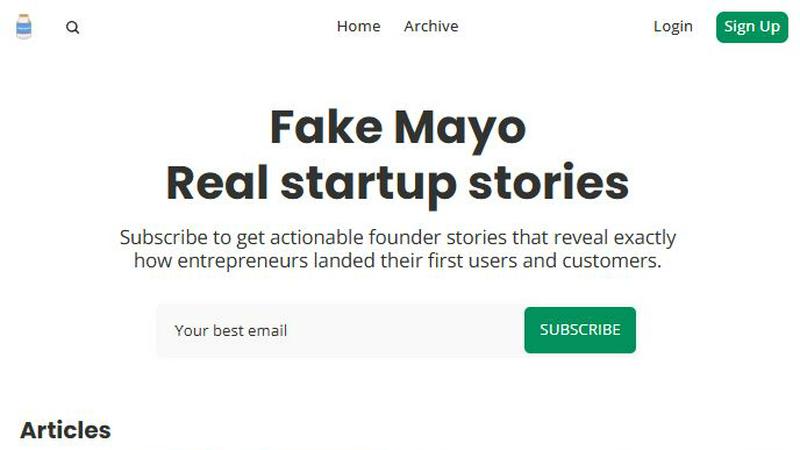
Fake Mayo delivers real startup stories with exact traction tactics, no fluff, just proven moves.

WhoFixedIt
WhoFixedIt is your ultimate logbook to track repairs and trusted service providers for your home or business, making maintenance a breeze.
VolRadar
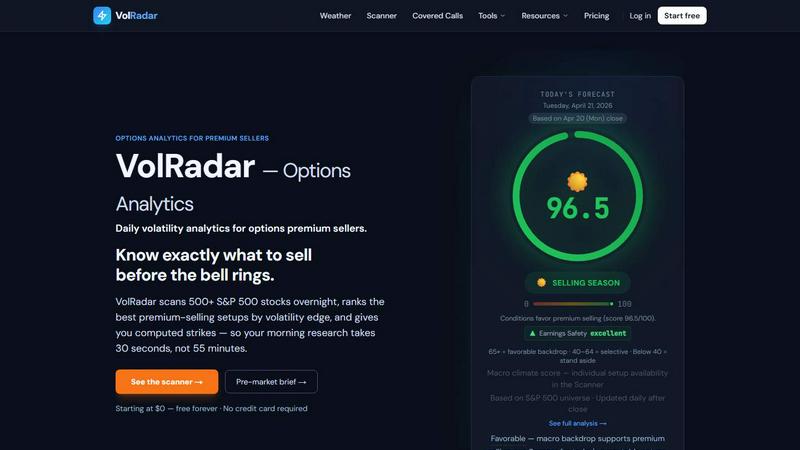
VolRadar scans 500 stocks overnight to give you the best premium selling setups before the bell, so your morning research takes 30 seconds.
PopPay
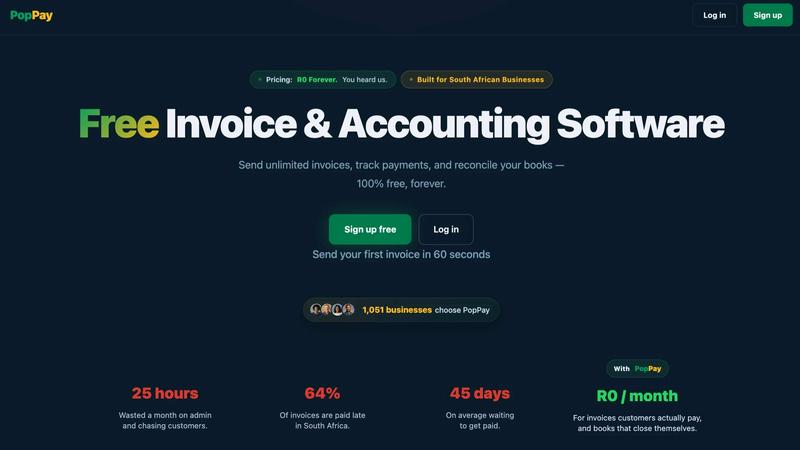
PopPay brings free, end-to-end AI business management to your fingertips with launch-day energy and total control.
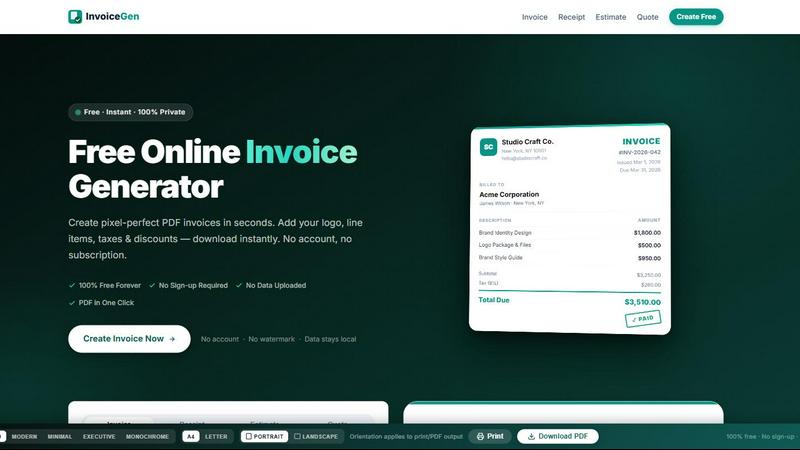
Online Invoice Generator
Create stunning PDF invoices instantly with zero sign-up, no data uploads, and 100% free forever.
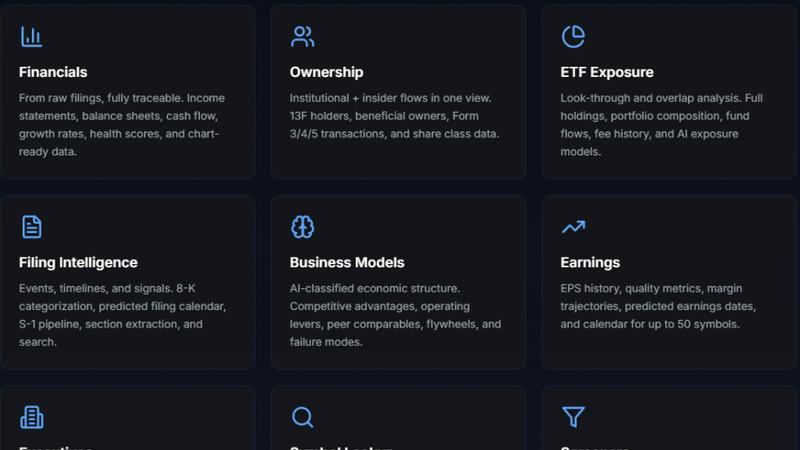
StockFit API
Unlock powerful financial modeling with StockFit API, delivering standardized data and sector-aware metrics for accurate valuation and backtesting.
CalcFi
CalcFi uses live IRS and Fed data to give you one AI-powered Financial Picture from 300+ free calculators.
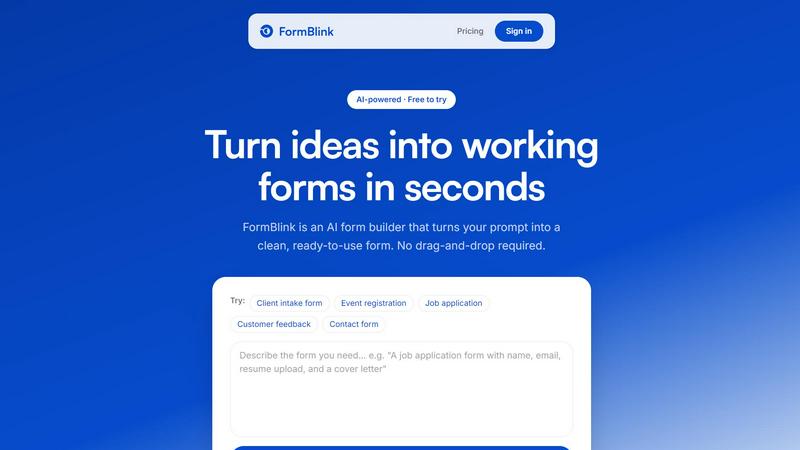
FormBlink - AI-powered form builder
FormBlink instantly creates ready-to-use forms from your prompts, eliminating setup time and hassle for seamless data collection.