Glitches

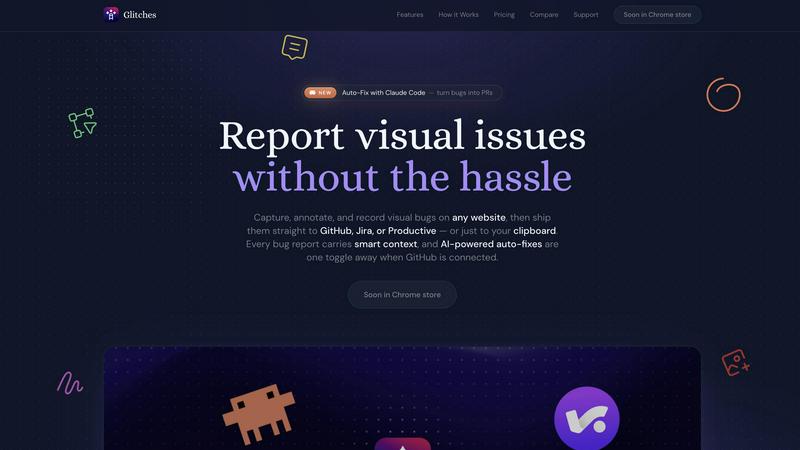
Glitches lets you capture, annotate, and ship visual bugs to your favorite tools, then auto-fix them with AI.

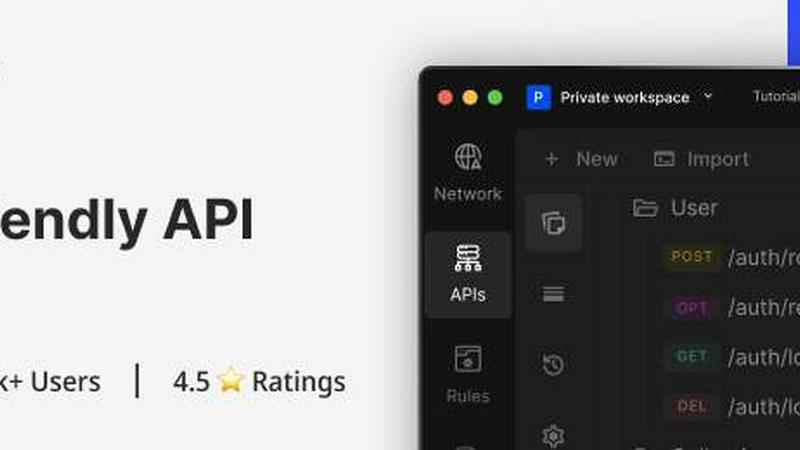
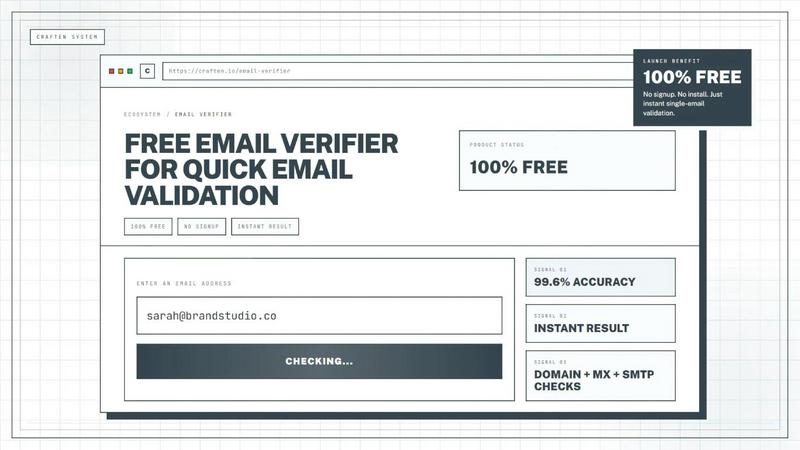
Glitches application interface and features

About Glitches

Glitches is a revolutionary browser extension that transforms how development teams capture, report, and fix visual bugs. Instead of the tedious back-and-forth of vague bug reports and unclear screenshots, Glitches gives you a complete toolkit to capture exactly what is wrong on any website and ship it directly to your team's issue tracker with all the context developers need to fix it fast. Whether you are a developer, designer, QA engineer, product manager, or agency working with clients, Glitches eliminates the friction between spotting a bug and getting it resolved. The tool lives right in your Chrome browser, so there are no desktop apps to install or screen-sharing permissions to configure. Every bug report automatically includes smart context like browser information, viewport size, URL, console errors, network failures, and even Shopify shop data. For teams using GitHub, the AI-powered auto-fix feature takes things to the next level by letting Claude Code analyze the report and open a pull request with a proposed fix. Glitches also respects your privacy: tokens stay on your device, and captures go only to your own workspace. With support for GitHub, Jira, and Productive, plus annotation-only mode for teams without a tracker, Glitches is the ultimate bug-reporting sidekick for modern development workflows.

Features of Glitches

Select and Highlight

Draw color-coded regions over any part of the page to pinpoint exactly what you are talking about. No more vague bug reports or ambiguous screenshots. This feature lets you mark problem areas with precision, so developers know immediately where to look. You can create multiple regions with different colors to distinguish between separate issues on the same page, making your bug reports crystal clear and actionable from the first glance.

Canvas Annotations

Draw arrows, circle problem areas, add text callouts, or paste images directly on top of the capture. Everything lands in the issue as a single annotated image. This feature gives you complete creative freedom to communicate exactly what is wrong. Need to show a reference design? Paste it from your clipboard. Want to explain a layout shift? Draw an arrow pointing to the displaced element. The annotated image preserves all your markup for instant clarity.

DOM Inspector

Click any element to capture its HTML, CSS classes, and computed dimensions. Developers get the exact selector they need to fix it, right inside the ticket. No more asking "which element are you talking about?" The DOM Inspector saves hours of debugging time by providing the precise technical context required to reproduce and resolve the issue. This feature is a game-changer for developer productivity.

Auto-Fix with Claude Code

Let Claude analyze the report, the DOM context, and the codebase, then open a pull request with a proposed fix. Powered by Claude Code. This feature turns bug reporting into bug fixing in one seamless workflow. When you connect GitHub, Glitches can automatically trigger Claude Code to understand the issue, find the relevant code, and generate a pull request with a suggested solution. It is like having a senior developer triaging and fixing bugs for you.

Use Cases of Glitches

Streamlined Developer Bug Reporting

Developers can capture a bug, annotate the exact problem area, inspect the DOM for the offending element, and ship the complete report to GitHub or Jira in under a minute. The auto-attached smart context eliminates the need for follow-up questions. When connected to GitHub, the AI auto-fix feature can even generate a pull request with a proposed fix, turning a bug report into a resolved issue without leaving the workflow.

Designer and QA Collaboration

Designers and QA engineers can use the screen recording feature with microphone narration to walk through complex bugs that require multiple steps to reproduce. They can annotate live during the recording, showing exactly where the design deviates from the mockup. The recording embeds inline in GitHub issues and attaches to Jira and Productive tickets, playable without a download, so developers see exactly what happened.

Agency Client Communication

Agencies can use Glitches to capture bugs on client websites and share annotated screenshots directly to the client's issue tracker or copy them to the clipboard. The white-label themes option means agencies can brand the experience for their clients. No more confusing email threads with attached screenshots that lack context. Every bug report is professional, clear, and actionable.

Cross-Functional Team Workflows

Product managers can use Glitches to report bugs they spot during demos or reviews, with the confidence that developers will get all the context they need. The tool works across GitHub, Jira, and Productive, so teams using different trackers can still collaborate seamlessly. Workspaces share credentials across teams, making it easy to onboard new members without reconfiguring integrations.

Frequently Asked Questions

Does Glitches work on any website?

Yes, Glitches works on any website you visit in Chrome, including Shopify storefronts and admin panels. You do not need special permissions or desktop applications. Just click the extension icon to open the side panel and start capturing bugs on any page. The tool captures the full viewport and works with both public and authenticated pages.

How does the AI auto-fix feature work?

When you connect your GitHub account and enable the auto-fix toggle, Glitches sends the bug report along with the DOM context to Claude Code. Claude analyzes the issue, understands the codebase, and generates a pull request with a proposed fix. You review the PR before merging, so you maintain full control over your codebase while accelerating the bug-fixing process.

Is my data secure with Glitches?

Absolutely. Glitches is built with privacy in mind. Your tokens stay on your device and are never sent to Glitches servers. Captures go only to your own workspace, whether that is your GitHub repository, Jira project, or Productive account. No third party has access to your bug reports, screenshots, recordings, or any other captured data.

Can I use Glitches without an issue tracker?

Yes, Glitches includes an annotation-only mode that works without any tracker connection. You can capture, annotate, and copy the result straight to your clipboard as a single image. This is perfect for designers, agencies, and anyone reviewing a website who needs to share visual feedback quickly without setting up a full issue tracking workflow.

Pricing of Glitches

Glitches is free to start. Simply connect a token and go. The free tier gives you access to core features including screen captures, annotations, DOM inspection, and screen recording. For teams that need advanced features like AI auto-fix with Claude Code, white-label themes, workspace credential sharing, and priority support, paid plans are available with flexible pricing based on team size and feature requirements. Visit the Glitches website for the most current pricing details and plan comparisons.

Top Alternatives to Glitches

Headless Domains

Definitive identity standard.

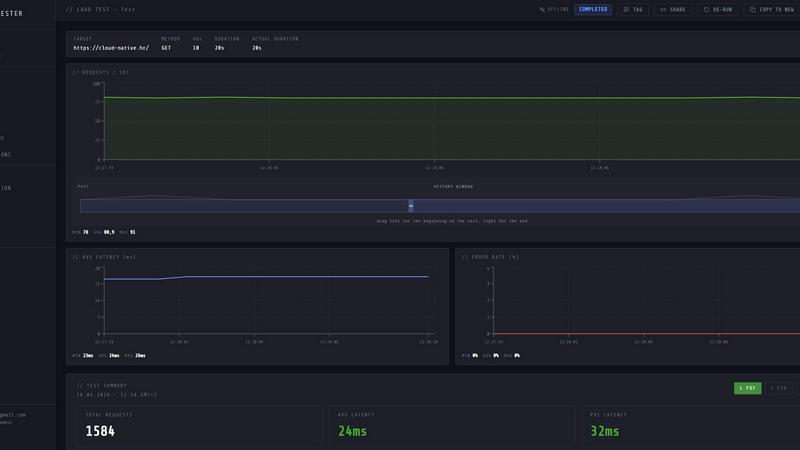
LoadTester

Launch distributed load tests from your browser or CI/CD with live analytics and zero infrastructure to manage.

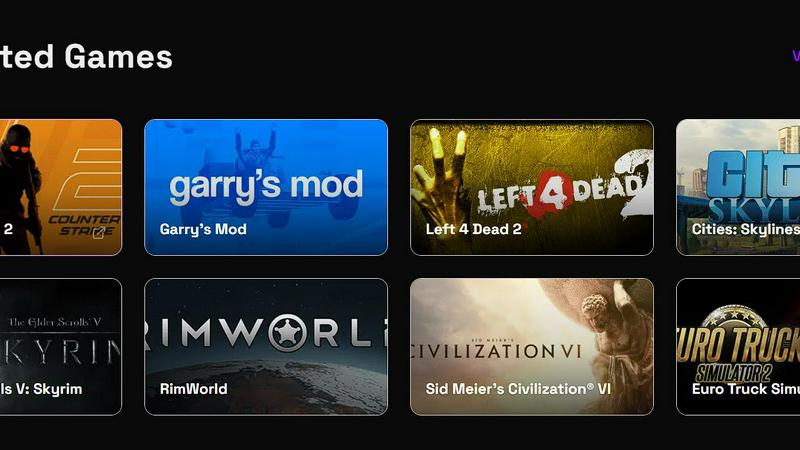
Steam Workshop Downloader

Paste any Steam Workshop URL to instantly download mods, maps, and skins for free with no login required.

ul0

Shorten any link instantly for free with no signup, then track clicks and split expenses using UPI QR codes.

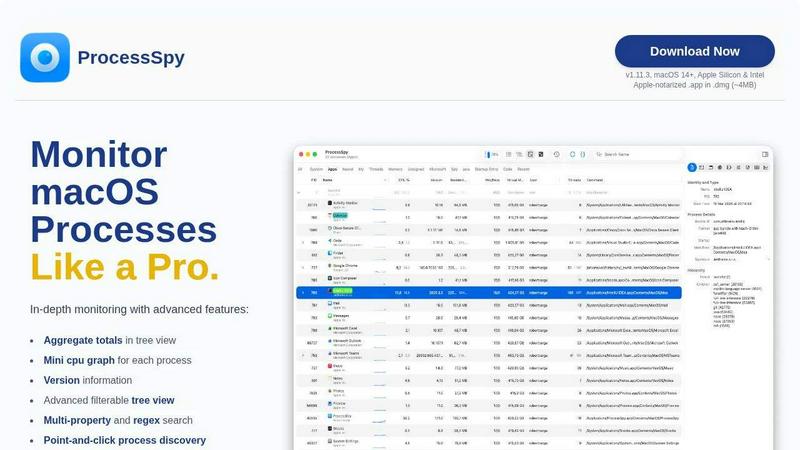
ProcessSpy

ProcessSpy is the ultimate Mac monitor that empowers you to track and analyze processes with advanced features for unmatched system insight.
Datamata Studios

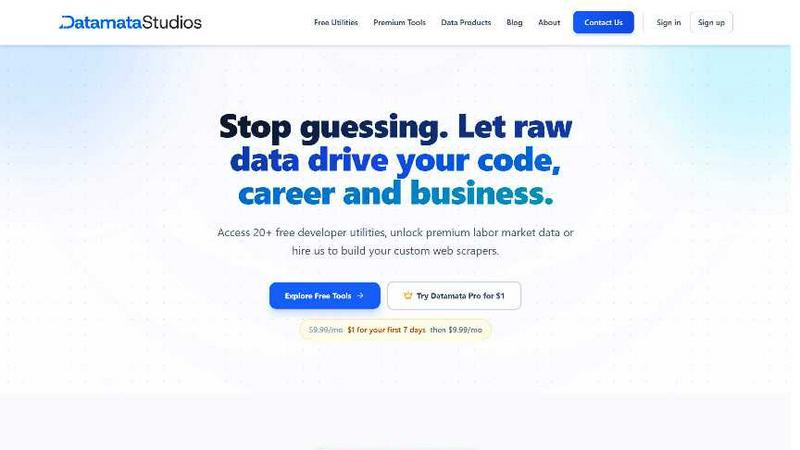
Datamata Studios gives developers free utilities, live skill trends, and premium data to drive their code and career with raw market intelligence.
Formtorch

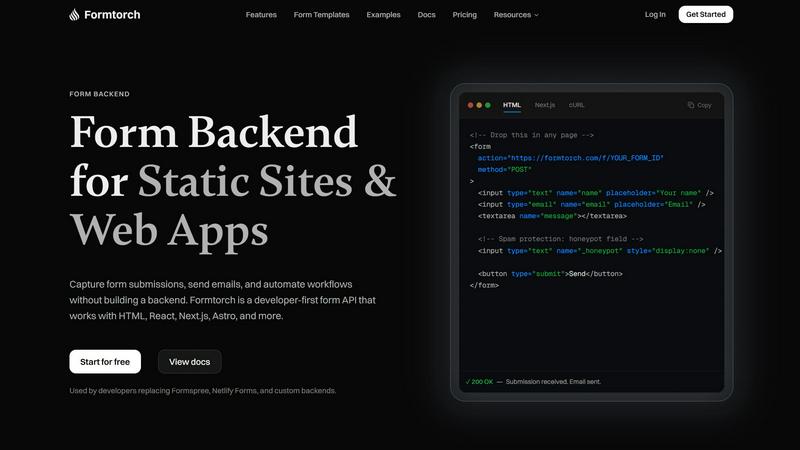
Formtorch is a hassle-free form API that lets developers capture submissions and automate workflows without any backend setup.