
Image to Image AI
Transform and stylize your images effortlessly with our powerful AI-driven Image to Image tool.
About Image to Image AI
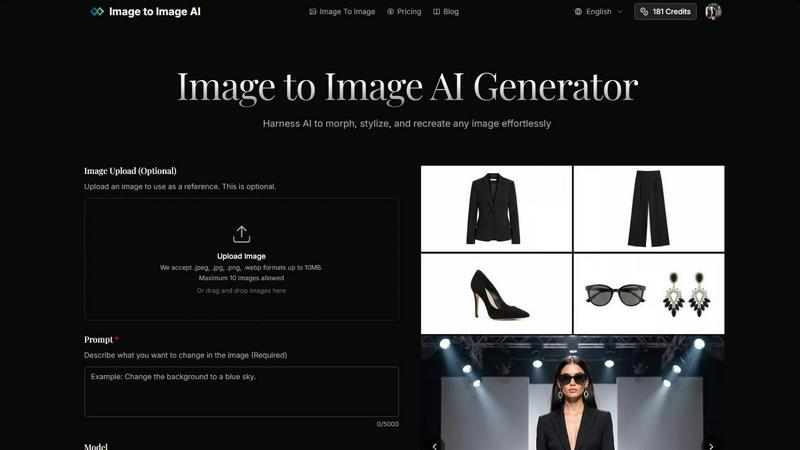
Image to Image AI is a revolutionary AI-powered platform that enables users to effortlessly transform and create stunning images and videos. By leveraging advanced machine learning algorithms, this tool allows you to upload reference images or generate content from text prompts, making it suitable for a wide array of applications. Whether you're a designer, marketer, or creative enthusiast, Image to Image AI provides high-quality outputs in various aspect ratios and resolutions, including 1K, 2K, and 4K. With a user-friendly interface, you can quickly morph and stylize images, ensuring that even those without technical skills can produce professional-grade results. The platform supports multiple AI models, ensuring versatility and adaptability for different creative needs. With credit-based pricing that starts at just $12 per month, Image to Image AI is an accessible tool for anyone looking to enhance their visual content.
Features of Image to Image AI
Transformative Image Uploads
With Image to Image AI, you can upload one or several images as references. This feature is optional but crucial for achieving desired transformations. The platform supports various image formats, including .jpeg, .jpg, .png, and .webp, with a maximum file size of 10MB. This flexibility allows you to start with a strong foundation for your creative endeavors.
Customizable Prompts
The tool encourages creativity through its customizable prompt feature. You can describe the changes you want to see in the image in detail, specifying styles, colors, or artistic effects. This level of control ensures that the final output aligns closely with your vision, making it perfect for tailored artistic projects.
Multi-dimensional Aspect Ratios
Image to Image AI offers an impressive range of aspect ratios, including 1:1, 16:9, and more. This feature allows you to generate images optimized for various platforms, whether it’s for social media, websites, or print materials. You can also select the output format, choosing between PNG and JPG to match your specific needs.
High-Quality Outputs
The platform produces professional-quality images ready for commercial use. With high-resolution outputs available, your transformed images can be used in marketing materials, product visualizations, and social media campaigns, ensuring that you make a strong visual impact in your projects.
Use Cases of Image to Image AI
Marketing Campaigns
Image to Image AI is ideal for marketers looking to create visually compelling campaign assets. By generating multiple variations of a single image, you can test different designs and styles to see what resonates best with your audience, all while saving time and resources.
Product Visualization
For e-commerce businesses, showcasing products through high-quality images is essential. This tool allows you to create stunning product shots that highlight features and styles, helping to drive sales and engage potential customers more effectively.
Concept Art Development
Artists and designers can utilize Image to Image AI to visualize concepts quickly. By transforming initial sketches or ideas into polished artworks, creators can iterate on designs and explore multiple artistic styles without the need for extensive manual effort.
Social Media Content Creation
Social media managers can benefit from this platform by easily generating eye-catching visuals. With the ability to create images in various aspect ratios, you can ensure that your content looks great across all platforms, enhancing engagement and brand visibility.
Frequently Asked Questions
How does Image to Image differ from Text to Image generation?
Image to Image AI focuses on transforming existing images based on user prompts, while Text to Image generation creates visuals purely from textual descriptions. This allows for greater control over modifications and style adaptations.
What types of images work best with the transformation?
Images that are clear, well-lit, and high resolution yield the best results. The platform is designed to maintain the original structure of the uploaded photos, so starting with a strong image will enhance the transformation process.
How much control do I have over the transformation process?
You have significant control over the transformation process. By customizing prompts, selecting aspect ratios, and adjusting transformation parameters, you can dictate how closely the output resembles your original image.
How long does the transformation process take?
The transformation process is swift, typically taking only seconds to generate multiple image variations. This efficiency allows users to quickly explore creative directions without lengthy waiting times.
Top Alternatives to Image to Image AI
Interviews Chat
Ace your interviews with Interviews Chat, the AI-powered copilot providing real-time support, live transcription, and tailored responses.
VO4 AI
Create stunning viral videos in minutes from text or images with VO4 AI's powerful and intuitive video generation technology.
Self-Healing Integrations
Plumbed.io delivers self-healing enterprise integrations that stay operational and evolve automatically, so you launch in days without costly.
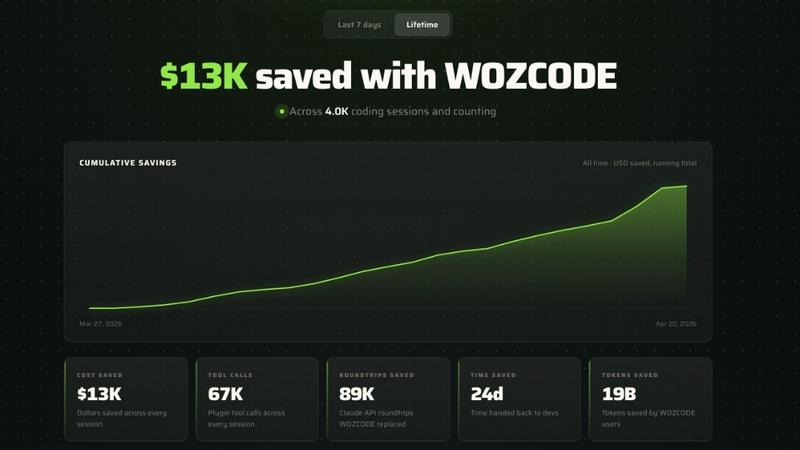
Woz
Woz lets entrepreneurs build mobile apps with AI, then supercharges Claude Code to cut costs by 50% and boost speed up to 10x.
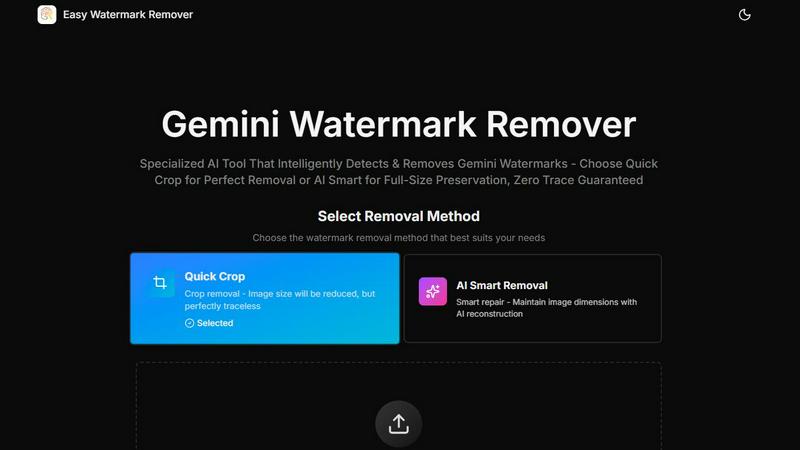
Easy Watermark Remover
Remove Google Gemini AI watermarks and SynthID instantly with AI smart removal or crop, no signup needed.
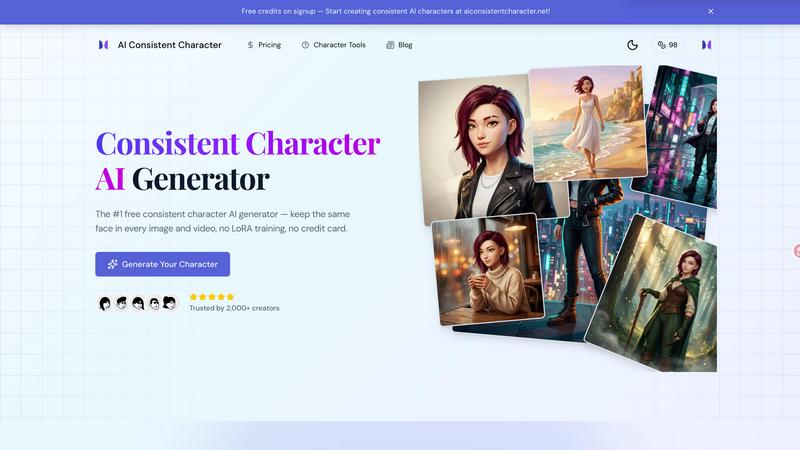
AI Consistent Character
Generate any character once and reuse them in every image and video instantly with zero training, completely free.
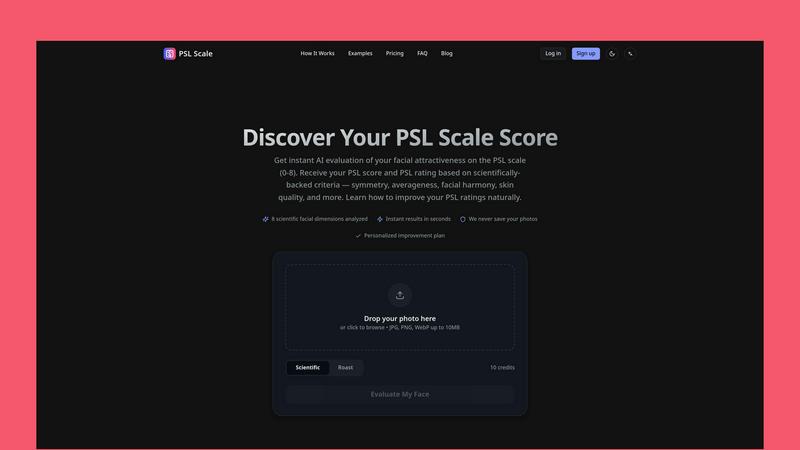
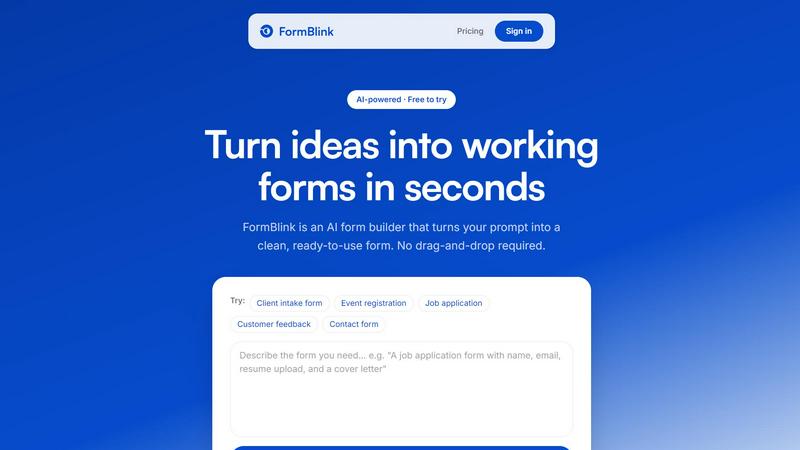
FormBlink - AI-powered form builder
FormBlink instantly creates ready-to-use forms from your prompts, eliminating setup time and hassle for seamless data collection.