
Kling 3.5 AI Video Generator
Kling 3.5 turns your text prompts or images into production-ready video clips with clear motion and camera direction.
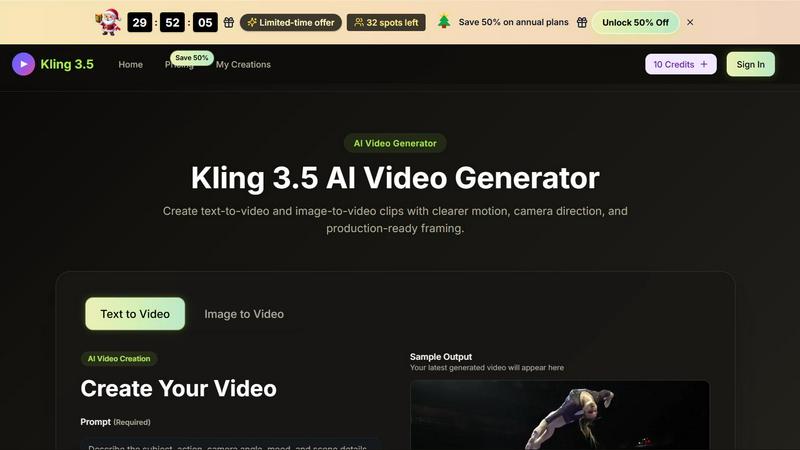
About Kling 3.5 AI Video Generator
Kling 3.5 AI Video Generator is a cutting-edge tool designed for creators who need to quickly turn text prompts or reference images into high-quality video clips. Whether you are a marketer, content creator, product designer, or filmmaker, Kling 3.5 empowers you to generate motion drafts, cinematic sequences, and production-ready assets without needing a full editing suite. The core value proposition is simple: you describe a scene, set the camera direction, and choose the visual style, and Kling 3.5 delivers a clear, physics-aware video clip in seconds. It supports both text-to-video and image-to-video workflows, making it incredibly versatile for everything from ad campaigns and social media posts to product demos and concept pitches. With features like camera direction control, multi-shot planning, and fast generation, Kling 3.5 bridges the gap between raw ideas and polished visual content. It is built for anyone who needs to iterate quickly, test visual concepts, or produce consistent branded videos without the overhead of traditional production. The platform also offers free credits to get started, along with flexible paid plans for regular production. With a launch-day energy and a focus on controlled, repeatable results, Kling 3.5 is the AI video generator that puts creative direction back in your hands.
Features of Kling 3.5 AI Video Generator
Prompt-to-Scene Control
Define the subject, action, mood, and camera path in one clear creative brief. With Kling 3.5, you can describe a scene in plain language, such as a slow pan across a sunset cityscape or a close-up of a product rotating on a table. The AI interprets your text and generates a video that matches your intent, giving you precise control over the narrative and visual direction without needing to storyboard or manually animate.
Reference-Aware Starts
Begin with a product photo, portrait, illustration, or design as the starting frame when the look must stay consistent. This feature is perfect for brand consistency, as you can upload an image and have Kling 3.5 animate it while preserving the original composition, character, or style. It ensures that your video output aligns perfectly with your existing visual assets, saving time on recreating elements from scratch.
Cinematic Camera Direction
Guide push-ins, pans, tracking shots, close-ups, and locked frames without opening an editor. Kling 3.5 gives you direct control over camera movement, allowing you to specify how the camera interacts with the scene. This feature enables you to create professional-looking shots that feel dynamic and intentional, elevating your video from a simple animation to a cinematic piece that holds viewer attention.
Physics-Led Motion Feel
Create movement that reads clearly across subjects, products, environments, and action shots. The AI engine is trained to simulate real-world physics, so motion feels natural and believable. Whether it is water flowing, fabric swaying, or a character walking, the results are smooth and coherent. This reduces the uncanny valley effect often seen in AI-generated videos and makes your clips more engaging and trustworthy for viewers.
Use Cases of Kling 3.5 AI Video Generator
Social Media Content Creation
Generate short, eye-catching video clips for platforms like Instagram, TikTok, or YouTube Shorts. With Kling 3.5, you can quickly produce multiple variations of a scene, test different hooks, and find the most engaging visual for your audience. The fast generation speed allows you to experiment with styles, camera angles, and durations, ensuring your content stays fresh and aligned with trending formats.
Product Demos and Ad Campaigns
Create product-focused videos that highlight features, motion, and design. Use the image-to-video feature to start with a product photo and animate it with a slow zoom or rotation. This is ideal for e-commerce brands, launch pages, and ad creatives. You can produce multiple clips for A/B testing, refine the strongest version, and deploy it across channels without needing a full production team.
Concept Pitches and Storyboarding
Present early-stage ideas to clients or team members with moving visuals instead of static storyboards. Use Kling 3.5 to generate rough drafts of scenes, camera moves, and pacing. This helps communicate the vision more clearly and speeds up feedback loops. You can iterate on prompts quickly, showing how a scene might look from different angles or with different lighting before committing to a final production.
Branded Video Assets for Marketing
Maintain brand consistency by using reference images as the starting point for all your video assets. Whether it is a logo animation, a branded product shot, or a consistent character style, Kling 3.5 ensures your videos match your brand guidelines. This is especially useful for agencies and marketing teams that need to produce a high volume of on-brand content for multiple clients or campaigns.
Frequently Asked Questions
How does Kling 3.5 turn a text prompt into a video?
You start by typing a description of the scene, including the subject, action, camera movement, lighting, and mood. You can also choose an aspect ratio, video quality, and duration. Kling 3.5 then processes your prompt using its AI model to generate a video clip that matches your description. The result is a first draft that you can preview, refine, or download.
Can I use an image as the starting point for my video?
Yes, Kling 3.5 supports image-to-video generation. You can upload a product photo, portrait, illustration, or any visual reference. The AI will use that image as the starting frame and animate it according to your prompt and camera direction. This is ideal for maintaining consistent visual style and composition across your videos.
What kind of camera controls are available in Kling 3.5?
You can direct the camera movement by specifying actions like push-ins, pans, tracking shots, close-ups, and locked frames. These controls allow you to create cinematic sequences without needing a video editor. You can also combine camera moves with your scene description to achieve a specific look and feel for your clip.
How many credits do I get with the free plan, and what can I create?
Kling 3.5 offers free credits to start, which allow you to generate a limited number of videos. With these credits, you can explore both text-to-video and image-to-video features, test different prompts and styles, and see the quality of the output. When you need more renders, you can upgrade to a paid plan for additional credits and features.
Pricing of Kling 3.5 AI Video Generator
Kling 3.5 offers flexible pricing plans to match your workflow, from occasional experiments to regular production. There is a special limited-time offer with 50% off annual plans, but only 32 spots remain at this price.
Basic Plan (Annual): $9.9 per month, billed annually. This plan includes 9,600 credits per year (800 credits per month), allowing up to 80 videos per month. It comes with access to text-to-video and image-to-video, unlimited downloads, saved generation history, prompt assist tools, style and aspect ratio controls, a commercial use license, priority generation queue, no watermark, and priority customer support.
Enterprise Plan (Annual): $49.9 per month, billed annually. This plan is the best value for larger internal or client teams. It includes 72,000 credits per year (6,000 credits per month). The cost per 100 credits is $0.83, making it the most economical choice for high-volume production. It includes all the features of the Basic plan with more credits and priority support.
You can also choose monthly or one-time billing options. All plans allow you to cancel anytime, and checkout is secure.
Top Alternatives to Kling 3.5 AI Video Generator
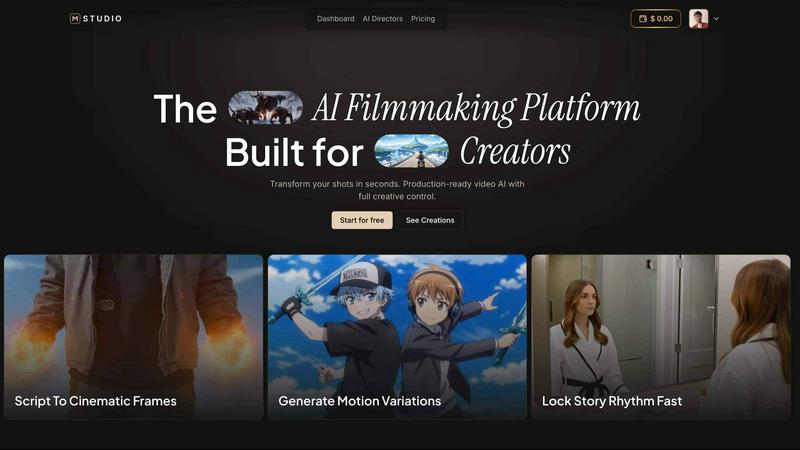
MStudio
MStudio is the all-in-one AI filmmaking platform that turns your script into a pitch-ready storyboard with motion and sound in one session.
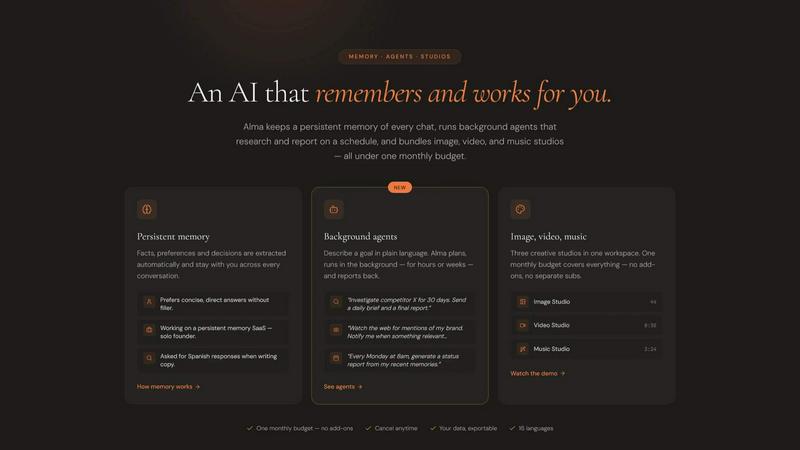
Alma by Olivares AI
Alma by Olivares AI is your smart assistant that remembers, researches, and creates across image, video, and music all under one budget.
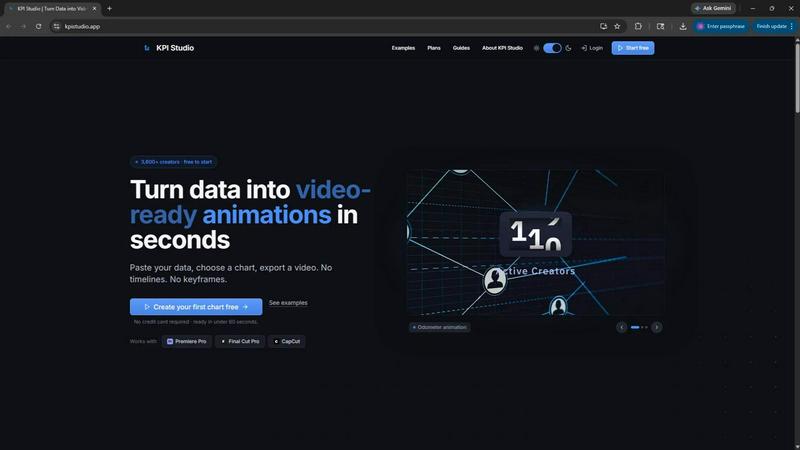
KPI Studio
KPI Studio transforms your data into stunning video animations in seconds, making metrics engaging and easy to share with no design skills needed.
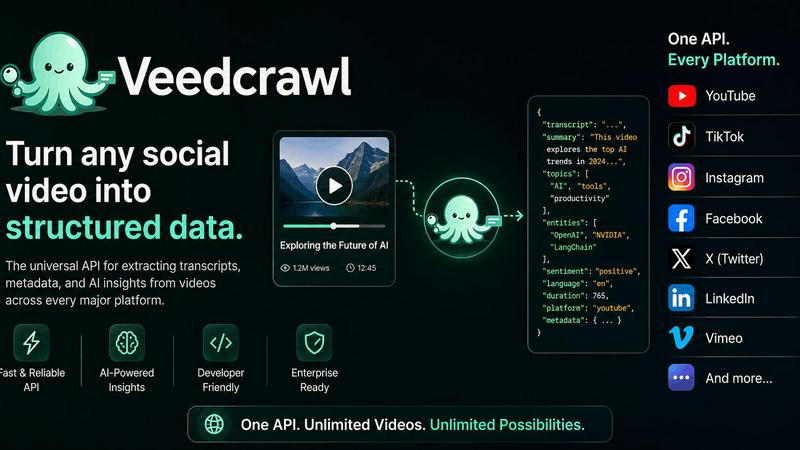
Veed Crawl
Turn any public social video URL into transcripts, metadata, and structured insights for your AI agents.
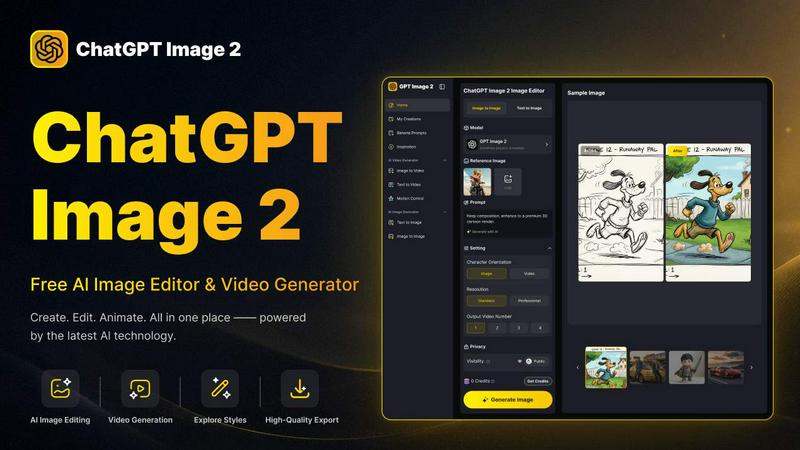
ChatGPT Image 2
Create stunning images, flawless text, and dynamic videos with ChatGPT Image 2, now 50% off for a limited time.
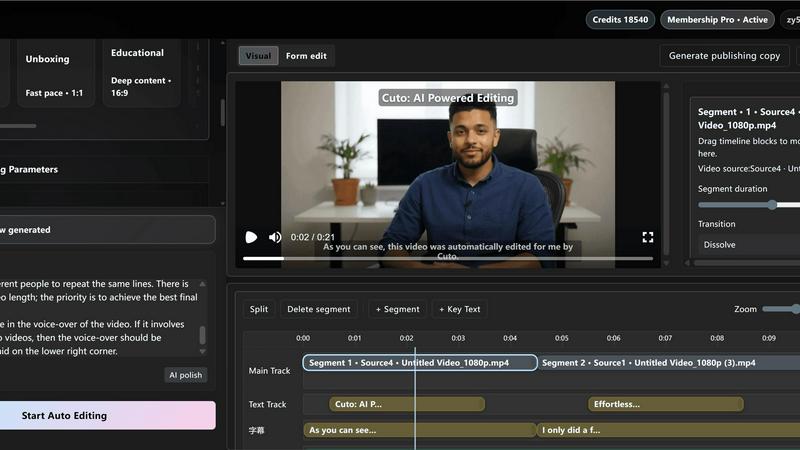
Cuto
Cuto turns your raw footage into polished, commercial-grade videos in 30 seconds with just one prompt and an editable AI edit plan.
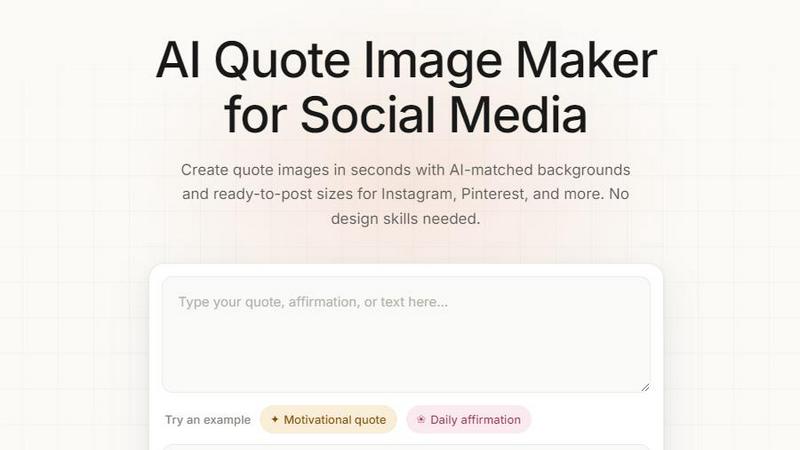
Quote Image Maker
Turn any quote into a stunning social graphic instantly with AI that matches backgrounds to your words, no design skills required.