

Alternatives to Kling 3.5 AI Video Generator
Kling 3.5 turns your text prompts or images into production-ready video clips with clear motion and camera direction.
Explore 20 alternatives to Kling 3.5 AI Video Generator. Compare features, pricing, and find the best fit for your needs.
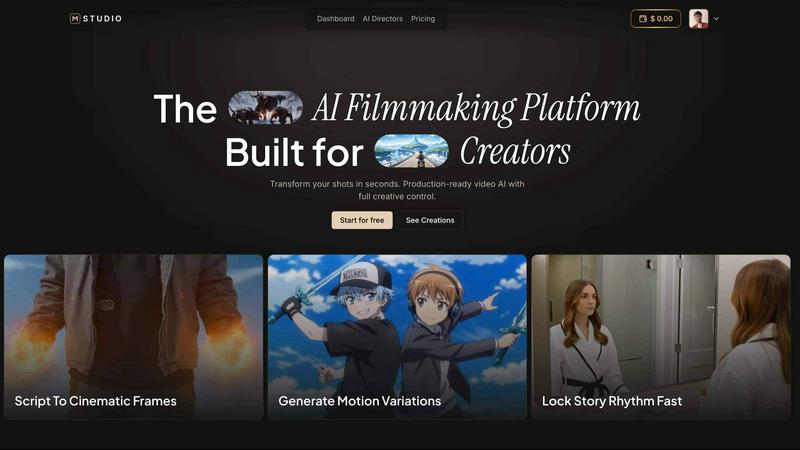
MStudio
MStudio is the all-in-one AI filmmaking platform that turns your script into a pitch-ready storyboard with motion and sound in one session.
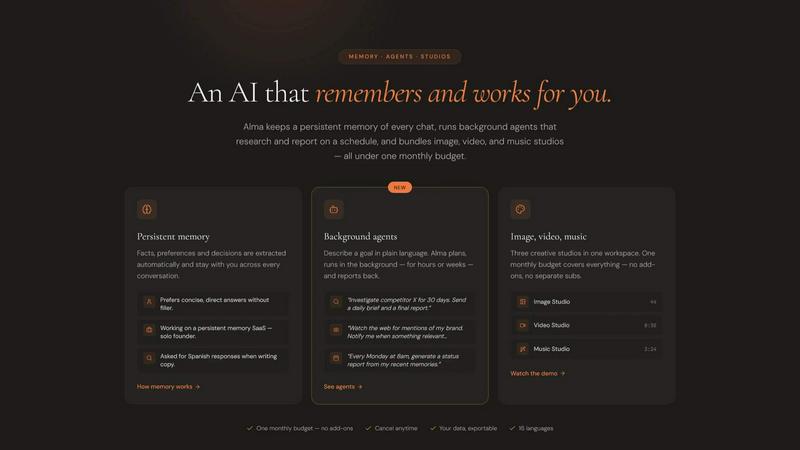
Alma by Olivares AI
Alma by Olivares AI is your smart assistant that remembers, researches, and creates across image, video, and music all under one budget.
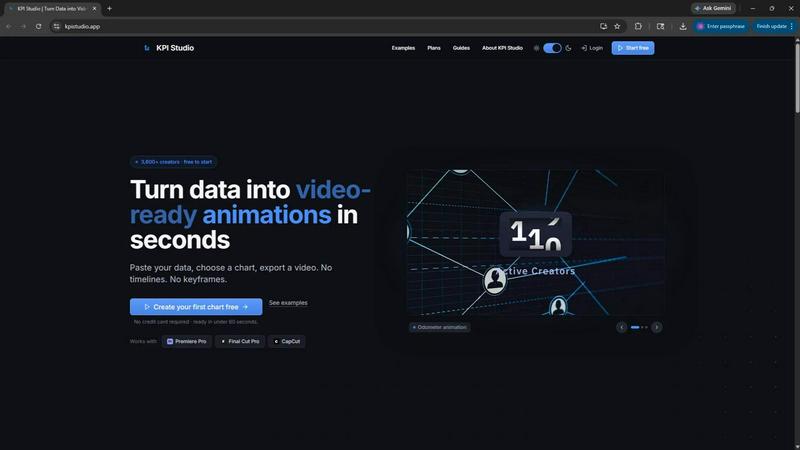
KPI Studio
KPI Studio transforms your data into stunning video animations in seconds, making metrics engaging and easy to share with no design skills needed.
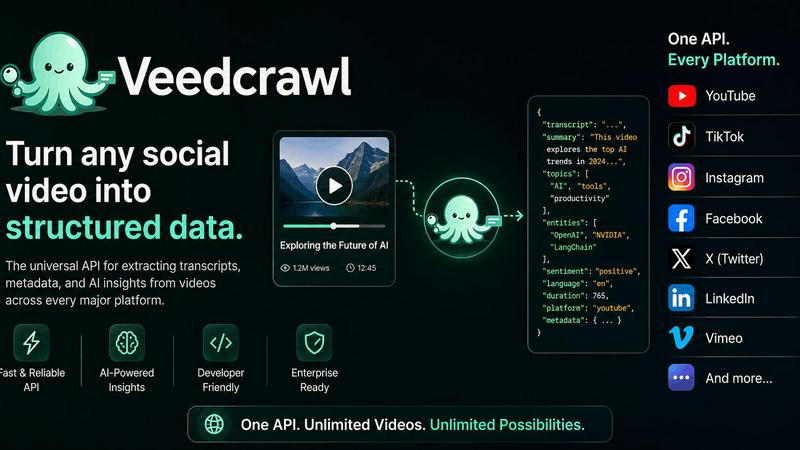
Veed Crawl
Turn any public social video URL into transcripts, metadata, and structured insights for your AI agents.
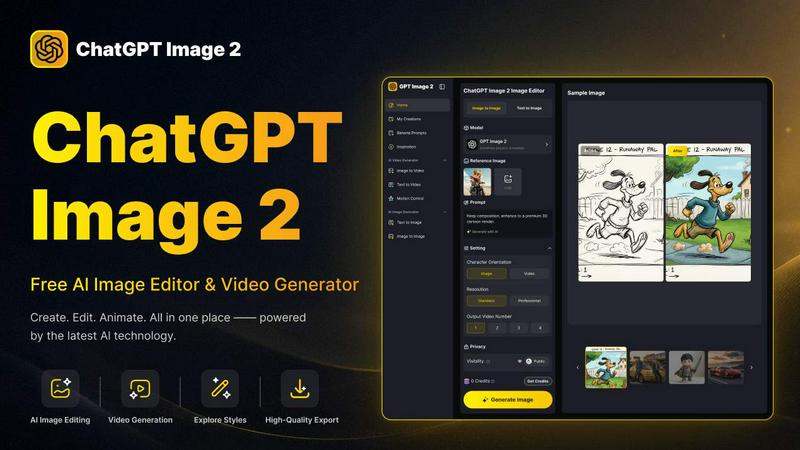
ChatGPT Image 2
Create stunning images, flawless text, and dynamic videos with ChatGPT Image 2, now 50% off for a limited time.
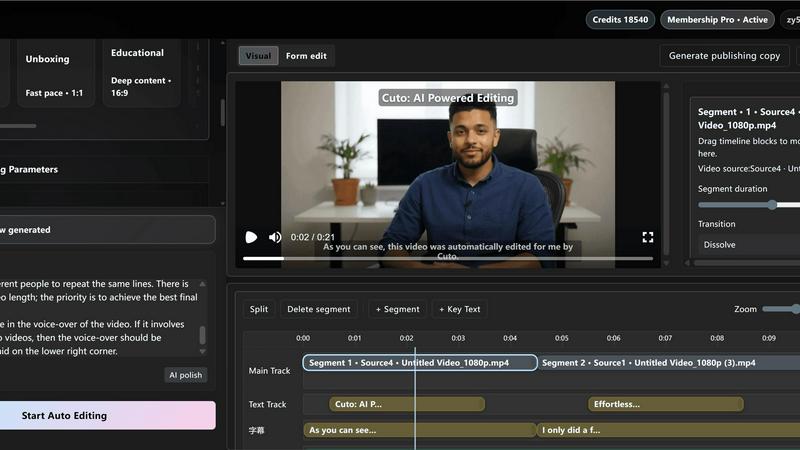
Cuto
Cuto turns your raw footage into polished, commercial-grade videos in 30 seconds with just one prompt and an editable AI edit plan.
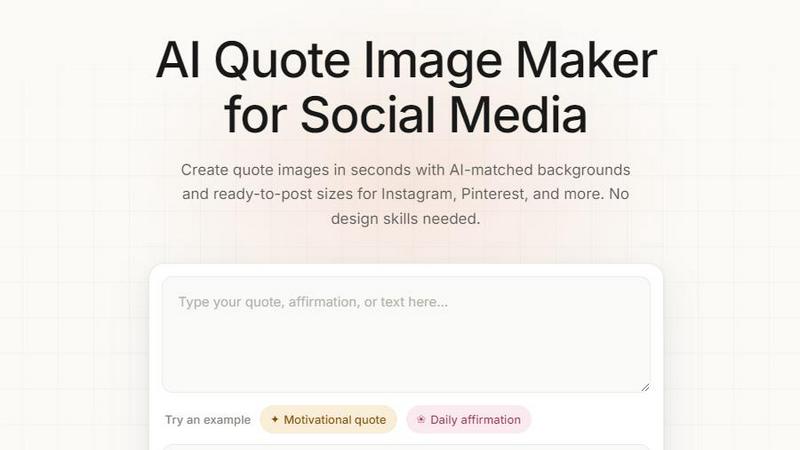
Quote Image Maker
Turn any quote into a stunning social graphic instantly with AI that matches backgrounds to your words, no design skills required.
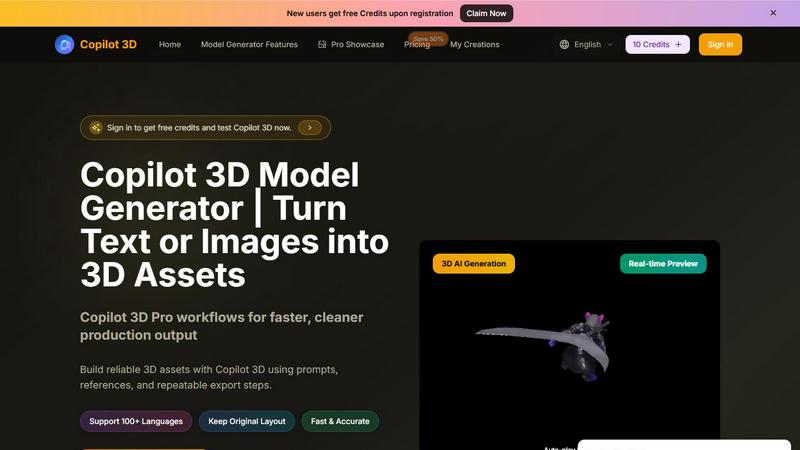
Copilot 3D
Copilot 3D instantly turns your text or images into production-ready 3D assets with fast, accurate AI generation and free credits for new users.

Ltx 2.5 AI Video Generator
Ltx 2.5 turns your text or images into stunning, controllable AI videos in seconds, ready to share.
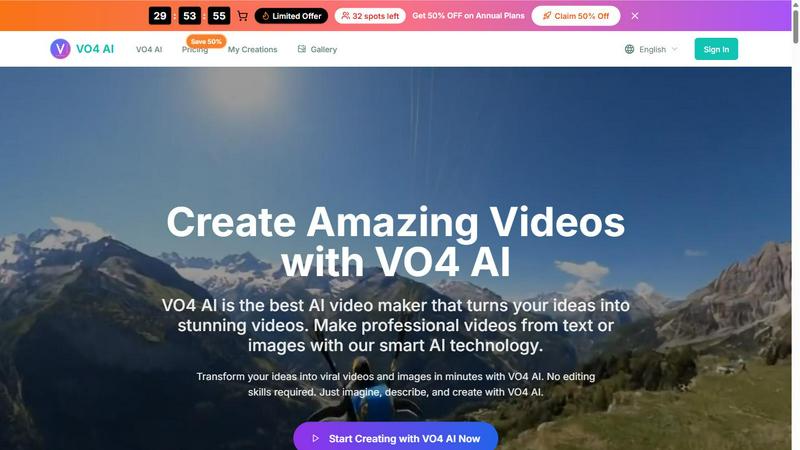
VO4 AI
Create stunning viral videos in minutes from text or images with VO4 AI's powerful and intuitive video generation technology.

EsyBlog
EsyBlog transforms any dataset into editorial-grade articles that sound human, helping serious SEO teams publish a thousand pieces in a single.
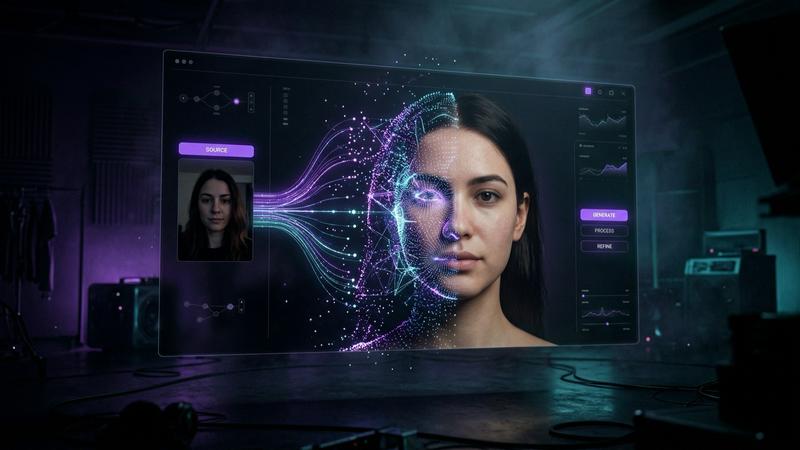
Polymorf
Polymorf turns your selfie into a digital twin with 300+ voices in 40 languages for instant studio-quality video without any equipment.

FormBlink - AI-powered form builder
FormBlink instantly creates ready-to-use forms from your prompts, eliminating setup time and hassle for seamless data collection.
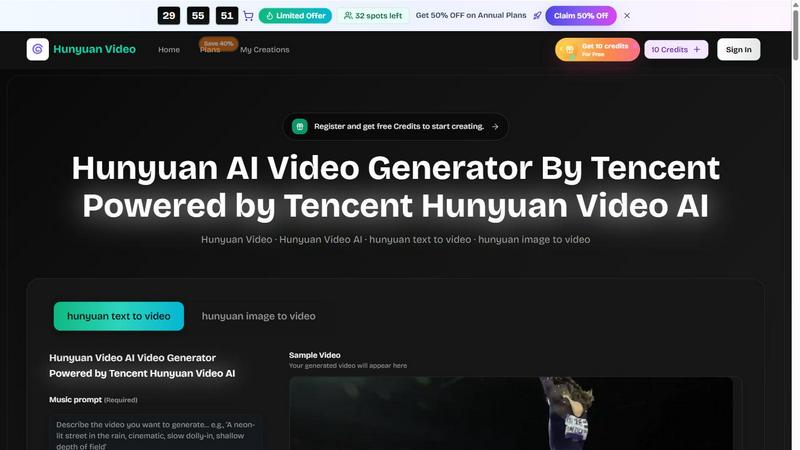
Hunyuan Video
Tencent Hunyuan Video turns text or images into high-quality AI-generated videos with simple prompts and fast, polished results.
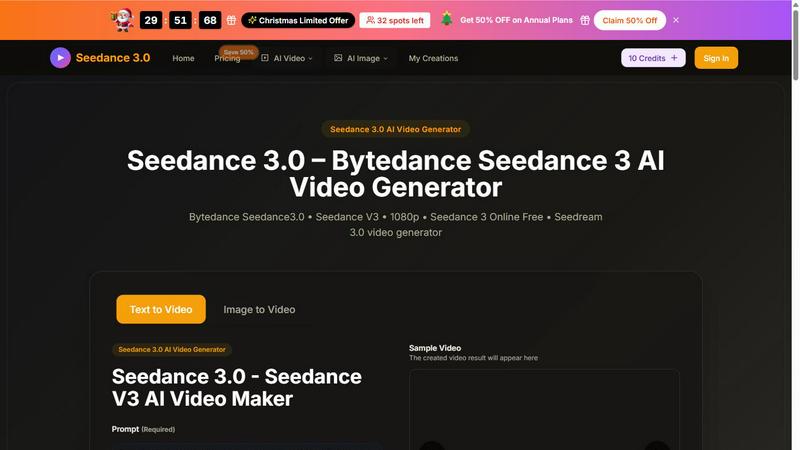
Seedance 3 AI Video Generator
Turn text or images into stunning 1080p videos with Seedance 3, featuring consistent characters and cinematic quality.
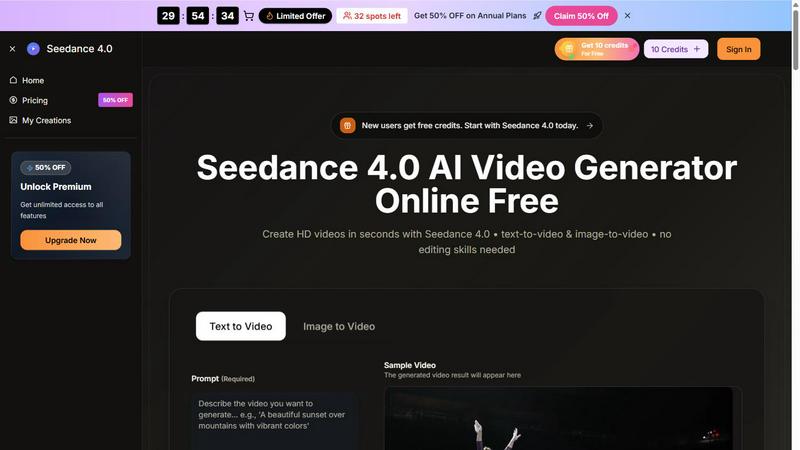
Seedance 4.0 AI Video Generator
Turn prompts and images into stunning HD videos in seconds with Seedance 4.0's powerful browser-based workflow.
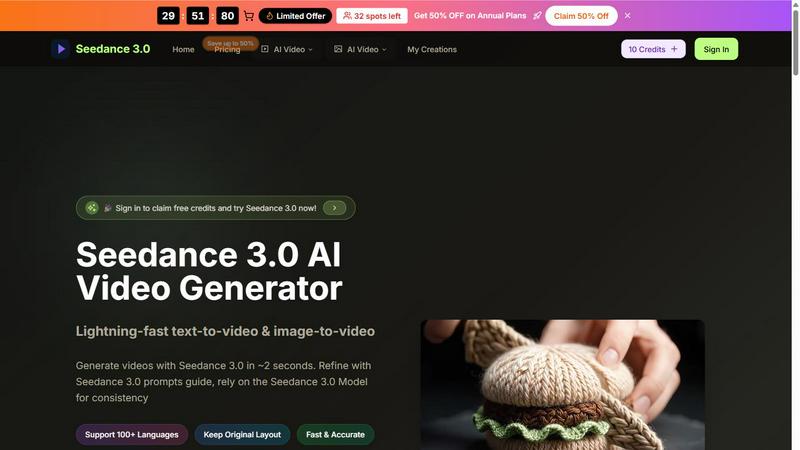
Seedance 3.0 AI Video Generator
Seedance 3.0 instantly creates stunning, professional videos from your text or images in just seconds.
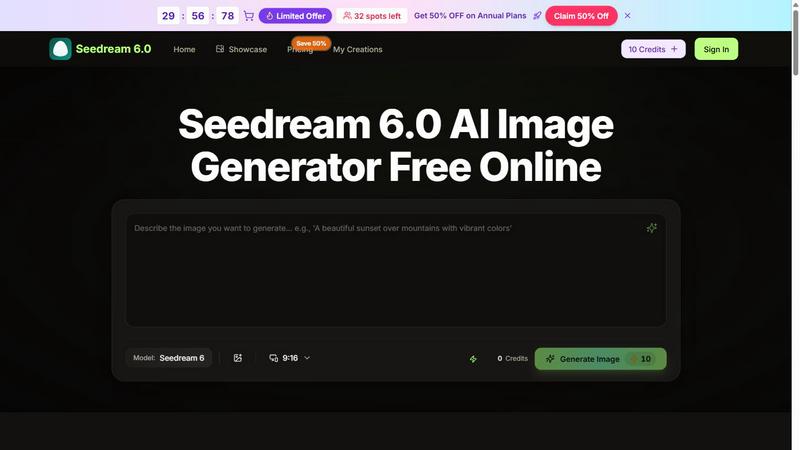
Seedream 6.0 AI Image Generator
Transform your ideas into stunning 4K images in seconds with Seedream 6.0, the AI image generator that blends text and visuals effortlessly.
Whisk AI Image Generator
Whisk AI blends subject, scene, and style inputs into stunning 4K images in seconds.
About Kling 3.5 AI Video Generator Alternatives
Kling 3.5 AI Video Generator is a cutting-edge tool in the Content Creation and Design Tools categories, designed to turn text prompts and images into high-quality video clips with impressive motion clarity and camera control. It offers a hybrid workflow that lets creators start with a simple idea or an existing image and watch it transform into dynamic video content, complete with free credits to test the waters and paid plans for scaling up production. Users often look for alternatives when they hit limits on free usage, need different pricing structures, or require specific platform integrations that Kling 3.5 might not fully support yet. The search for an alternative usually stems from wanting more generous free tiers, faster rendering speeds, or specialized features like advanced editing tools or broader format compatibility. When evaluating alternatives, focus on the core video output quality, specifically how well the tool handles motion consistency and follows camera direction cues from your prompts. Look for platforms that offer transparent pricing, including clear free credit systems and affordable paid plans for additional renders, as hidden costs can quickly derail a project. Consider the breadth of workflow options, such as support for both text-to-video and image-to-video, and check for integration with your existing design ecosystem, including export formats and resolution options. Finally, prioritize tools that provide a smooth user experience with minimal learning curve, as the best alternative will let you jump straight from concept to creation without technical headaches.
FAQs about Kling 3.5 AI Video Generator Alternatives
What is Kling 3.5 AI Video Generator?
Kling 3.5 AI Video Generator is a specialized AI tool for content creation and design that generates video clips from text prompts or images. It belongs to the video and design tools category, enabling users to create dynamic motion content with clearer movement and directional camera control. The platform supports both text-to-video and image-to-video workflows, making it versatile for rapid prototyping and production.
Who is Kling 3.5 AI Video Generator for?
Kling 3.5 AI Video Generator is designed for content creators, marketers, designers, and video producers who need to quickly generate video assets from ideas or existing visuals. It is ideal for startups, social media managers, and anyone looking to prototype video concepts without traditional filming or complex editing software. The tool’s free credit system makes it accessible for beginners, while its paid plans cater to high-volume professional users.
Is Kling 3.5 AI Video Generator free?
Yes, Kling 3.5 AI Video Generator offers free credits that allow users to test the platform and generate a limited number of video renders without upfront payment. For users who need more renders or advanced features, the platform provides paid plans that unlock higher usage limits and faster processing. This freemium model lets you evaluate the tool’s quality before committing to a subscription.
What are the main features of Kling 3.5 AI Video Generator?
The main features of Kling 3.5 AI Video Generator include text-to-video creation, image-to-video conversion, and enhanced motion clarity for realistic movement. It also supports camera direction controls, allowing users to guide the perspective and flow of the generated clips. The platform offers a tiered system with free credits for initial renders and paid plans for unlimited or higher-volume production.