
Shift Schedule Maker
Effortlessly create and manage optimal employee shift schedules in seconds with our AI-powered Shift Schedule Maker.
About Shift Schedule Maker
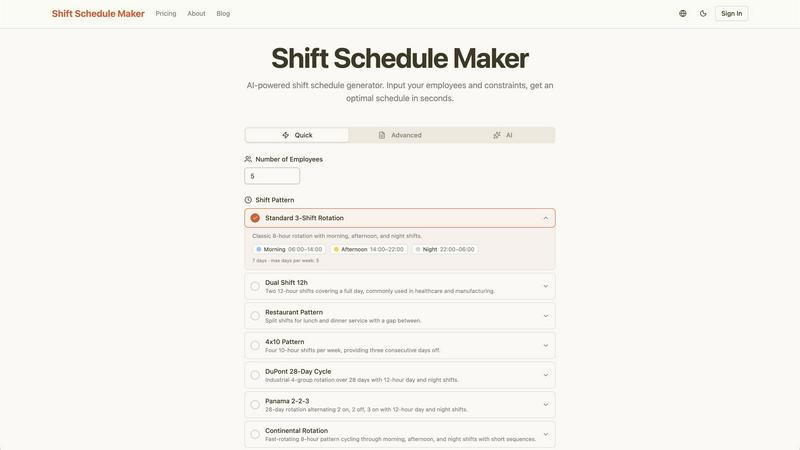
Shift Schedule Maker is an innovative online tool designed to simplify the process of creating employee work schedules. Whether you're managing a small retail team, a busy restaurant, or a healthcare facility, this AI-powered generator allows you to input your employees' names, set their availability, and define scheduling constraints. In mere seconds, Shift Schedule Maker produces an optimal work schedule tailored to your team's needs, eliminating the hassle of manual scheduling and the reliance on complex spreadsheets. By streamlining the scheduling process, this tool helps reduce conflicts, increase transparency, and improve overall team productivity. It's ideal for managers looking to save time while ensuring that their workforce is effectively utilized. With a user-friendly interface and advanced features, Shift Schedule Maker is your go-to solution for hassle-free shift management.
Features of Shift Schedule Maker
AI-Powered Scheduling
Harnessing the power of artificial intelligence, Shift Schedule Maker automatically generates balanced schedules that respect employee availability and preferences. This advanced constraint solver ensures fairness while optimizing shifts, making it a game-changer for any team.
Visual Calendar View
Experience your schedule in a familiar and intuitive calendar format. The color-coded shifts in the visual calendar make it easy to understand who is working when, allowing for quick adjustments and enhancing team communication.
PDF Export Functionality
With just a few clicks, you can download your schedules in a professional PDF format. This feature makes it easy to print or digitally share schedules with your team, ensuring everyone is on the same page and reducing miscommunication.
Diverse Shift Patterns
Shift Schedule Maker supports a variety of shift patterns, such as standard rotations, dual shifts, and unique industry-specific schedules. This flexibility ensures that you can find the right fit for your operational needs, whether in healthcare, retail, or manufacturing.
Use Cases of Shift Schedule Maker
Retail Team Management
Retail managers can easily create weekly schedules that align with store hours and employee availability. This tool reduces scheduling conflicts and allows for seamless communication about shifts among sales associates.
Healthcare Operations
In healthcare settings, where staffing is critical, Shift Schedule Maker can manage complex shift rotations, ensuring that patient care is never compromised. It accommodates various shift patterns, including 12-hour shifts, to meet the demands of the industry.
Restaurant Scheduling
For restaurant managers juggling lunch and dinner services, this tool allows for the creation of split shifts, providing optimal coverage without overstaffing. The ability to quickly generate schedules keeps operations running smoothly during peak hours.
Manufacturing Workforce Planning
Manufacturers can utilize Shift Schedule Maker to coordinate shifts across multiple teams, ensuring that production lines are adequately staffed at all times. With the ability to customize shift patterns, it helps maintain efficiency and productivity.
Frequently Asked Questions
How does Shift Schedule Maker optimize schedules?
Shift Schedule Maker uses advanced AI algorithms to analyze employee availability and constraints, generating optimal schedules that balance workload and fairness automatically.
Can I customize shift patterns?
Yes! Shift Schedule Maker offers a variety of customizable shift patterns, including standard rotations, split shifts, and industry-specific schedules to fit your unique operational needs.
Is there a limit to the number of employees I can add?
While you can start with a small team, Shift Schedule Maker is designed to accommodate various team sizes. For larger teams, additional features may be available with upgraded plans.
How can I share the generated schedules with my team?
After generating a schedule, you can easily export it to a PDF format for printing or digital sharing. This ensures that all team members have access to their shifts and any necessary updates promptly.
Explore more in this category:
Top Alternatives to Shift Schedule Maker
Decker
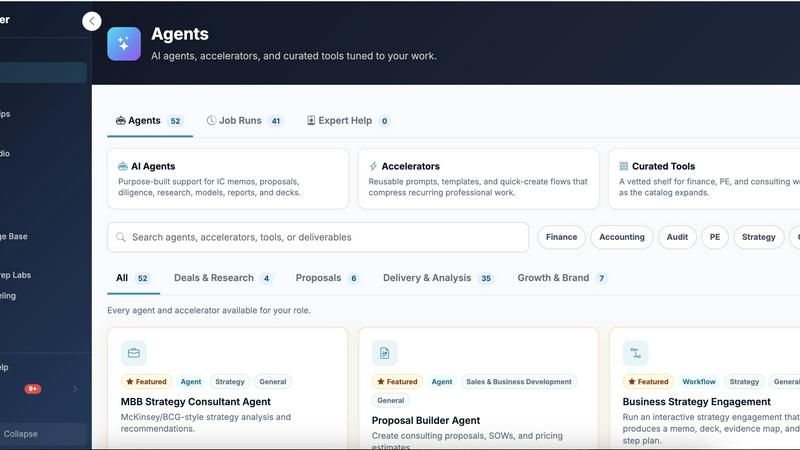
Decker is the all-in-one operating system and monetization platform that helps consultants build, learn, belong, and earn from their deliverables.

QuickTextTools
QuickTextTools gives you instant access to 76 free browser-based text, SEO, and writing tools with no sign-up required.
Very Good Calendar Sync
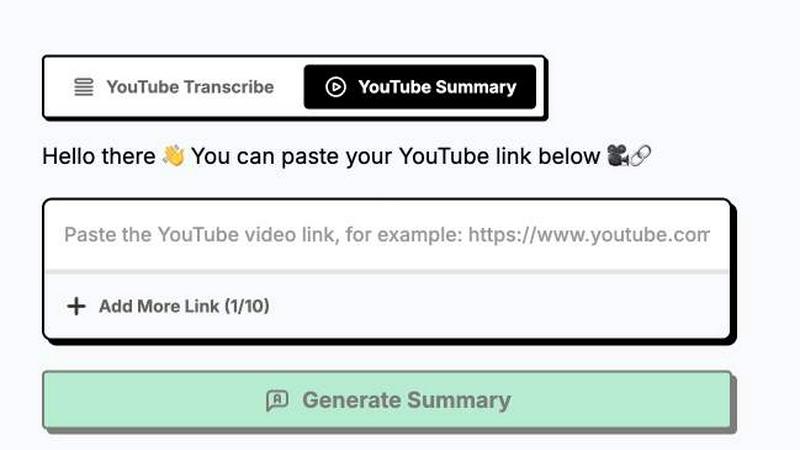
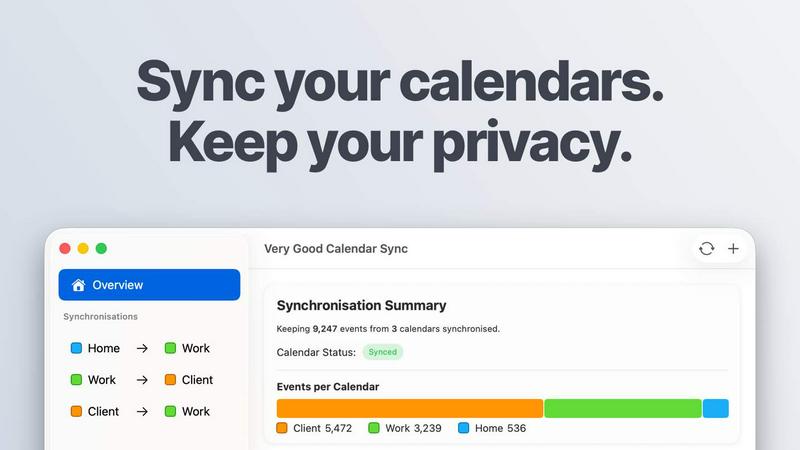
Very Good Calendar Sync effortlessly aligns all your calendars on Mac while keeping your personal data private and secure.
Cece AI
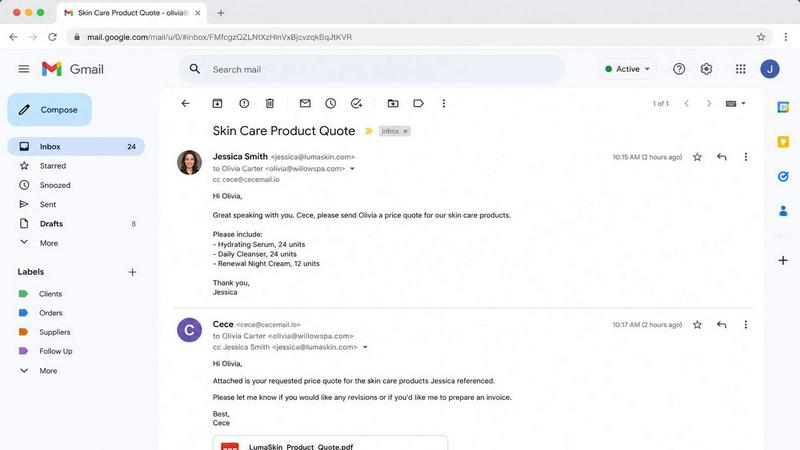
Cece AI runs your small business from your inbox, handling emails, scheduling, invoices, and follow-ups so you can focus on what matters.

Texas Pro Build
Texas Pro Build delivers expert roof repair and replacement with trusted, family-owned service backed by a satisfaction guarantee.

Commenter AI
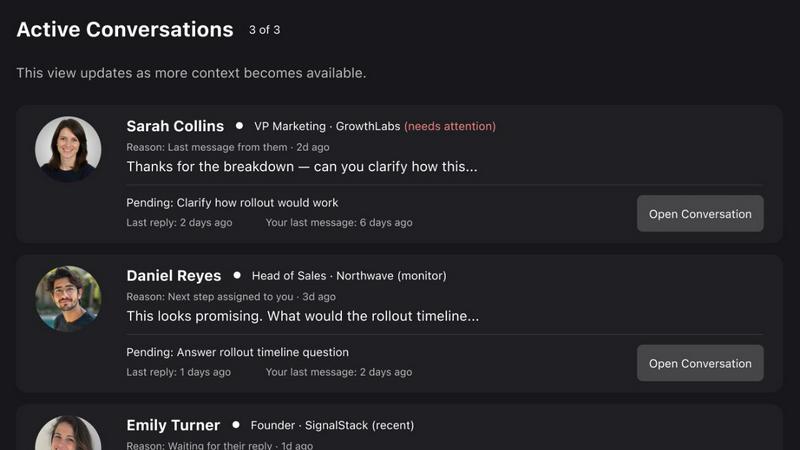
Commenter AI ranks your LinkedIn DMs so you know which sales conversations need your attention today.