
Video to Text
Transform any video or audio into accurate, clean text quickly and effortlessly with our advanced AI transcription tool.
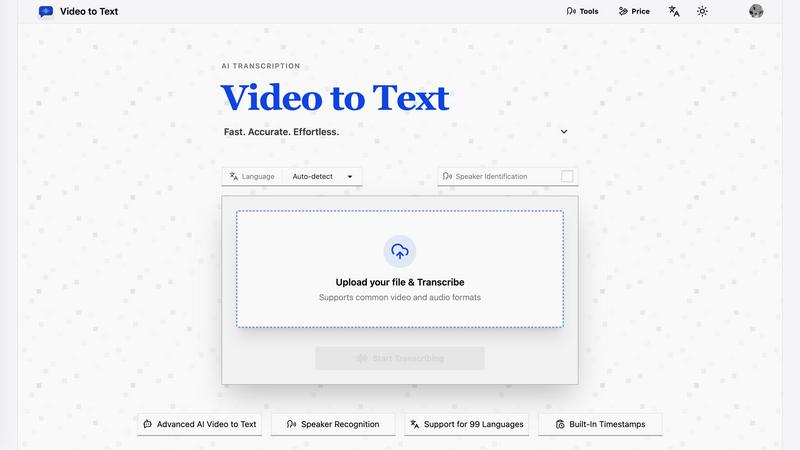
About Video to Text
Video to Text is an innovative AI-powered transcription service that transforms video and audio files into clean, exportable text with remarkable speed and accuracy. Tailored for content creators, teams, and individuals, this platform eliminates the need for complex transcription setups, allowing users to focus on their core activities. Its streamlined upload process, combined with automated processing and speaker-aware transcription, makes it exceptionally user-friendly. Whether you are a filmmaker needing subtitles, a student looking to convert lectures into notes, or a professional capturing meeting notes, Video to Text offers a seamless solution. With support for 99 languages and various export formats, it caters to a global audience, ensuring that everyone can benefit from fast, reliable speech-to-text conversion.
Features of Video to Text
Fast and Accurate Transcription
Video to Text utilizes advanced AI technology to deliver high-accuracy transcriptions for both video and audio files. Users can expect quick turnaround times, allowing them to access their transcribed content almost instantly, making it an ideal choice for time-sensitive projects.
Multi-Language Support
This service supports 99 languages, featuring automatic language detection and recognition for mixed-language recordings. This expansive language capability ensures that users from diverse linguistic backgrounds can easily transcribe their content without any hassle.
Speaker Identification
With built-in speaker diarization, Video to Text can accurately identify and separate different speakers within the audio or video files. This feature enhances clarity in transcripts, making it easier for users to follow conversations, particularly in interviews, meetings, and webinars.
Flexible Export Options
Users can export their transcripts in various formats, including TXT, SRT, VTT, and CSV. These options cater to different needs, whether for simple text documents, subtitle integration, or structured data analysis, ensuring compatibility with various workflows.
Use Cases of Video to Text
Creating Subtitles for Videos
Content creators can use Video to Text to generate accurate subtitles for YouTube videos, online courses, and social media clips. This feature enhances accessibility, making content more engaging and inclusive for viewers.
Transcribing Meetings and Webinars
Professionals can turn meetings, webinars, and calls into searchable notes quickly and efficiently. By capturing spoken content, teams can ensure that important discussions are documented and easily referable for future use.
Interview Transcriptions for Research
Journalists and researchers can transcribe interviews seamlessly, making it easier to analyze and quote sources in their work. With high accuracy and quick turnaround, this tool accelerates the research process.
Language Learning Support
Students and language learners can benefit from transcribing audio lessons and language practice materials. By providing written transcripts, Video to Text enhances comprehension and allows for easier review and study.
Frequently Asked Questions
What is Video to Text?
Video to Text is an AI transcription tool that converts video and audio files into text, subtitles, and structured formats. It offers fast and accurate transcription services tailored for various users, from creators to professionals.
How does the transcription process work?
The process is simple: users upload their video or audio file, the AI transcribes the content, and then users can export the transcript in their preferred format. This efficient workflow minimizes hassle and maximizes productivity.
What file formats does Video to Text support?
Video to Text supports a wide range of audio and video formats, including MP4, MOV, MKV, WEBM, MP3, WAV, and more. This flexibility ensures that users can upload most common media files without any issues.
Are there any limitations on transcription minutes?
New users receive 30 free transcription minutes to start exploring the service. After that, users can choose from various pay-as-you-go pricing options based on their needs, ensuring they only pay for what they use.
Top Alternatives to Video to Text
UnboundAI
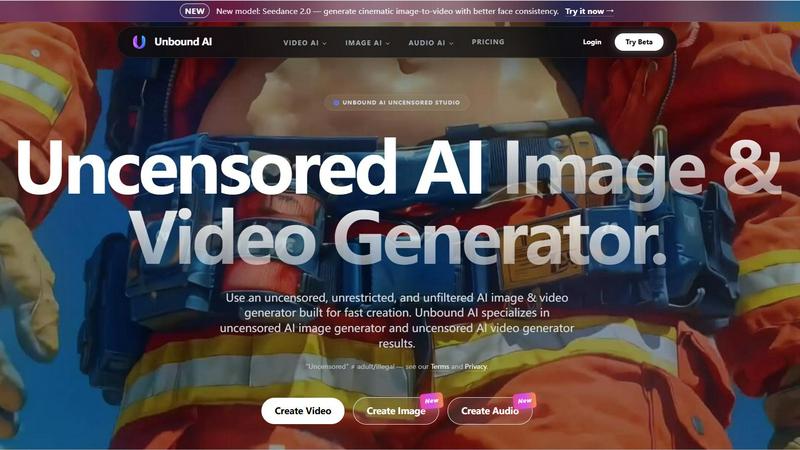
UnboundAI is your uncensored studio for generating cinematic images and videos from text or images, now supercharged with Seedance 2.0 and Wan 2.7.
Overchat AI
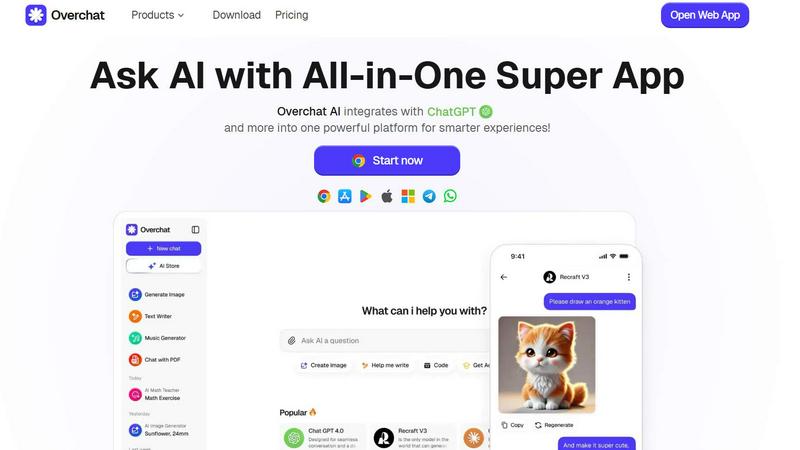
Overchat AI is your all-in-one platform for limitless chatting, image generation, and video creation with cutting-edge AI technology.
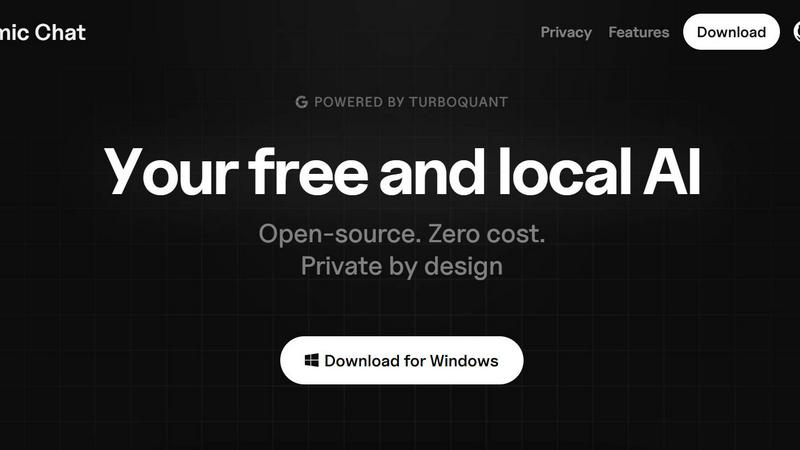
Atomic Chat
Atomic Chat is your free, private, local AI with 1,000+ models and zero data ever leaving your device.
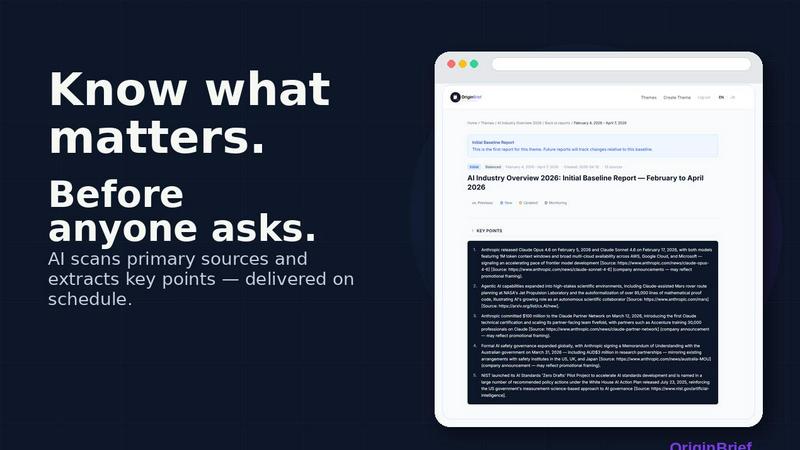
OriginBrief
OriginBrief delivers weekly AI research reports from primary sources, tracking industry changes for founders, analysts, and consultants.

OGTV
OGTV is a fast, modern Omegle alternative for genuine 1v1 video chats that turns random conversations into real friendships.
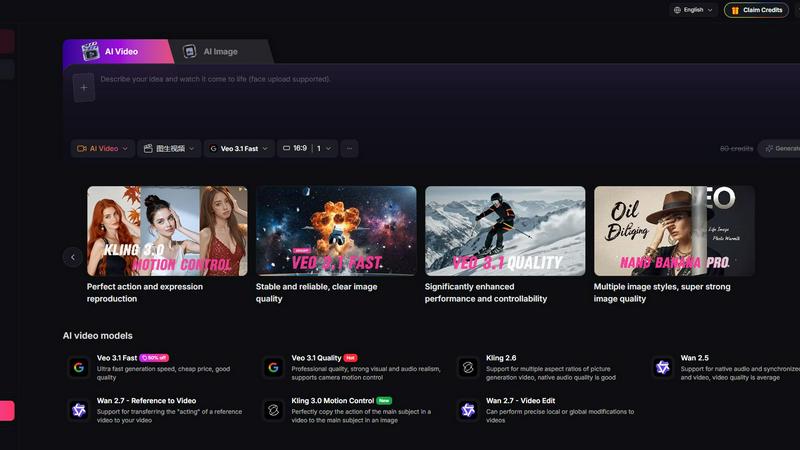
Yevideo - AI Video & Image Creation Platform
Yevideo is your all-in-one AI studio for generating stunning videos and images from text, images, and reference footage with advanced control.
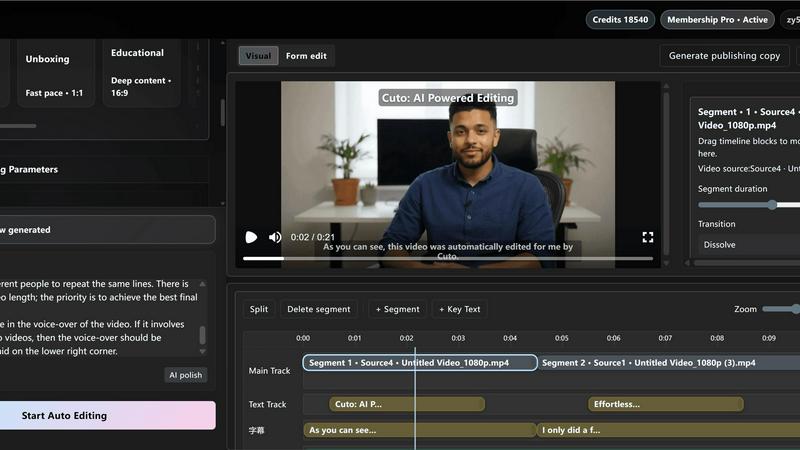
Cuto
Cuto turns your raw footage into polished, commercial-grade videos in 30 seconds with just one prompt and an editable AI edit plan.