
FlashSlides
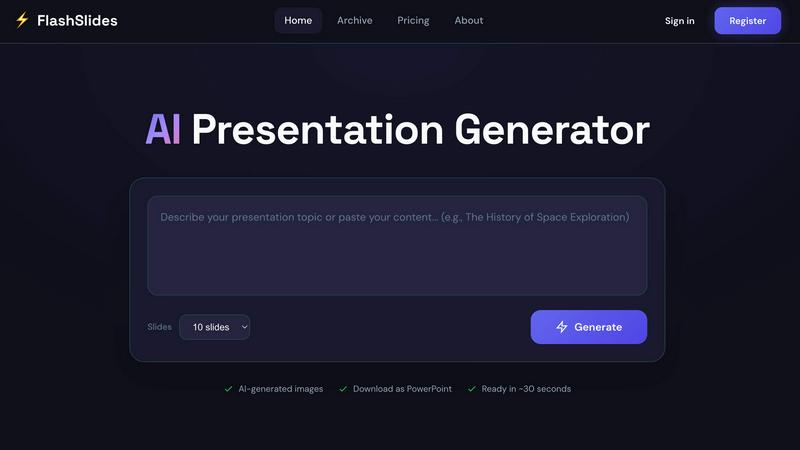
Transform any topic into stunning presentations in minutes with FlashSlides' AI-powered generator.
About FlashSlides
FlashSlides is an innovative AI presentation generator designed to revolutionize the way users create and share presentations. Whether you are a busy professional, a dedicated student, or an inspiring educator, FlashSlides provides a streamlined solution to transform ideas into beautifully designed slides in mere minutes. With its user-friendly interface, you simply enter your topic—be it a business proposal, a lesson plan, or an investor pitch—and let the AI do the heavy lifting. The platform generates a complete presentation, complete with relevant text and custom AI-generated images. This not only saves time but also ensures that your presentations look polished and professional, making a lasting impact on your audience. FlashSlides empowers users to focus on their content while providing the visual appeal necessary to captivate and engage.
Features of FlashSlides
AI Presentation Generator
FlashSlides utilizes cutting-edge AI technology to generate complete presentations from any input. Users can describe a topic, paste a URL, or upload documents, and the AI will create slides featuring both text and relevant images. This feature ensures that presentations are not only well-structured but also visually appealing.
Customizable Slide Count
Whether you need a quick one-slide overview or an in-depth 50-slide presentation, FlashSlides accommodates your needs. Users can select from 1 to 50 slides based on their requirements, allowing for flexibility in presentation length and depth of content.
Instant Download and Sharing
Once your presentation is generated, you can easily download it as a PowerPoint file or share it via a unique link. This makes it simple to collaborate with colleagues or share your work with clients and stakeholders without any hassle.
AI-Generated Images
Each slide comes with unique, contextually relevant images generated by AI technology. This feature enhances the visual quality of your presentations and helps convey your message more effectively, making your slides stand out from the crowd.
Use Cases of FlashSlides
Business Presentations
For busy professionals, FlashSlides is a game changer. Users can quickly prepare meeting decks, proposals, and quarterly reports with a professional touch. This allows for more time to focus on the content rather than the design, ultimately maximizing productivity.
Educational Content Creation
Teachers and educators can leverage FlashSlides to generate engaging lesson plans and educational materials that captivate students’ attention. The tool helps in creating interactive presentations that enhance the learning experience.
Student Projects
Students can benefit immensely from FlashSlides by creating impressive class presentations and project reports in a fraction of the time it would typically take. This not only reduces stress but also allows students to explore more creative avenues in their presentations.
Startup Pitch Decks
Startups and founders can build compelling pitch decks and investor presentations that leave a memorable impact. With the ability to generate high-quality content quickly, entrepreneurs can focus on refining their pitch rather than getting bogged down in formatting.
Frequently Asked Questions
How does FlashSlides work?
FlashSlides operates in a straightforward manner. Users simply enter a topic, and the AI generates a complete presentation with relevant content and images. The entire process is fast, taking less than a minute for a fully formed presentation.
Is it really free?
Yes! FlashSlides offers a free presentation generation each day to every user. There is no credit card required, making it accessible for anyone looking to enhance their presentation creation process.
What formats can I download?
Presentations created with FlashSlides can be downloaded as PowerPoint (.pptx) files, making it easy to edit them in Microsoft PowerPoint, Google Slides, or any compatible software.
Are my presentations private?
By default, presentations created on FlashSlides are public and may appear in the archive. However, users can choose to make any presentation private from their dashboard, ensuring that their work remains confidential if needed.
Top Alternatives to FlashSlides
Tagada
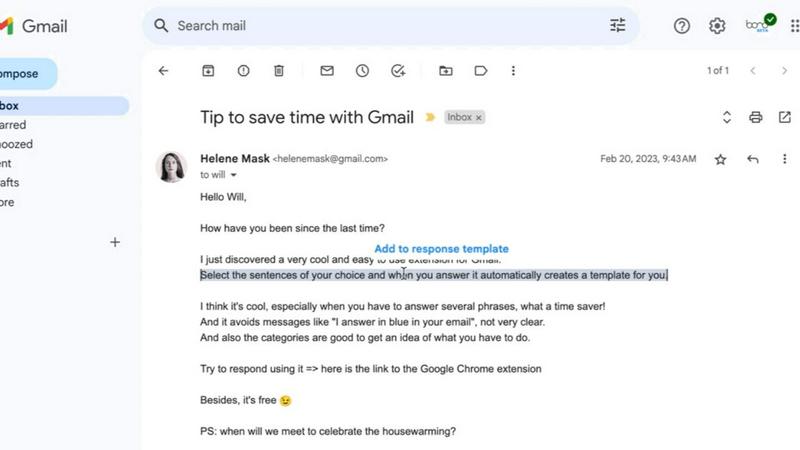
Tagada lets you highlight and tag key parts of Gmail emails locally, keeping your data private and your replies fast.

PolicyCentral.ai
PolicyCentral.ai makes enterprise policy management intelligent and effortless with AI-driven creation, access, and compliance tracking.
GhostWriter
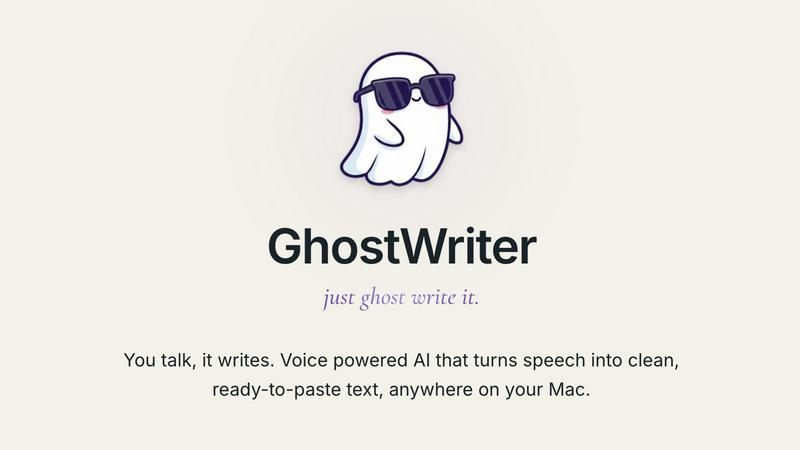
GhostWriter is the voice-to-text AI for Mac that instantly turns your messy speech into clean, ready-to-paste text anywhere.
Linkedin Pinpoint Answer
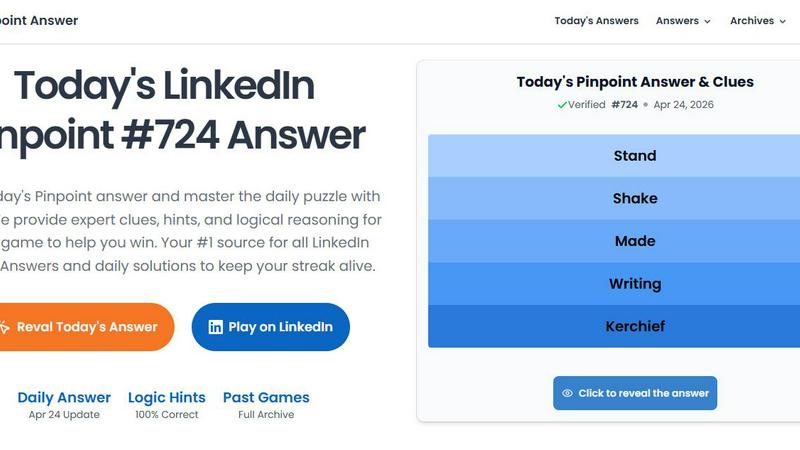
LinkedIn Pinpoint Answer delivers expert clues and daily solutions for Pinpoint and other popular games, helping you master puzzles effortlessly.
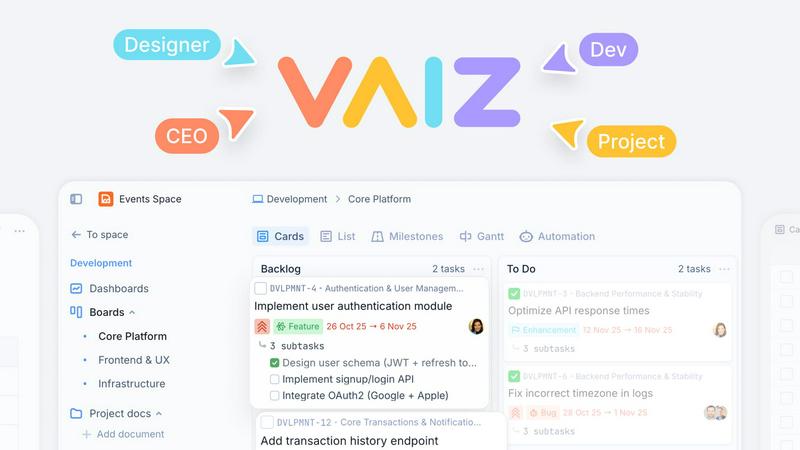
Vaiz
Vaiz is the all-in-one work management tool that boosts productivity, streamlines tasks, and simplifies collaboration for teams of all sizes.
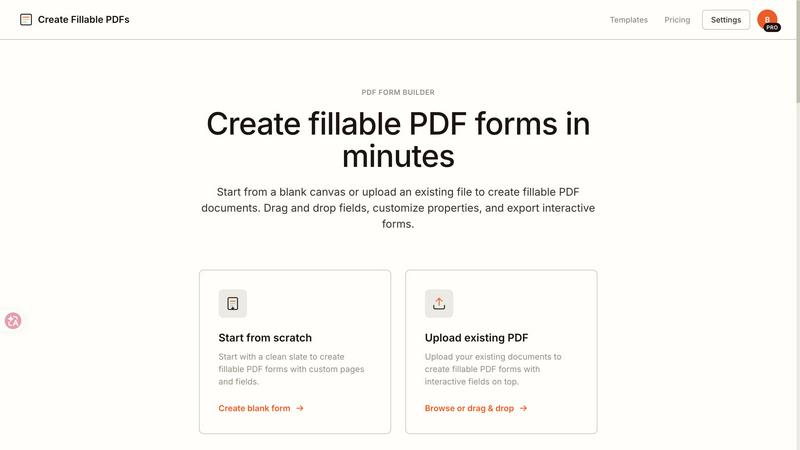
Create Fillable PDF Forms Online
Create fillable PDFs in minutes by uploading a file or starting from scratch with drag and drop fields.

WhoFixedIt
WhoFixedIt is your ultimate logbook to track repairs and trusted service providers for your home or business, making maintenance a breeze.
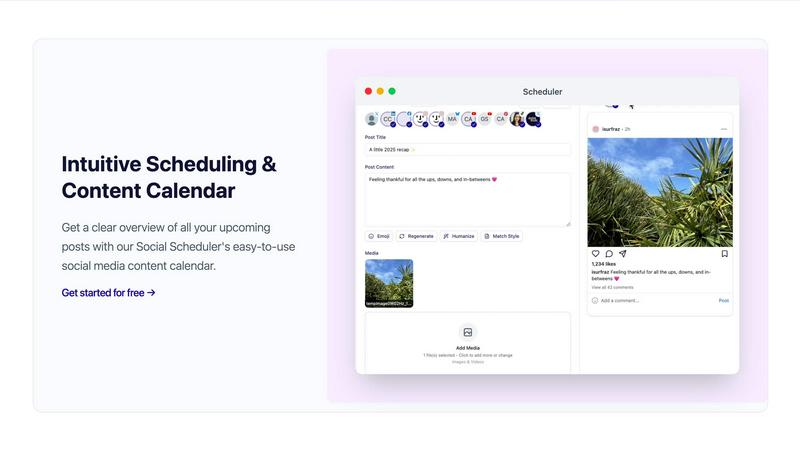
Scheduler.social
Scheduler.social replaces manual social media tasks with AI-driven team members that plan, collaborate, and publish across all platforms.