GPTIMG2 AI
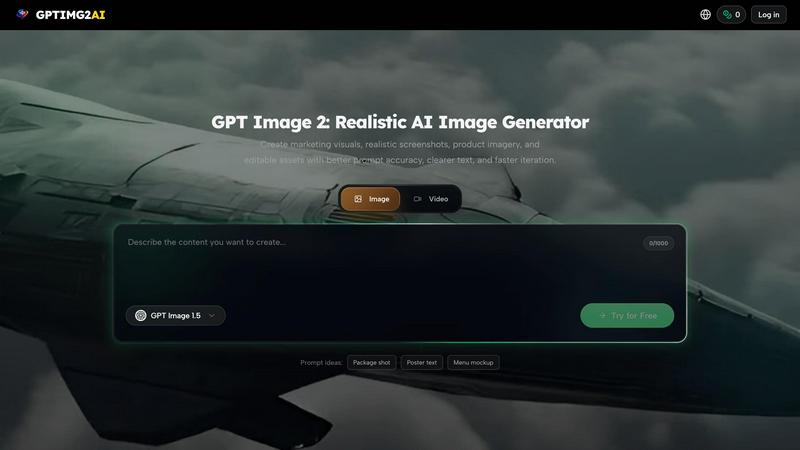
GPTIMG2 AI turns your prompts into stunning images and videos with cleaner text, controlled edits, and production-ready workflows.

About GPTIMG2 AI
GPTIMG2 AI is a professional-grade AI image and video generation workspace designed for teams that need production-ready visuals, not just novelty outputs. Unlike basic AI image tools that prioritize flashy but impractical results, GPTIMG2 AI focuses on prompt fidelity, cleaner on-image text rendering, reference-led editing, and a seamless workflow that moves from still-image generation into downstream video and campaign production. This makes GPTIMG2 AI especially useful for product marketing, ecommerce, social creative, posters, menus, diagrams, thumbnails, and other asset-heavy workflows where revision control and consistency matter. The platform integrates leading generation models like GPT Image 2, Nano Banana Pro, Seedance 2.0, Veo 3.1, and many more, giving users access to the best AI tools for both image and video creation in one unified workspace. Whether you are a solo creator or part of a large marketing team, GPTIMG2 AI empowers you to generate high-quality, on-brand visuals with precise control over every element. With features like reference-based edits, strong text rendering, and a growing prompt library, GPTIMG2 AI is built to accelerate your creative pipeline while maintaining professional standards. It is the go-to solution for anyone who needs AI-generated assets that are ready for real-world use, from cinematic product ads to typography-heavy posters and infographics.
Features of GPTIMG2 AI
Prompt Fidelity and Accuracy
GPTIMG2 AI delivers exceptional prompt fidelity, meaning the generated images closely match your detailed descriptions. This feature is critical for teams that need consistent, predictable results across multiple assets. Whether you are describing a cinematic snack campaign or a Swiss modernist poster, GPTIMG2 AI interprets your prompts with high accuracy, reducing the need for endless iterations and rework.
Clean On-Image Text Rendering
One of the standout features of GPTIMG2 AI is its ability to render readable, clean text directly on images. This is a game-changer for creating typography posters, infographics, UI mockups, and product ads where text clarity is essential. The platform ensures that letters, numbers, and symbols appear crisp and well-integrated into the visual composition, avoiding the garbled or distorted text common in other AI tools.
Reference-Led Editing
GPTIMG2 AI supports reference-led editing, allowing you to upload an existing image and use it as a guide for new generations. For example, you can turn a reference portrait into a soft colored-pencil illustration while preserving face identity, hairstyle, and expression. This feature is perfect for maintaining brand consistency, adapting existing assets, or creating stylized variations without starting from scratch.
Multi-Model Workspace
GPTIMG2 AI is not limited to a single AI model. It provides access to a diverse range of image and video generators, including GPT Image 2, Nano Banana Pro, Seedance 2.0, Veo 3.1, Kling 3.0, and more. This multi-model workspace lets you choose the best tool for each specific task, whether you need photorealistic stills, dynamic character motion, or narrative video continuity, all from one central platform.
Use Cases of GPTIMG2 AI
Product Marketing and Ecommerce
For product marketing teams and ecommerce businesses, GPTIMG2 AI is an indispensable tool. You can generate cinematic hero images of products, such as glossy pack shots with dramatic studio lighting and flying crunch details. These production-ready visuals are perfect for online stores, social media ads, and campaign materials, helping to boost engagement and conversions with high-quality, consistent imagery.
Typography-Heavy Posters and Infographics
Creating posters, menus, and infographics that rely on readable text and clean visual hierarchy is a breeze with GPTIMG2 AI. The platform excels at generating Swiss modernist travel posters with giant city letters, infographics with hand-drawn icons and clear labels, and explainer boards with simplified concept blocks. This makes it ideal for editorial design, educational content, and any project where text and graphics must work together seamlessly.
Character and Action Scenes
GPTIMG2 AI is perfect for generating dynamic character motion and action scenes. For instance, you can create a premium athletic action scene of a blade slicing a watermelon mid-air with frozen splash particles and high-contrast lighting. This capability is valuable for game development, animation storyboards, sports marketing, and any creative project that requires compelling, high-energy visuals.
UI Mockups and Thumbnails
Designers and content creators can use GPTIMG2 AI to produce clean tech tutorial thumbnails, UI mockup panels, and bright commercial compositions. The platform ensures that bold, readable type and clear click targets are integrated into the design. This use case is essential for software demos, app marketing, YouTube thumbnails, and any digital asset where user interface elements need to be showcased professionally.
Frequently Asked Questions
What is GPTIMG2 AI and who is it for?
GPTIMG2 AI is a professional AI image and video generation workspace designed for teams and individuals who need production-ready visuals. It is ideal for product marketers, ecommerce managers, social media creators, graphic designers, and content producers who require high-quality, consistent assets for campaigns, posters, menus, thumbnails, and more. Unlike novelty-focused tools, GPTIMG2 AI prioritizes prompt fidelity, text rendering, and workflow efficiency.
How does GPTIMG2 AI ensure clean text on images?
GPTIMG2 AI uses advanced AI models specifically optimized for text rendering. The platform processes text prompts with high precision, ensuring that letters, numbers, and symbols appear sharp, readable, and well-integrated into the overall image composition. This feature is critical for typography posters, infographics, UI mockups, and product ads where text clarity is non-negotiable.
Can I use my own images as references for new generations?
Yes, GPTIMG2 AI supports reference-led editing. You can upload an existing image and use it as a guide for new AI generations. For example, you can transform a portrait into a colored-pencil illustration while preserving key features like face identity, hairstyle, and expression. This is perfect for maintaining brand consistency, adapting assets, or exploring creative variations.
What AI models are available on GPTIMG2 AI?
GPTIMG2 AI provides access to a wide range of leading AI models for both image and video generation. Image models include GPT Image 2, Nano Banana 2, Nano Banana Pro, and GPT Image 1.5. Video models include Seedance 2.0, Wan 2.7, Veo 3.1, Happy Horse 1.0, Kling 3.0, and Grok Imagine. This multi-model workspace lets you choose the best tool for each specific creative task.
Pricing of GPTIMG2 AI
GPTIMG2 AI offers a tiered pricing structure to accommodate different user needs. New users can start with 30 free credits upon logging in to explore the platform. For ongoing use, the platform provides yearly plans with up to 50% off, which are available until May 27. The specific pricing details for monthly and yearly plans can be found on the Pricing page of the GPTIMG2 AI website. Credits are used to generate images and videos, with different models and resolutions consuming varying amounts of credits.
Top Alternatives to GPTIMG2 AI
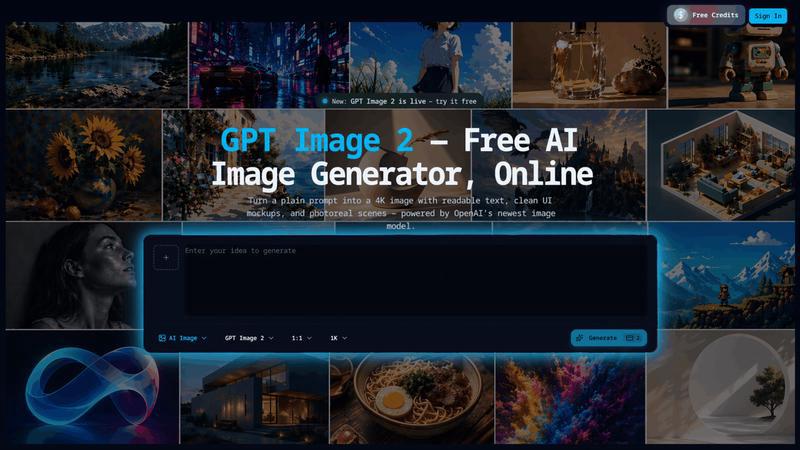
GPT Image 2
Transform simple prompts into stunning 4K images with readable text and multilingual support using the powerful GPT Image 2 AI generator.
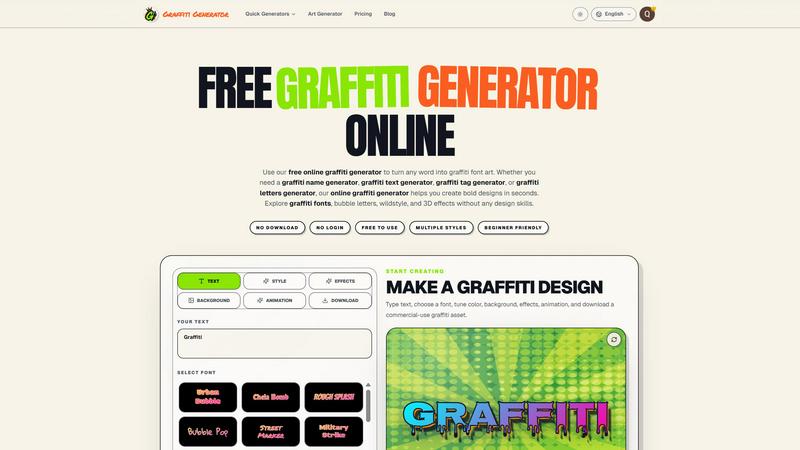
Graffiti Generator
Turn any text into bold graffiti art instantly with 30+ fonts, AI enhancement, and one-click export, no skills required.
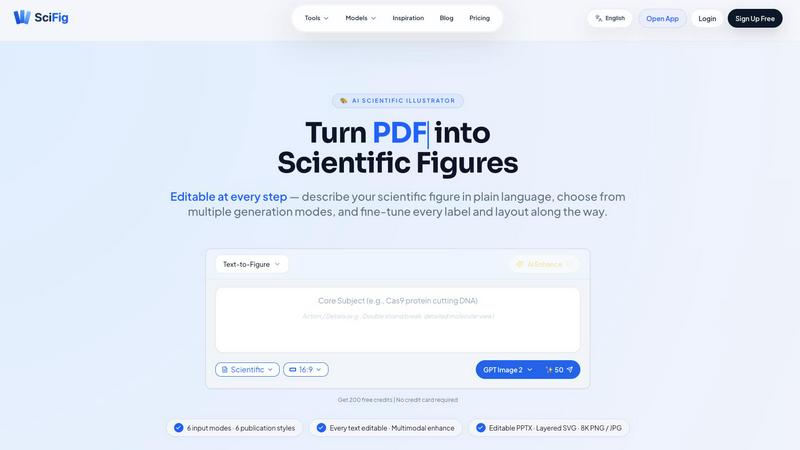
SciFig
SciFig turns text, sketches, PDFs, or photos into editable, publication-ready scientific figures with AI.
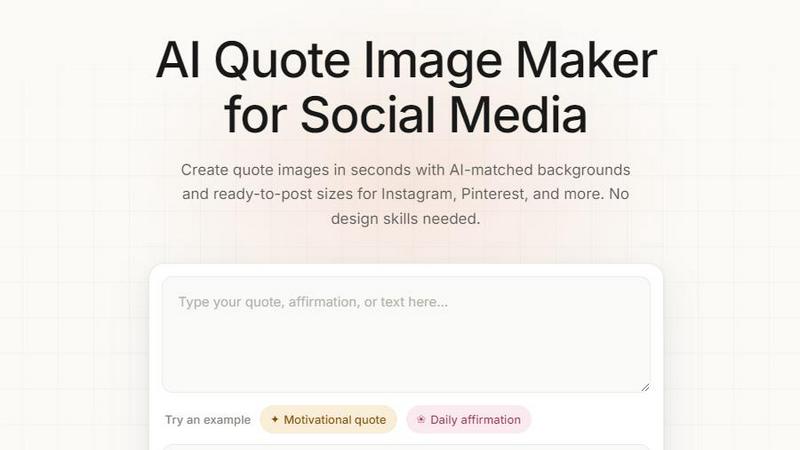
Quote Image Maker
Turn any quote into a stunning social graphic instantly with AI that matches backgrounds to your words, no design skills required.
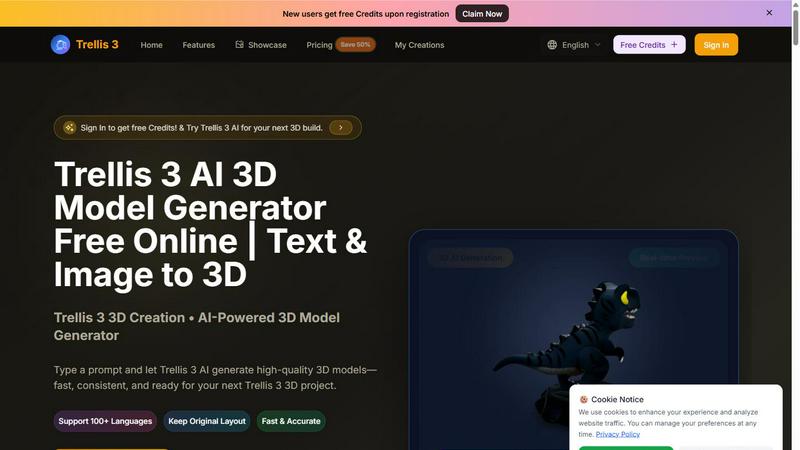
TRELLIS.3
Transform text and images into stunning 3D models in seconds with Trellis 3, your go-to AI-powered 3D model generator.
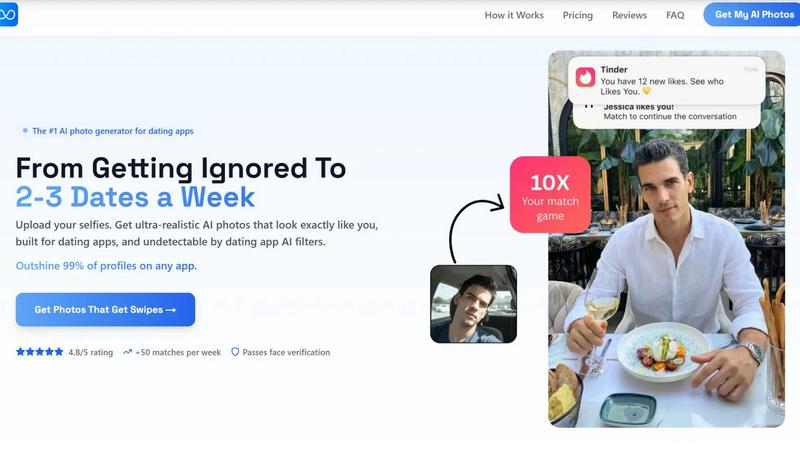
TruShot App
TruShot uses your selfies to create ultra-realistic, undetectable AI dating photos that get you 10x more matches on Tinder, Hinge, and Bumble.
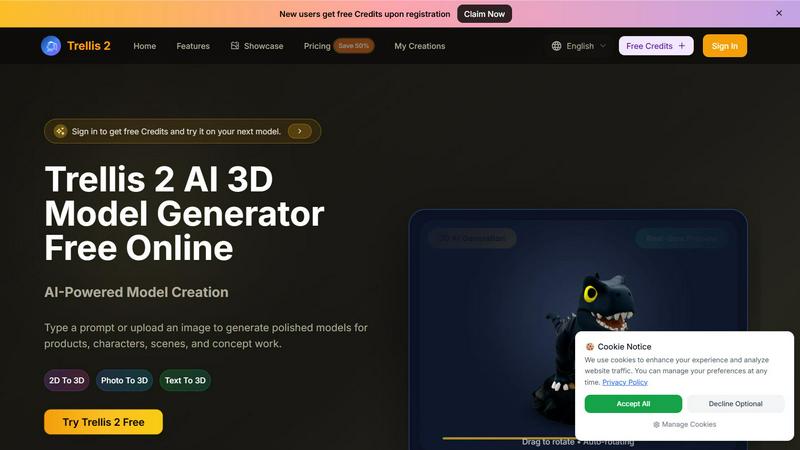
Trellis 2
Transform your ideas into stunning 3D models with Trellis 2, the AI tool that converts text and images into polished designs effortlessly.