
RemoveBGVideo
Remove video backgrounds instantly with AI, no green screen needed.
About RemoveBGVideo
RemoveBGVideo is the revolutionary AI-powered platform that makes professional video background removal accessible to everyone. It's the end of complex, time-consuming editing. Simply upload your video, and our cutting-edge AI technology automatically detects the subject and strips away the background in minutes—no green screen, manual masking, or expensive software like After Effects required. It delivers a clean, precise cut-out with a transparent background or allows you to place your subject into any custom scene you choose. Built for speed and quality, it supports up to 4K resolution and processes most videos in under five minutes using optimized GPU acceleration. This tool is a game-changer for content creators, marketers, e-commerce sellers, educators, and anyone who needs to produce polished, engaging video content quickly and without a steep learning curve. In a landscape where alternatives are shutting down or hiding behind expensive subscriptions, RemoveBGVideo stands out with its transparent, pay-as-you-go pricing and powerful, specialized AI engine designed to make you look like a pro.
Features of RemoveBGVideo
AI-Powered Instant Background Removal
Our core technology uses advanced artificial intelligence to automatically and accurately identify the foreground subject in your video. It intelligently separates people, pets, products, or objects from their surroundings without any manual input. This means you get a perfect cut-out every time, eliminating the need for a physical green screen or hours of tedious frame-by-frame rotoscoping. The AI is trained on diverse datasets to handle complex scenes with ease.
High-Quality 4K Output & Multiple Formats
RemoveBGVideo doesn't compromise on quality. You can process and export your videos in stunning clarity up to 4K resolution, ensuring every detail is preserved. We support a wide range of import formats like MP4, MOV, and WEBM, and offer flexible export options including videos with transparent backgrounds (WebM with alpha channel), ProRes for professionals, MP4, GIF, WebP, and even PNG sequences for maximum compatibility with any editing workflow.
Lightning-Fast GPU Processing
Forget waiting hours for a render. Our platform is engineered for speed, leveraging powerful GPU-accelerated processing to deliver results in minutes, not hours. Most standard videos are processed in under five minutes. This rapid turnaround is powered by an optimized pipeline that gets you your edited video back quickly, so you can keep creating and publishing without frustrating delays.
Flexible Background Customization
Once the background is removed, your creativity is unleashed. Our tool provides complete control over the final look. You can choose a transparent background, select a solid color, or upload your own custom image or video to place your subject into a brand new environment. This feature is perfect for creating professional product shots, dynamic social media content, or educational materials with a consistent branded backdrop.
Use Cases of RemoveBGVideo
Social Media & Influencer Content Creation
Content creators and influencers can instantly create eye-catching, professional-looking videos for platforms like TikTok, Instagram, and YouTube. Remove distracting or unappealing backgrounds and replace them with trendy, branded, or aesthetically pleasing environments to significantly boost production value and audience engagement without a big production budget.
E-commerce & Product Marketing
Online sellers can generate clean, studio-quality product videos at scale. Showcase jewelry, apparel, gadgets, or any item with a pure white or transparent background for marketplaces, or place the product into lifestyle scenes to help customers visualize it in use. This dramatically improves conversion rates and brand perception with minimal effort and cost.
Professional Presentations & Educational Videos
Educators, trainers, and corporate professionals can produce polished lecture videos, tutorials, and presentations. Remove cluttered office or home backgrounds and replace them with a clean, branded backdrop or relevant educational graphics. This helps maintain viewer focus on the presenter and the content, enhancing clarity and authority.
Personal Branding & Professional Profiles
Individuals looking to strengthen their personal brand can create consistent, high-quality video content for LinkedIn, portfolio websites, or speaker reels. Achieve a uniform, professional look across all your video materials by using a custom branded background, making you stand out to potential employers, clients, or collaborators.
Frequently Asked Questions
How does RemoveBGVideo work without a green screen?
RemoveBGVideo uses sophisticated AI algorithms trained to recognize and differentiate between subjects and backgrounds. It analyzes each frame of your video, pinpointing the main subject (like a person or product) and meticulously separating it from everything else. This advanced computer vision technology replicates the effect of a green screen digitally, requiring only your standard video footage to work its magic.
What video formats and lengths do you support?
We support all major video formats for upload, including MP4, MOV, and WEBM. You can process videos up to 60 minutes in length with a maximum file size of 500MB. For output, we offer a variety of formats including WebM with transparency, MP4, MOV (ProRes), GIF, WebP, and PNG sequences to fit any project need.
Is there a free trial or preview?
Yes! RemoveBGVideo offers a completely free preview. You can upload your video, process it with our AI, and see a full-length, watermarked preview of the result before you pay anything. This allows you to verify the quality and accuracy of the background removal on your specific content with zero risk or commitment.
How is your pricing structured compared to other tools?
We believe in simple, transparent, and fair pricing. Unlike tools that require expensive annual subscriptions (like Canva Pro), RemoveBGVideo operates on a flexible pay-as-you-go model. You only pay for what you use at a rate of $0.50 per minute of processed video. There are no monthly fees, no subscriptions, and you can start with a free preview to ensure you're happy with the results.
Explore more in this category:
Top Alternatives to RemoveBGVideo

Ltx 2.5 AI Video Generator
Ltx 2.5 turns your text or images into stunning, controllable AI videos in seconds, ready to share.
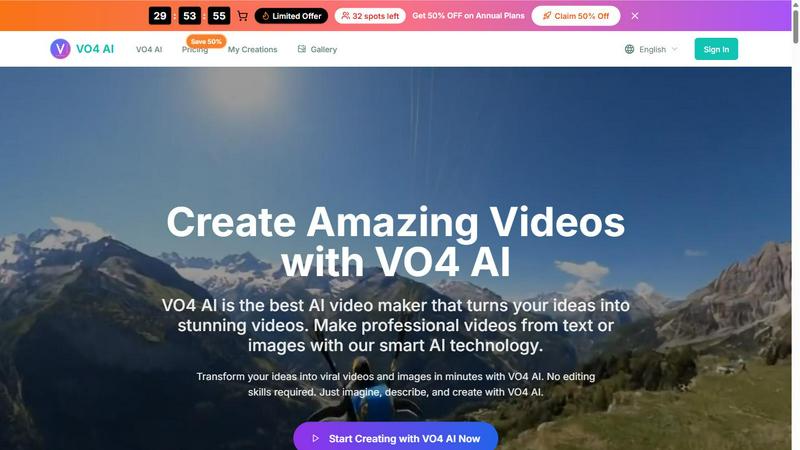
VO4 AI
Create stunning viral videos in minutes from text or images with VO4 AI's powerful and intuitive video generation technology.
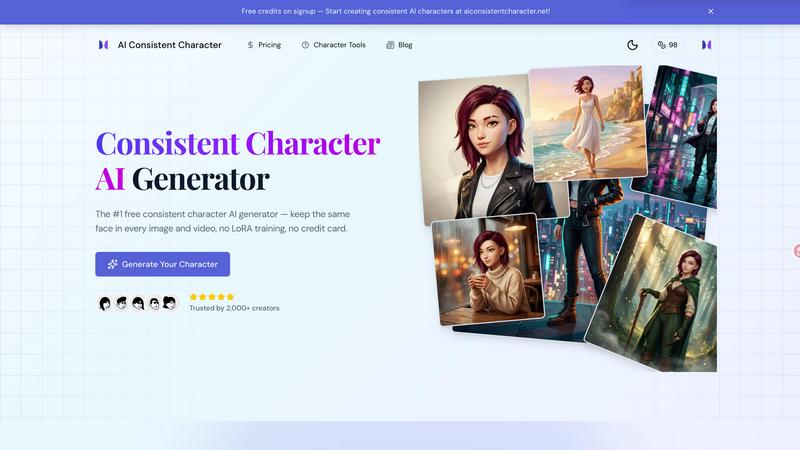
AI Consistent Character
Generate any character once and reuse them in every image and video instantly with zero training, completely free.
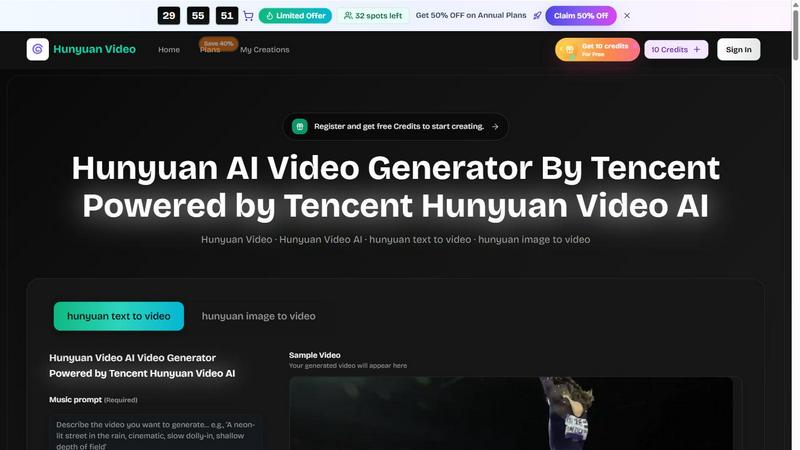
Hunyuan Video
Tencent Hunyuan Video turns text or images into high-quality AI-generated videos with simple prompts and fast, polished results.
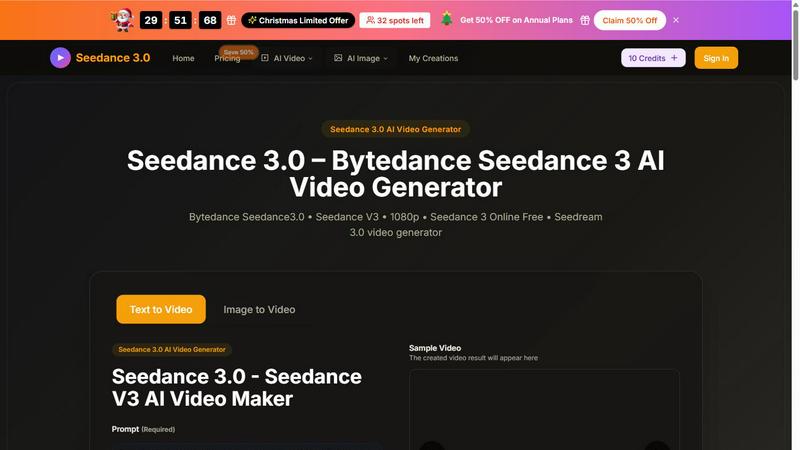
Seedance 3 AI Video Generator
Turn text or images into stunning 1080p videos with Seedance 3, featuring consistent characters and cinematic quality.
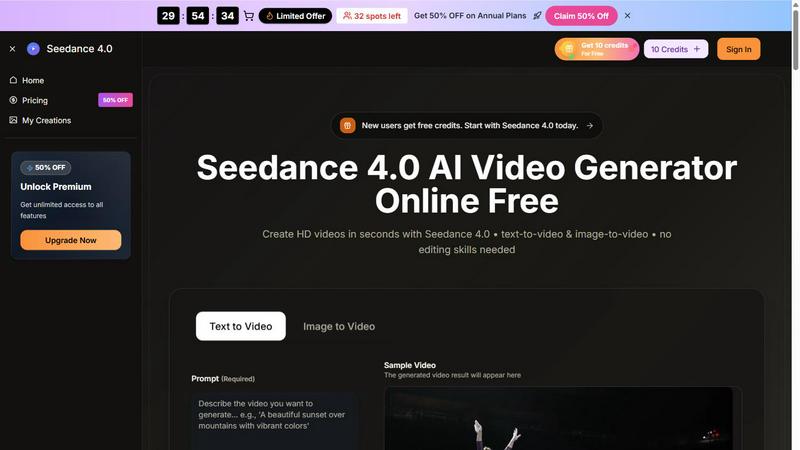
Seedance 4.0 AI Video Generator
Turn prompts and images into stunning HD videos in seconds with Seedance 4.0's powerful browser-based workflow.
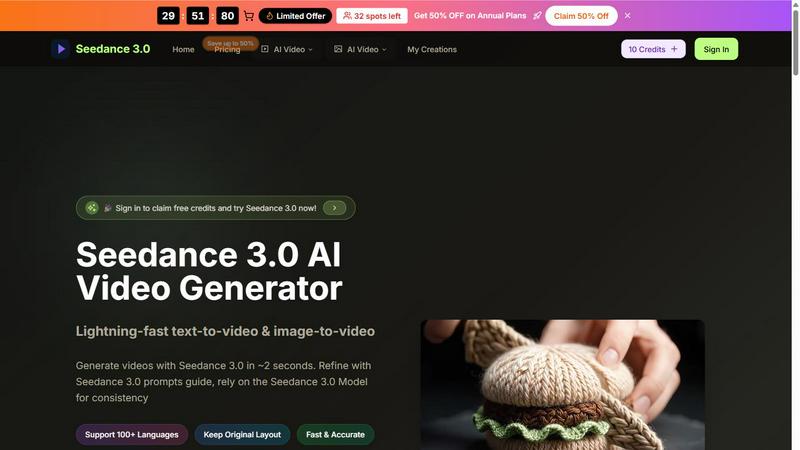
Seedance 3.0 AI Video Generator
Seedance 3.0 instantly creates stunning, professional videos from your text or images in just seconds.
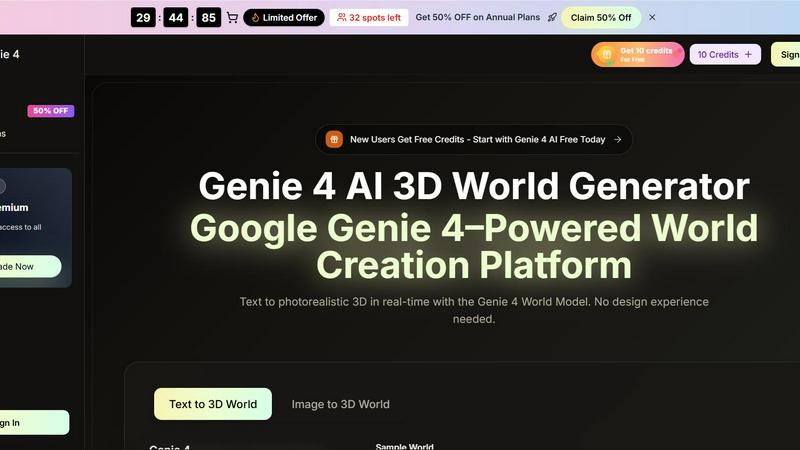
Genie 4 AI 3D World Generator
Transform text into stunning real-time 3D worlds effortlessly with Genie 4 AI, perfect for creators, researchers, and educators alike.