
SVG Converter
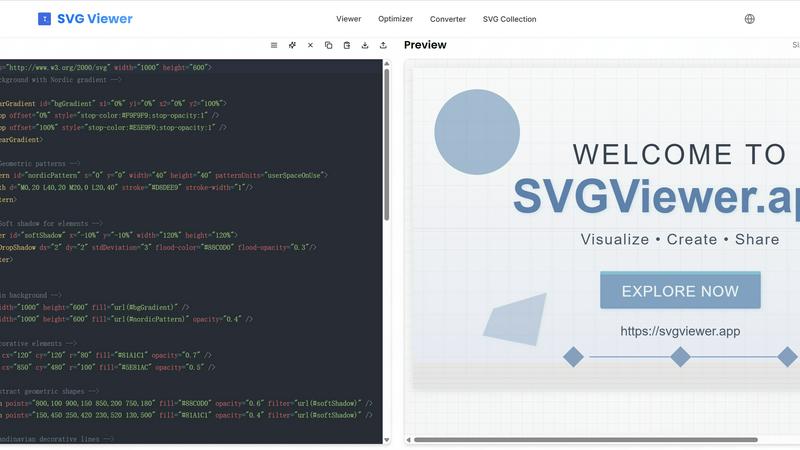
Transform, optimize, and visualize your SVG files effortlessly with our free online SVG Converter tool.
About SVG Converter
SVG Converter is a powerful, free online tool that allows users to seamlessly convert SVG files into various raster formats such as PNG, JPEG, and more. This tool is designed for graphic designers, web developers, and anyone who works with vector graphics and requires an easy way to transform these graphics into raster images. With its user-friendly interface, SVG Converter enables users to maintain high-quality visuals while converting complex vector files, making it an ideal solution for both professionals and hobbyists. The main value proposition lies in its ability to facilitate quick and efficient conversions without the need for specialized software. By offering a free online platform, SVG Converter democratizes access to essential graphic design tools, allowing users to optimize their workflow and enhance their creative projects with minimal effort.
Features of SVG Converter
Easy Conversion
SVG Converter simplifies the conversion process by allowing users to upload SVG files and convert them into popular formats like PNG, JPEG, and WebP in just a few clicks. This feature eliminates the hassle of dealing with complex software, making it accessible for users of all skill levels.
High-Quality Outputs
The tool ensures that converted images retain their original quality and clarity. Whether you are converting simple logos or intricate designs, SVG Converter produces outputs that are crisp and professional, suitable for both web and print applications.
Batch Processing
With SVG Converter, users can convert multiple SVG files simultaneously. This batch processing capability saves time and effort, especially for graphic designers or teams working on large projects that require the conversion of numerous files.
User-Friendly Interface
SVG Converter features an intuitive interface that guides users through the conversion process. The easy-to-navigate design allows users to focus on their creative work rather than getting bogged down by complicated software, ensuring a smooth experience from start to finish.
Use Cases of SVG Converter
Graphic Design Projects
Graphic designers can leverage SVG Converter to easily transform their vector designs into raster formats for various applications. Whether for web use, print media, or client presentations, this tool provides a quick solution for all conversion needs.
Website Development
Web developers often need rasterized images for website elements. SVG Converter allows them to convert SVG logos and icons into PNG or JPEG formats, ensuring that their websites load quickly without sacrificing image quality.
Social Media Graphics
Content creators can use SVG Converter to prepare eye-catching graphics for social media platforms. By converting SVG files into suitable formats, they can enhance posts with vibrant images that attract audience engagement.
Educational Materials
Educators and students can utilize SVG Converter to create and convert graphics for presentations, reports, and educational resources. This tool makes it easy to produce high-quality images that effectively communicate ideas and concepts.
Frequently Asked Questions
What formats can I convert my SVG files into?
SVG Converter supports multiple formats including PNG, JPEG, WebP, and ICO. This flexibility allows you to choose the format that best suits your needs.
Is SVG Converter free to use?
Yes, SVG Converter is completely free. You can convert your SVG files without any hidden fees or subscription plans, making it an accessible tool for everyone.
How long does the conversion process take?
The conversion process is typically very quick, often taking just a few seconds to a minute depending on the size of the SVG files being converted. You can expect instant results, allowing for a smooth workflow.
Can I convert multiple SVG files at once?
Absolutely! SVG Converter offers batch processing, enabling you to upload and convert multiple SVG files in one go. This feature is particularly useful for users handling large projects with numerous graphics.
Explore more in this category:
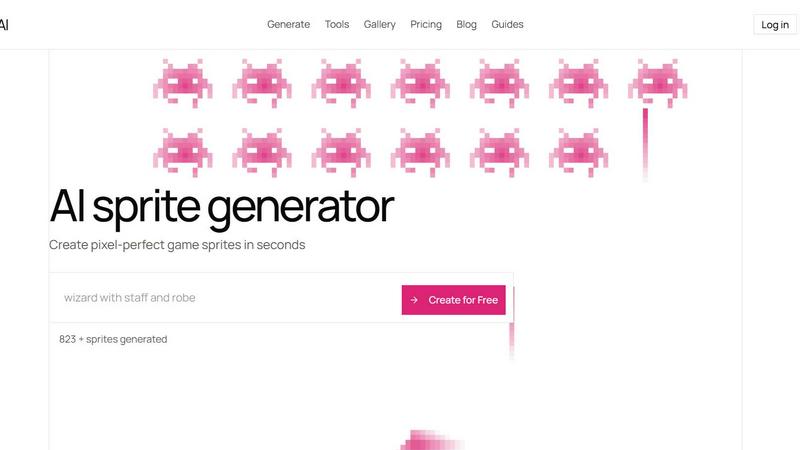
Top Alternatives to SVG Converter
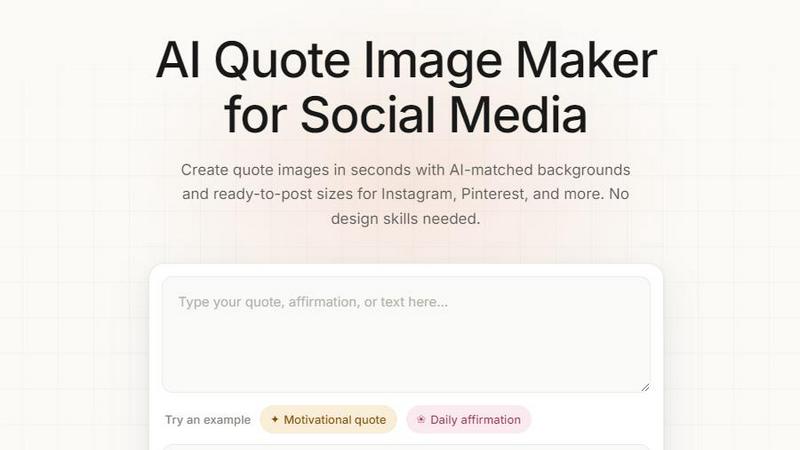
Quote Image Maker
Turn any quote into a stunning social graphic instantly with AI that matches backgrounds to your words, no design skills required.
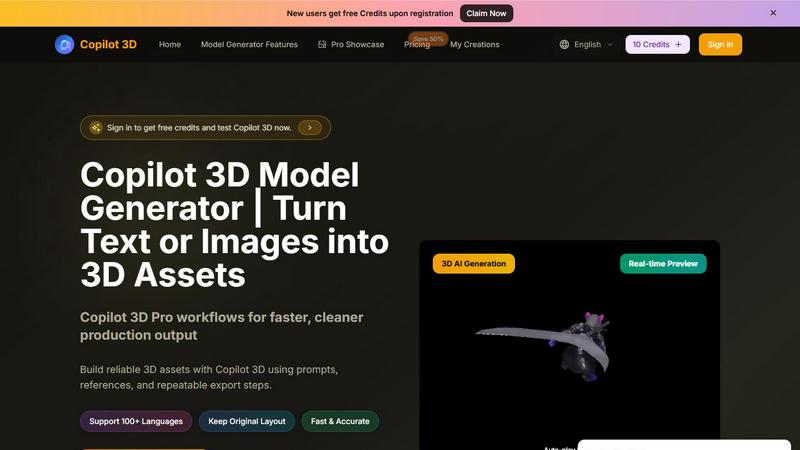
Copilot 3D
Copilot 3D instantly turns your text or images into production-ready 3D assets with fast, accurate AI generation and free credits for new users.
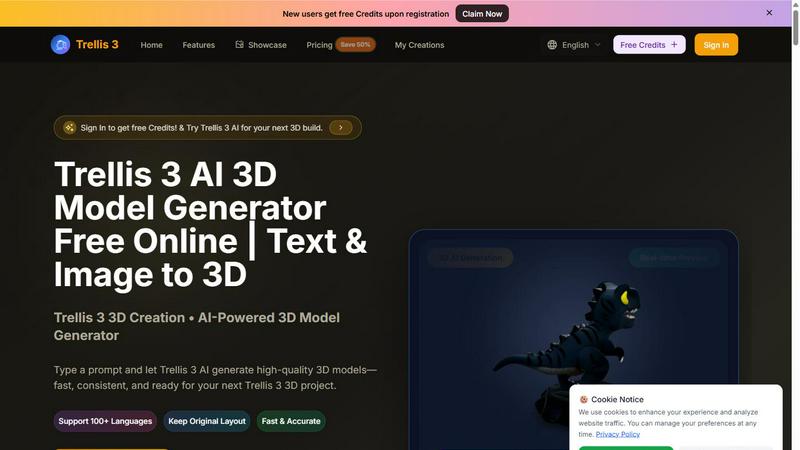
TRELLIS.3
Transform text and images into stunning 3D models in seconds with Trellis 3, your go-to AI-powered 3D model generator.
Seed3D 2.0
Transform text and images into stunning 3D models effortlessly with Seed3D 2.0, your AI-powered tool for creative innovation.

Ltx 2.5 AI Video Generator
Ltx 2.5 turns your text or images into stunning, controllable AI videos in seconds, ready to share.
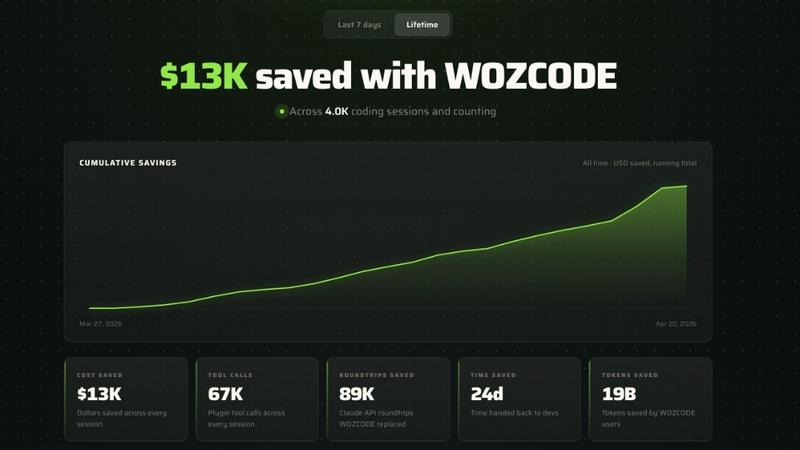
Woz
Woz lets entrepreneurs build mobile apps with AI, then supercharges Claude Code to cut costs by 50% and boost speed up to 10x.
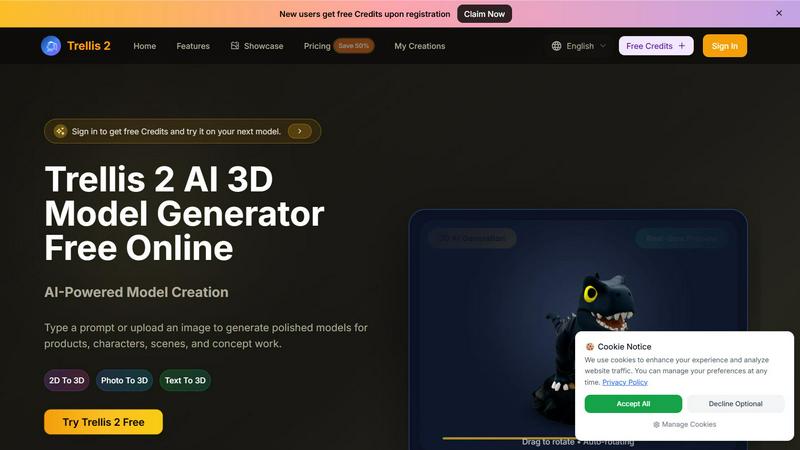
Trellis 2
Transform your ideas into stunning 3D models with Trellis 2, the AI tool that converts text and images into polished designs effortlessly.