
Video to GIF Converter
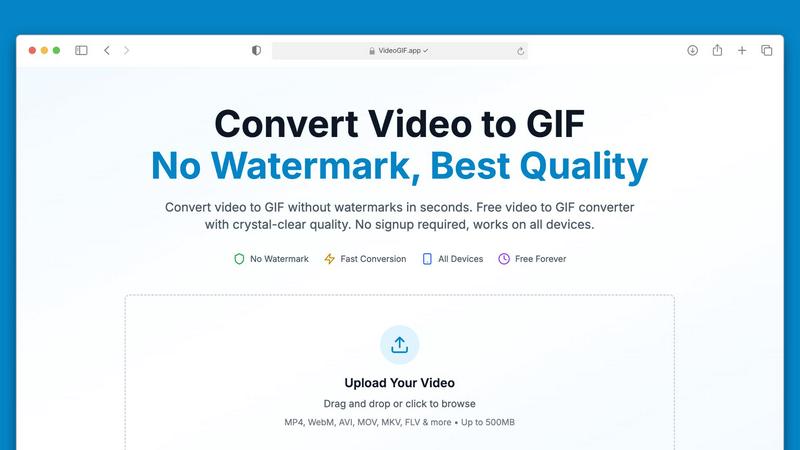
Effortlessly convert videos to high-quality GIFs in seconds, no watermarks ever.
About Video to GIF Converter
Transforming your videos into captivating GIFs has never been easier with our Video to GIF Converter. Designed for both casual users and professionals, this intuitive online tool allows you to convert various video formats into high-quality animated GIFs in seconds. With no watermarks and no signup required, you can create and share your GIFs without any hassle. Whether you're a marketer looking to enhance your social media presence, a developer needing to create quick tutorials, or someone who simply wants to add flair to your messages, our converter delivers exceptional results every time. It processes videos up to 500MB efficiently, ensuring a fast and streamlined experience. Enjoy the freedom of using your GIFs anywhere, optimized for sharing across platforms like Discord, Twitter, and Slack. With our Video to GIF Converter, you get professional-quality GIFs that are 100% yours, all for free. Embrace creativity with full control over quality, size, and content privacy!
Features of Video to GIF Converter
No Watermarks, Always Free
Say goodbye to watermarks! Our Video to GIF Converter guarantees that every GIF you create is completely watermark-free. You have full ownership of your GIFs, allowing you to use them commercially or personally without any restrictions or hidden fees.
Fast Video to GIF Conversion
Experience lightning-fast conversion speeds with our optimized processing technology. Most video files, including large ones up to 500MB, convert in under 30 seconds, saving you valuable time while ensuring consistent quality.
Crystal-Clear GIF Quality
Our advanced palette generation technology ensures that your GIFs are crisp and clear, closely preserving the quality of your original video. With four different quality presets to choose from, you can customize your GIFs to perfectly match your needs.
Optimized for Sharing
Sharing your creations is a breeze with our smart compression techniques that reduce file sizes without compromising quality. This makes your GIFs perfect for sharing on social media platforms, in emails, or via messaging apps like Discord and Slack.
Use Cases of Video to GIF Converter
Marketing & Social Media
In the fast-paced world of social media, GIFs are a powerful tool for engagement. Convert video highlights into shareable GIFs that loop automatically in feeds, capturing attention and driving interaction on platforms like Twitter and Instagram.
Professional Communication
Transform video tutorials into step-by-step GIFs that autoplay in emails and chats, making it easier for colleagues and clients to understand complex processes without needing to watch full-length videos.
Gaming & Creative Projects
Gamers can create GIFs of their epic gameplay moments to share with friends or on forums. Creative professionals can turn visual concepts into animated GIFs, enhancing presentations and pitches with dynamic content.
Product Demos & Tutorials
Showcase your product features effectively by converting video walkthroughs into GIFs. These short animations can highlight key functionalities, making them great for marketing material and educational content.
Frequently Asked Questions
What video formats can I convert to GIF?
Our Video to GIF Converter supports a wide range of video formats, including MP4, MOV, AVI, WebM, MKV, FLV, and more. This ensures you can convert virtually any video file you have into a GIF.
Is there a limit on the video file size I can upload?
Yes, you can upload video files up to 500MB for conversion. This capacity allows you to work with larger files without compromising on speed or quality.
Do I need to create an account to use the converter?
No! Our Video to GIF Converter is completely hassle-free. You can upload your video, convert it to GIF, and download it without needing to create an account or provide any personal information.
How secure is my data during the conversion process?
We prioritize your privacy and security by using 256-bit SSL encryption for all file processing. Additionally, we do not store your files after conversion, ensuring your data remains confidential.
Top Alternatives to Video to GIF Converter
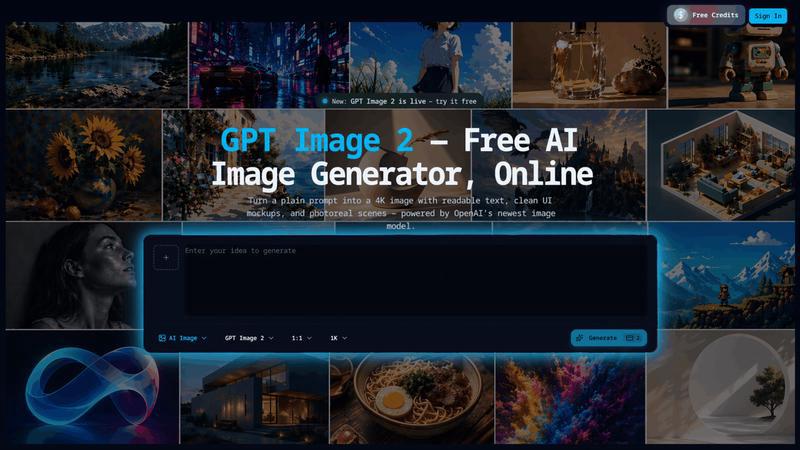
GPT Image 2
Transform simple prompts into stunning 4K images with readable text and multilingual support using the powerful GPT Image 2 AI generator.
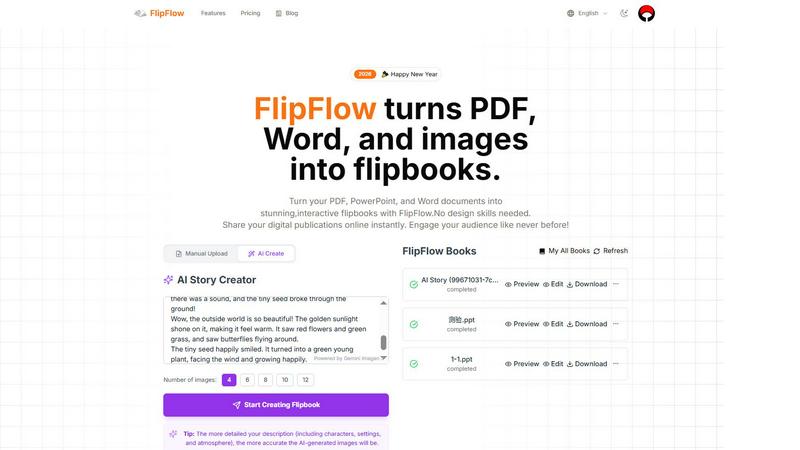
FlipFlow
FlipFlow instantly converts your PDFs, Word docs, and images into stunning, interactive flipbooks with AI, no design skills needed.
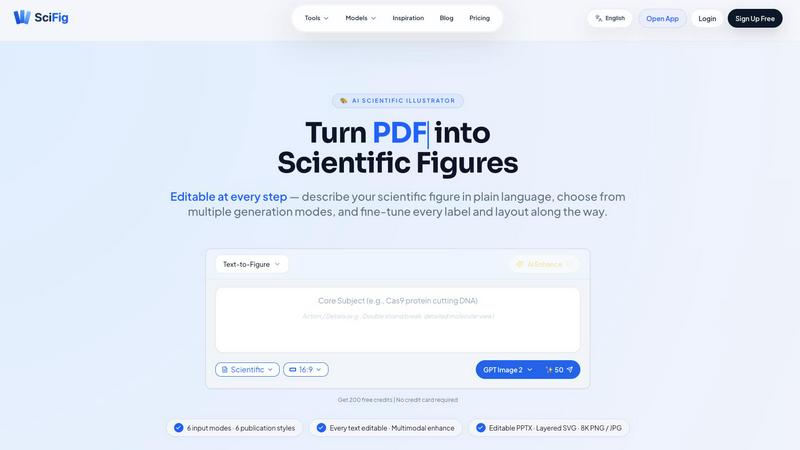
SciFig
SciFig turns text, sketches, PDFs, or photos into editable, publication-ready scientific figures with AI.
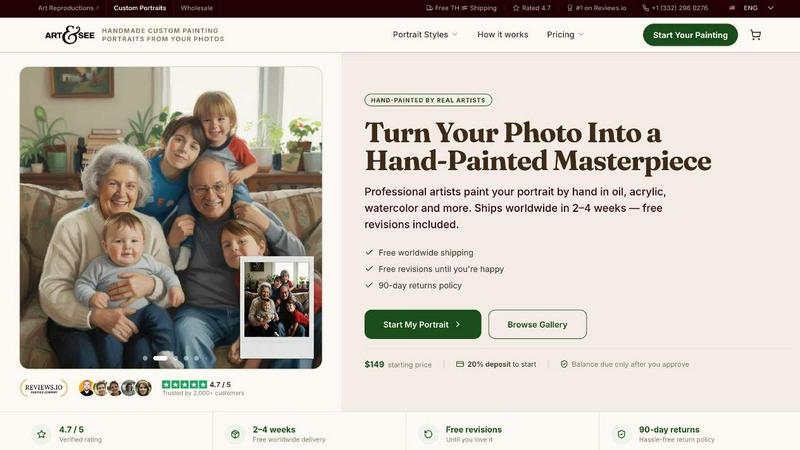
Art & See Custom Oil Painting Portraits
Transform your cherished memories into stunning custom oil painting portraits crafted by master artists, with free shipping included.
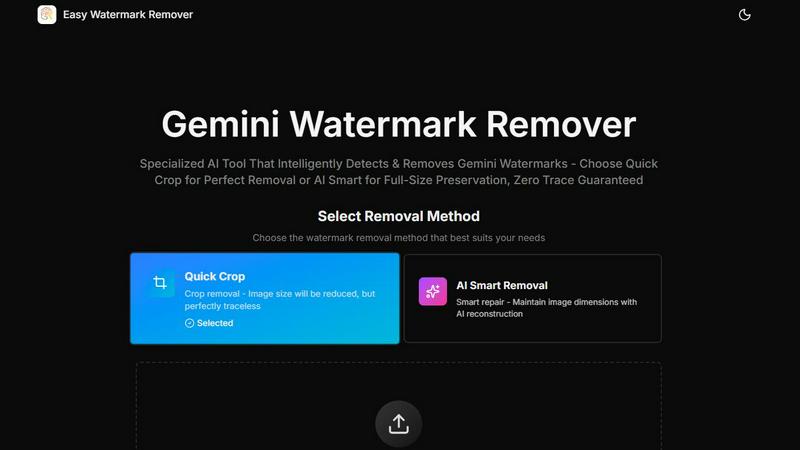
Easy Watermark Remover
Remove Google Gemini AI watermarks and SynthID instantly with AI smart removal or crop, no signup needed.
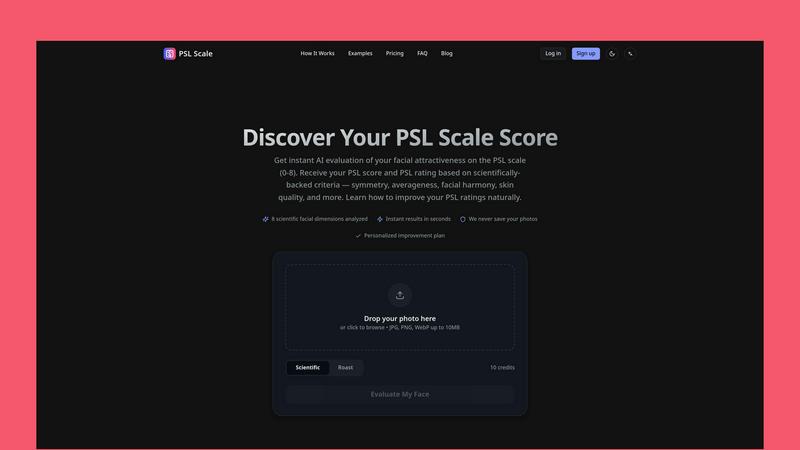
PSL SCALE
Get instant AI evaluation of your facial attractiveness with a PSL score from 0 to 8 based on scientific criteria like symmetry and harmony.
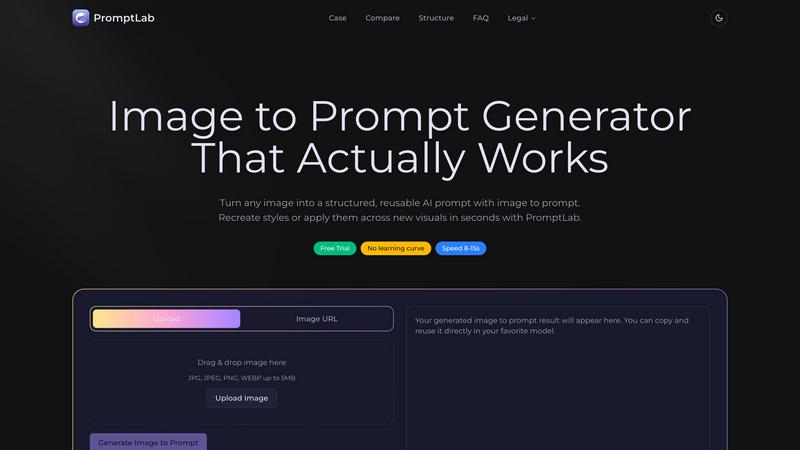
PromptLab Image to Prompt
Turn any image into a structured, reusable AI prompt to instantly recreate styles across new visuals with PromptLab.
Open Closed Eyes
Fix closed eyes in any photo instantly with AI - no login required, free to try.