
Bantr: Offline & Unlimited TTS for Mac
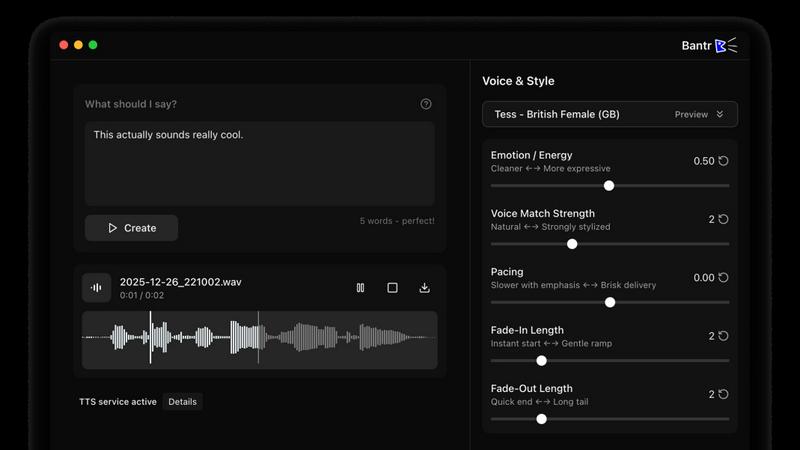
Bantr is an offline, unlimited text-to-speech app for Mac that delivers natural voices while ensuring your privacy.
About Bantr: Offline & Unlimited TTS for Mac
Bantr is a revolutionary text-to-speech (TTS) application designed exclusively for Mac users, leveraging Apple’s advanced MLX framework to deliver high-quality, natural-sounding voice synthesis. Unlike traditional TTS tools that rely on cloud services, Bantr operates entirely offline, ensuring that your data remains private and allowing for unlimited usage without the constraints of subscriptions or quotas. With over 150 voices to choose from, Bantr caters to various needs, whether for personal projects, educational purposes, or professional applications. Ideal for content creators, educators, and anyone seeking an efficient way to generate voiceovers, Bantr empowers users to produce studio-quality audio effortlessly. Once you purchase Bantr, you gain lifetime access, including continuous updates that enhance its functionality. Embrace the future of text-to-speech technology with Bantr—your ultimate offline solution for voice synthesis on Mac.
Features of Bantr: Offline & Unlimited TTS for Mac
Over 150 Voices
Bantr boasts an extensive library of more than 150 voices, providing users with a diverse range of options to match the tone and style of their content. Whether you're looking for a professional, warm, or friendly voice, Bantr has you covered, ensuring that your projects sound engaging and authentic.
Offline Functionality
One of Bantr's standout features is its ability to operate entirely offline. This means you can generate voiceovers without an internet connection, making it perfect for on-the-go projects or situations where privacy is paramount. Your data remains secure, and you can work without interruptions.
No Subscription or Quotas
With Bantr, you purchase the software once and enjoy unlimited access to its features without worrying about monthly fees or usage quotas. This straightforward pricing model allows users to focus on their projects without the stress of additional costs or restrictions.
Upcoming Features
Bantr is committed to continuous improvement and innovation. Future enhancements include the ability to clone custom voices, read various document formats, generate multi-speaker dialogues, and support for additional languages. This roadmap reflects the developers' dedication to responding to user feedback and evolving the software to meet diverse needs.
Use Cases of Bantr: Offline & Unlimited TTS for Mac
Educational Tools
Educators can leverage Bantr to create engaging audio materials for lessons, making learning more interactive. Whether for reading assignments or instructional videos, the natural-sounding voices enhance comprehension and retention for students of all ages.
Content Creation
Content creators, including podcasters and YouTubers, can use Bantr to produce high-quality voiceovers for their videos and audio content. The variety of voices allows creators to find the perfect match for their brand, elevating their projects to a professional level.
Accessibility Solutions
Bantr serves as an excellent tool for individuals with visual impairments or reading difficulties, such as dyslexia. By converting text to speech, it provides an accessible way to consume written content, fostering inclusivity and enhancing the learning experience.
Game Development
Game developers can utilize Bantr to generate voiceovers for characters and narratives, adding depth and personality to their games. The offline capability allows for seamless integration into development workflows, ensuring that voice assets are readily available without relying on external services.
Frequently Asked Questions
Is Bantr compatible with all Mac models?
Yes, Bantr is designed to work with macOS 15 and above, specifically optimized for Apple Silicon models (M1, M2, M3, M4, M5, etc.), ensuring smooth performance across various devices.
Can I use Bantr without an internet connection?
Absolutely! Bantr is a fully offline application, allowing you to generate voiceovers without needing an internet connection. This feature enhances your privacy and allows for uninterrupted work.
What types of documents can I upload for reading?
Bantr will soon support a variety of document formats, including PDFs, EPUBs, DOCX files, and more. This feature will allow you to easily convert written content into audio.
How often will Bantr receive updates?
Bantr is committed to continuous improvement, with regular updates planned based on user feedback. You can expect new features and enhancements over time, all included with your initial purchase.
Top Alternatives to Bantr: Offline & Unlimited TTS for Mac
MStudio
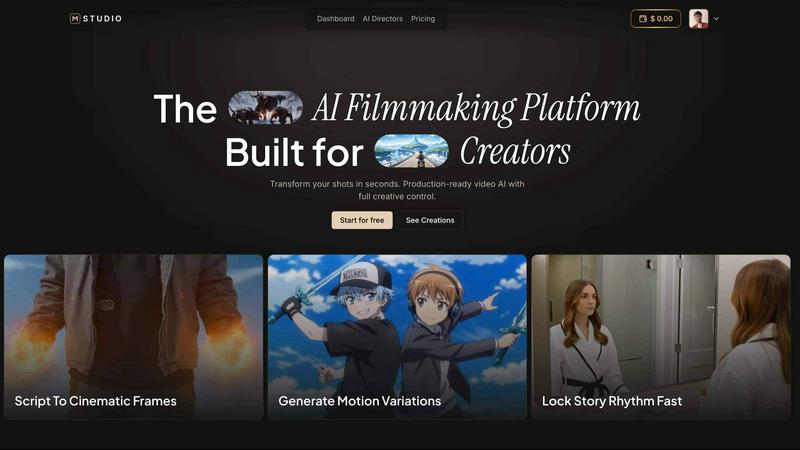
MStudio is the all-in-one AI filmmaking platform that turns your script into a pitch-ready storyboard with motion and sound in one session.
Alma by Olivares AI
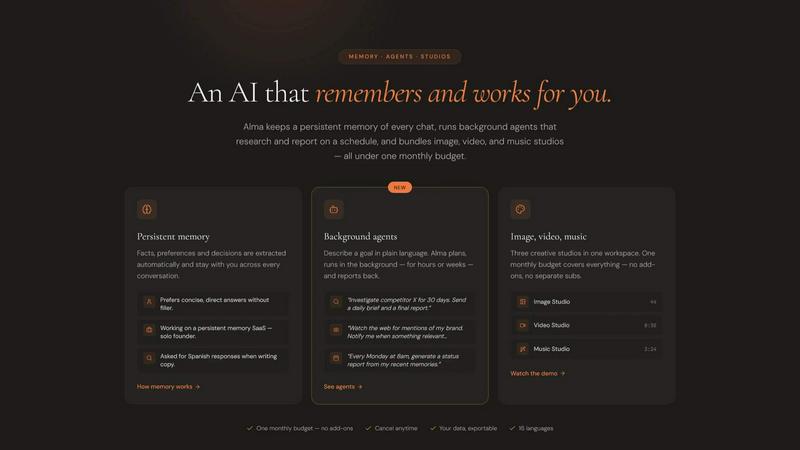
Alma by Olivares AI is your smart assistant that remembers, researches, and creates across image, video, and music all under one budget.
KPI Studio
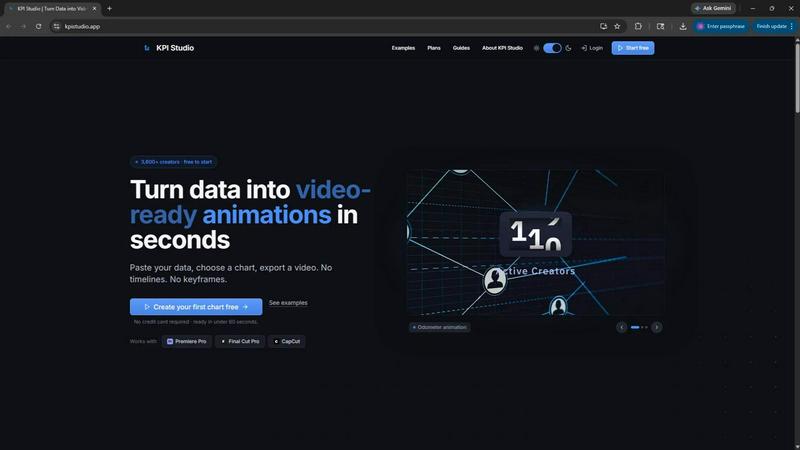
KPI Studio transforms your data into stunning video animations in seconds, making metrics engaging and easy to share with no design skills needed.
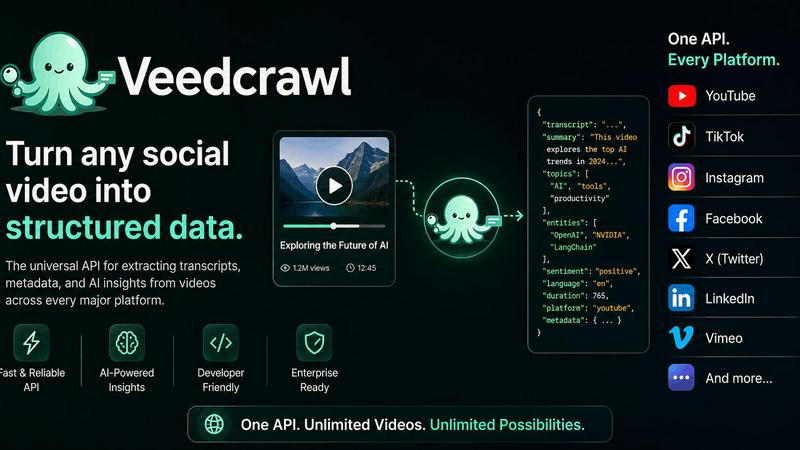
Veed Crawl
Turn any public social video URL into transcripts, metadata, and structured insights for your AI agents.
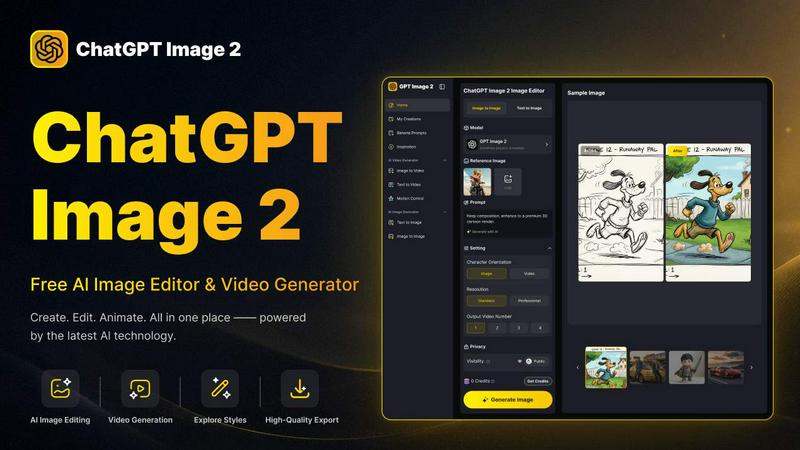
ChatGPT Image 2
Create stunning images, flawless text, and dynamic videos with ChatGPT Image 2, now 50% off for a limited time.
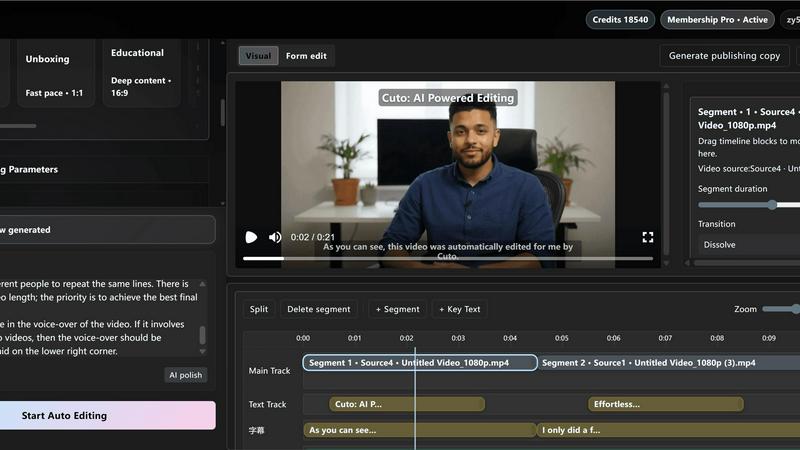
Cuto
Cuto turns your raw footage into polished, commercial-grade videos in 30 seconds with just one prompt and an editable AI edit plan.
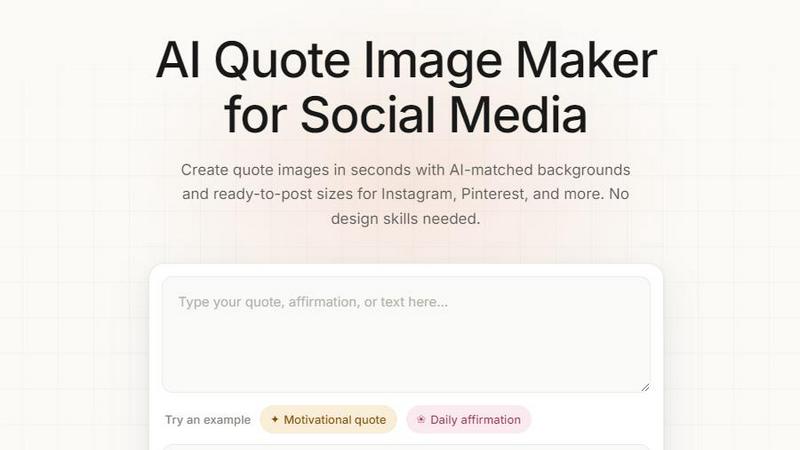
Quote Image Maker
Turn any quote into a stunning social graphic instantly with AI that matches backgrounds to your words, no design skills required.
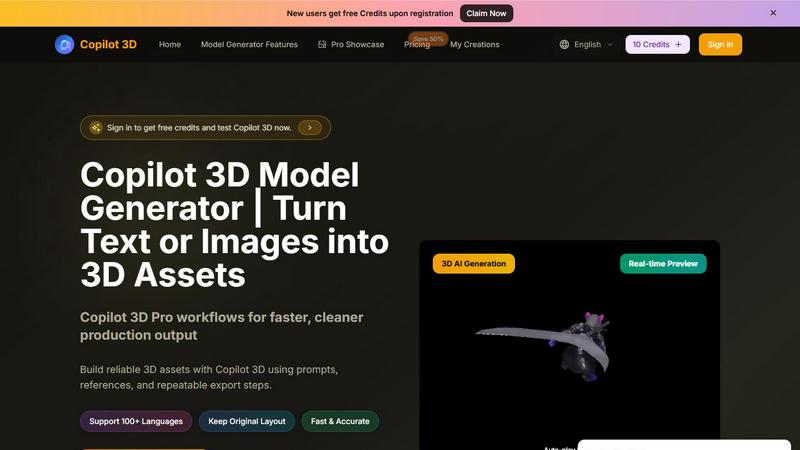
Copilot 3D
Copilot 3D instantly turns your text or images into production-ready 3D assets with fast, accurate AI generation and free credits for new users.