Blueberry
Blueberry is the all-in-one workspace for AI-driven web app development and delivery.
About Blueberry
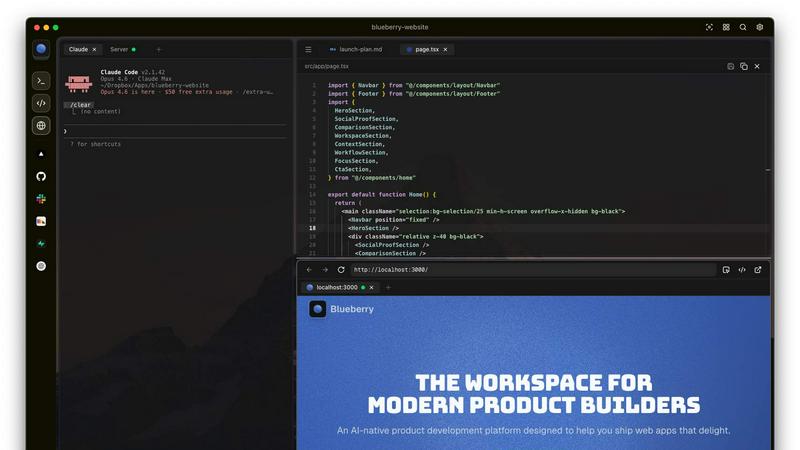
Blueberry is a revolutionary macOS application designed for modern product builders, seamlessly integrating your code editor, terminal, and browser into one focused workspace. Gone are the days of juggling multiple windows and losing context; Blueberry allows developers to focus on what truly matters—building exceptional web applications. With its AI-native capabilities, Blueberry connects to powerful models such as Claude, Codex, and Gemini via its built-in MCP server. This means your AI can see your files, understand terminal output, and provide live previews, all while you work. It's tailored for developers, designers, and product managers who want to streamline their workflow and enhance productivity. Experience the future of development with Blueberry, where your tools work together in harmony to help you ship web apps that delight users.
Features of Blueberry
Integrated Workspace
Blueberry combines a terminal, code editor, and preview browser into a single workspace, eliminating the need to switch between applications. This integration enables a fluid workflow where all your tools are accessible in one place, enhancing productivity and focus.
Contextual AI Interaction
With Blueberry's built-in MCP server, your AI can interact with the entire workspace. It has full context of your code, browser, and running apps, allowing it to provide intelligent suggestions and insights based on your current project state.
Pinned Apps
Keep essential tools like GitHub, Linear, Figma, and PostHog docked inside your Blueberry workspace. These pinned apps load alongside your project, sharing live context with your AI and providing a cohesive development experience without interruptions.
Screenshot & Element Selection
Blueberry allows you to capture screenshots or select elements directly from the preview browser, giving your AI visual context. This feature enhances the ability to provide feedback and suggestions based on actual interface elements, making development more intuitive.
Use Cases of Blueberry
Collaborative Development
Teams can use Blueberry to streamline collaboration by keeping all project files, discussions, and design tools in one integrated workspace. This fosters real-time communication and reduces the time spent switching between different applications.
Rapid Prototyping
Developers can quickly prototype web applications using Blueberry's live preview feature. As you code, you can instantly see changes reflected in the browser, allowing for faster iterations and a more efficient development cycle.
Enhanced Debugging
With a terminal that provides live output and context-aware AI support, debugging becomes a more manageable task. Blueberry helps identify issues in real-time, enabling developers to fix bugs faster and improve overall code quality.
Educational Tool for Developers
Blueberry serves as an excellent educational platform for new developers. By providing integrated tools and contextual AI support, learners can receive immediate assistance while coding, making the learning process more engaging and effective.
Frequently Asked Questions
What is Blueberry?
Blueberry is a macOS application that integrates your code editor, terminal, and browser into one workspace, enhancing productivity for modern product builders.
How does Blueberry improve workflow?
By combining essential development tools into a single workspace, Blueberry minimizes the need to switch between applications, allowing developers to focus more on coding and less on managing multiple windows.
Is Blueberry suitable for team collaboration?
Absolutely! Blueberry's integrated workspace and pinned apps facilitate effective collaboration among team members, ensuring everyone has access to the same tools and context.
When will Blueberry be available after the beta period?
While specific details about the post-beta period are not yet available, Blueberry is currently 100% free during its beta phase, allowing users to explore its features without any financial commitment.
Explore more in this category:
Top Alternatives to Blueberry

Use AI Tools
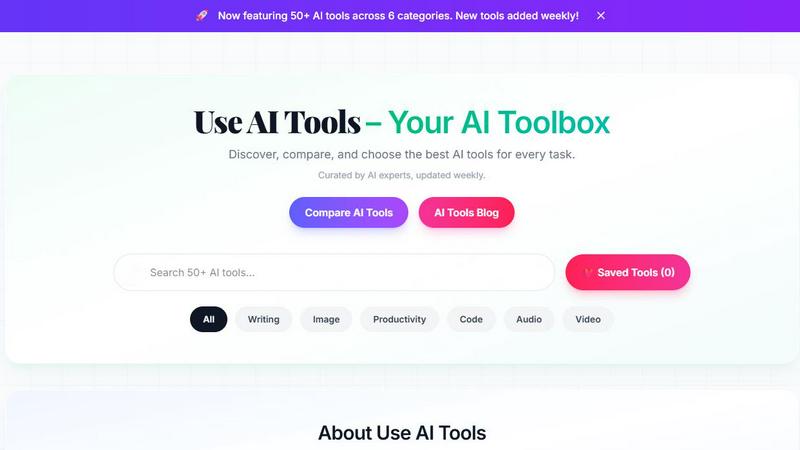
Discover, compare, and choose from 135+ handpicked AI tools across writing, image, and more, updated weekly.
Game Server Backend
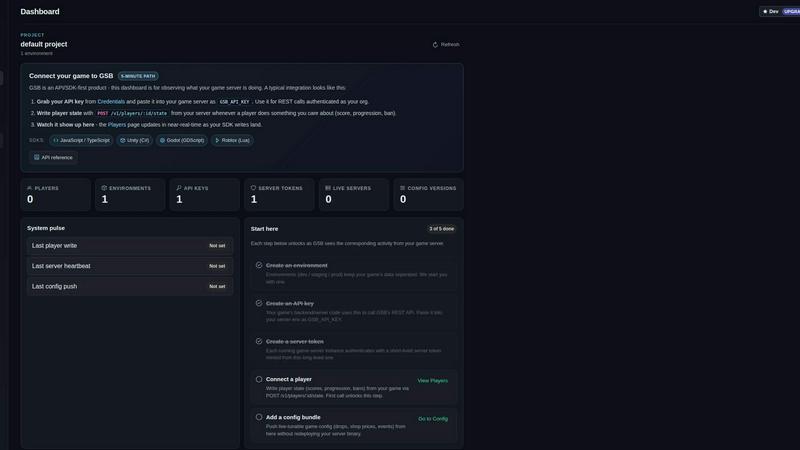
Game Server Backend simplifies multiplayer development with integrated player auth, data storage, and matchmaking on one powerful platform.
Veed Crawl
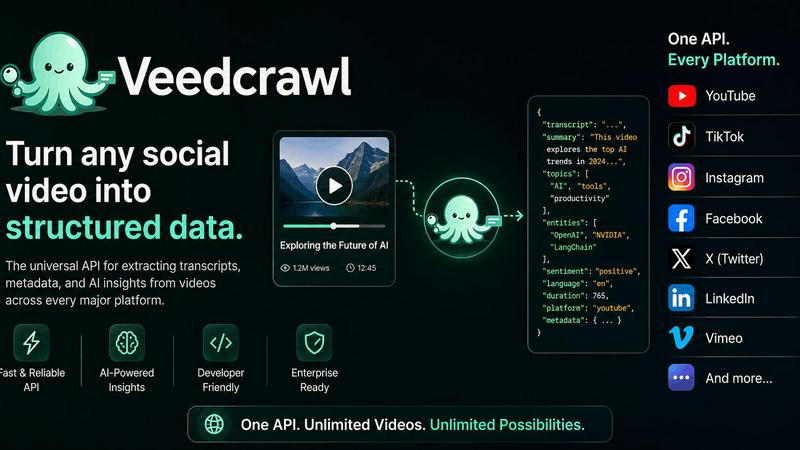
Turn any public social video URL into transcripts, metadata, and structured insights for your AI agents.
Headless Domains
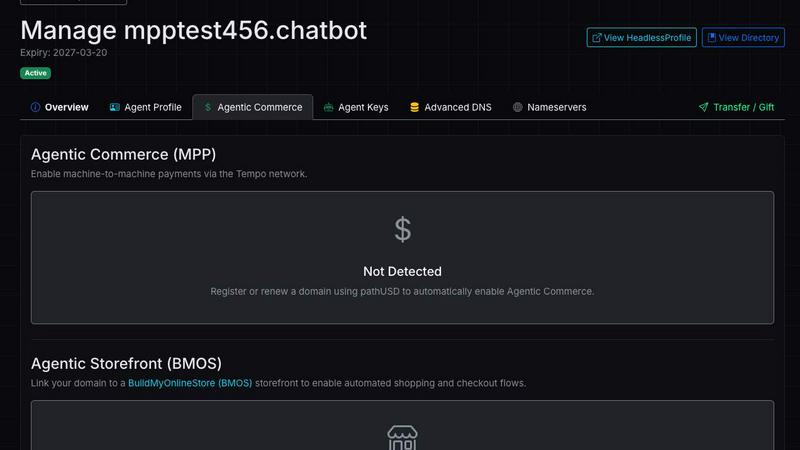
Empower your AI agent with a secure, verifiable identity through Headless Domains to enhance trust across digital platforms.