
ButterKit
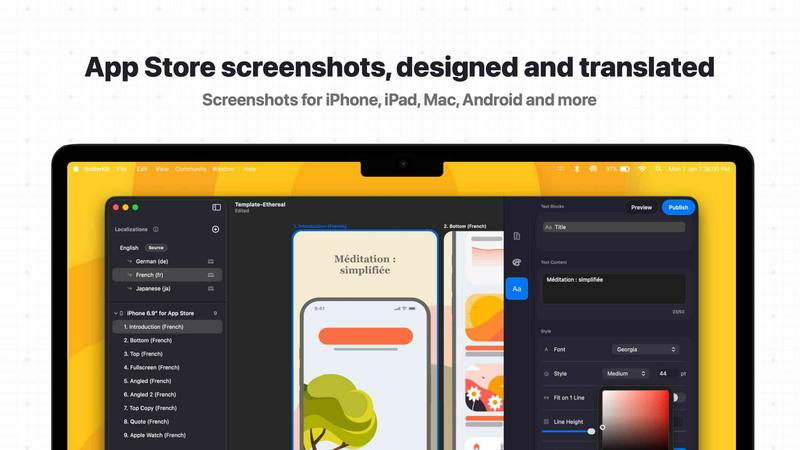
ButterKit lets you create polished App Store screenshots and metadata in minutes using 3D devices, templates, and Xcode integration.
About ButterKit
ButterKit is a native macOS application purpose-built for Apple developers who want to ship faster and reach more users across the global App Store. It solves one of the most painful and time-consuming parts of the app release process: creating, localizing, and publishing polished App Store screenshots and metadata. Instead of juggling multiple web tools, manual translation work, and tedious uploads, ButterKit gives you a single, smooth workflow that integrates directly with your existing development pipeline. You can capture screenshots directly from Xcode Simulator, drag and drop images onto photorealistic 3D device frames, and apply professional templates in seconds. The real magic is in localization: ButterKit translates your screenshots and metadata into all 50 App Store Connect languages using frontier AI models or 18 languages for free using on-device Apple Silicon. This means your app shows up in native language search results across every market Apple supports, dramatically increasing your potential reach. Built by a solo developer for developers who ship, ButterKit is designed to be a natural fit for Fastlane and CI/CD pipelines, with folder linking for input and output, custom fonts, 3D callouts, and MCP support so AI coding tools can automate the entire workflow. Thousands of developers, design studios, and marketing agencies already rely on ButterKit to turn a tedious chore into a seamless, one-click operation.
Features of ButterKit
Capture from Xcode Simulator
ButterKit integrates directly with Xcode and Simulator, allowing you to capture screenshots of your app in action without leaving your development environment. Unlike web-based tools that require manual file exports, this native integration saves significant time and enables rapid iteration. You can capture, adjust, and recapture until you get the perfect design, all within a smooth Metal-powered 3D rendering engine that runs at up to 120fps.
Drag and Drop Image Workflow
The simplest way to get started: drag PNG or JPG screenshot images directly onto the 3D device frames in ButterKit, and the app handles the rest. This intuitive interface means you can go from raw screenshots to polished, framed assets in seconds. No complex setup, no learning curve. It just works, letting you focus on the creative aspects of your App Store presentation.
Instant AI-Powered Translation
Translate your screenshots and app metadata into all 50 App Store Connect localizations in seconds. ButterKit supports frontier AI models with your own API key for maximum quality, or you can use the built-in on-device Apple Silicon translation for 18 languages completely free. The key advantage is that your designs stay perfectly synced across all languages, so you are not manually adjusting layouts for each translation.
Direct App Store Connect Upload
Once your screenshots and metadata are ready, ButterKit lets you batch export images or upload your designs directly to App Store Connect with a single click. Everything is placed in the correct order, ready for review. This eliminates the tedious manual upload process and ensures your localized assets are delivered exactly where they need to be, every time.
Use Cases of ButterKit
Indie Developer App Launches
Solo developers often skip localization because the manual effort feels overwhelming. ButterKit changes that by making translation trivial. An indie developer can capture screenshots from Simulator, apply a professional template, translate into all 50 languages in seconds, and upload directly to App Store Connect. This dramatically increases the app's visibility in international search results without adding hours of work.
Design Studio Client Deliverables
Design studios and marketing agencies managing multiple client apps can standardize their workflow with ButterKit. They can create branded templates, link folders of screenshots generated by client development teams, and produce consistent, high-quality App Store assets across all projects. The ability to use custom fonts, 3D callouts, and panoramic backgrounds ensures each client gets a unique, polished presentation.
Fastlane and CI/CD Integration
Teams using automated build pipelines can integrate ButterKit seamlessly. By linking entire folders for input and output, the app becomes a natural part of a Fastlane workflow or any CI/CD pipeline. Screenshots generated by Xcode UI tests are automatically picked up, framed, translated, and prepared for upload, making the entire release process hands-off and repeatable.
AI-Assisted App Store Optimization
With MCP support, ButterKit enables AI coding tools to automate the entire screenshot and metadata workflow. Developers can instruct AI assistants to generate screenshots, apply templates, translate content, and trigger uploads. This represents the cutting edge of app store optimization, where the tedious manual work is handled by intelligent automation, freeing developers to focus on building great apps.
Frequently Asked Questions
Does ButterKit require an internet connection to work?
ButterKit works offline for core design and capture features. For translation, you have two options: use on-device Apple Silicon translation for 18 languages completely free and offline, or use frontier AI models with your own API key, which requires an internet connection. The app is designed to be flexible based on your needs and privacy preferences.
Can I use my own custom fonts and branding in ButterKit?
Yes, absolutely. ButterKit supports full font, gradient, and background editing controls. You can use any custom fonts installed on your macOS system to match your app's branding. The 3D rendering engine also allows you to add 3D callouts and create seamless panoramic backgrounds that tie multiple artboards together for a cohesive visual story.
How does ButterKit integrate with Fastlane and CI/CD pipelines?
ButterKit is built with automation in mind. You can link entire folders for both input and output, meaning screenshots generated by Fastlane or Xcode UI tests are automatically detected and processed. The app outputs framed and translated assets to a designated folder, which can then be picked up by your CI/CD pipeline for upload. This makes it a natural, hands-off part of your release process.
Is ButterKit a subscription or a one-time purchase?
ButterKit is a native macOS app available for download. The pricing model is designed for developers who ship, with options to suit different needs. You can visit the pricing page on the ButterKit website for the most up-to-date information on plans and tiers. The app offers a free download to try, with professional templates and add-ons available in a growing community marketplace.
Top Alternatives to ButterKit
Game Server Backend
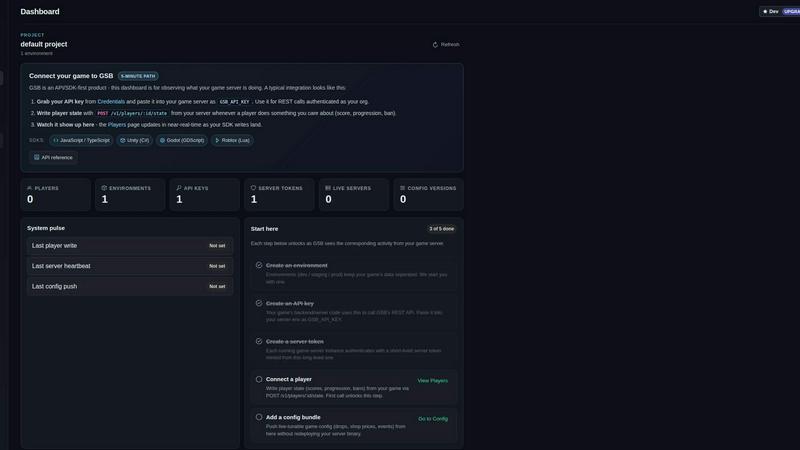
Game Server Backend simplifies multiplayer development with integrated player auth, data storage, and matchmaking on one powerful platform.
Veed Crawl
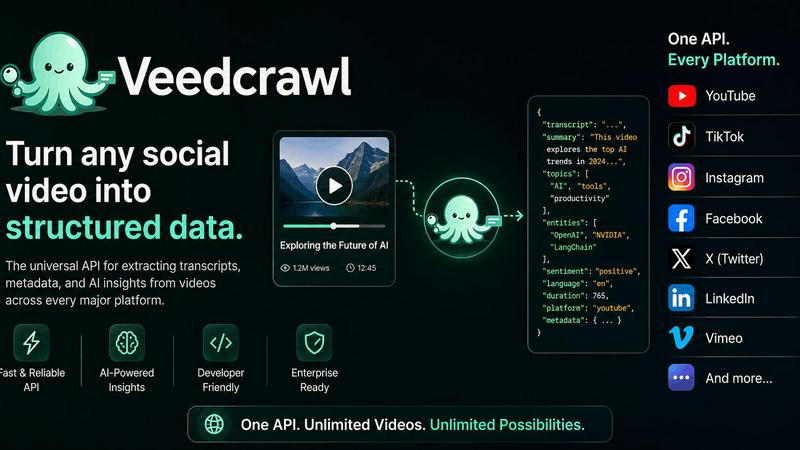
Turn any public social video URL into transcripts, metadata, and structured insights for your AI agents.
Headless Domains
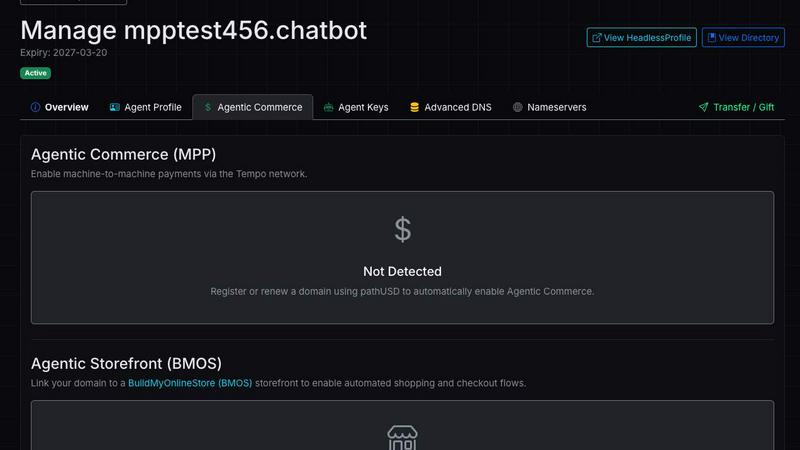
Empower your AI agent with a secure, verifiable identity through Headless Domains to enhance trust across digital platforms.
LoadTester
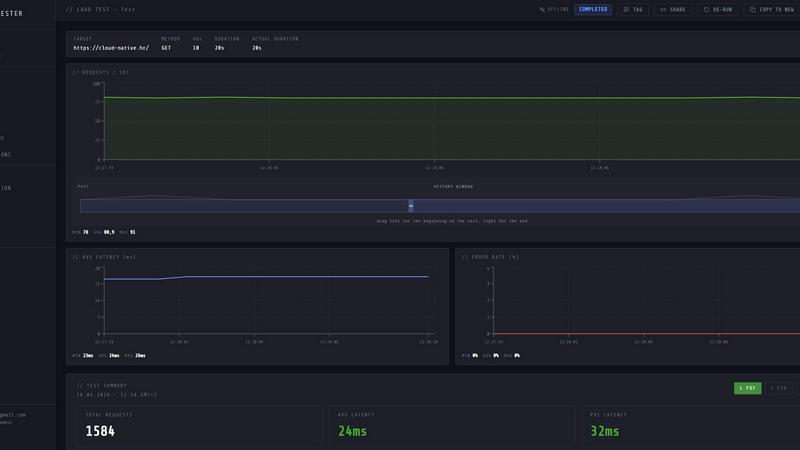
Launch distributed load tests from your browser or CI/CD with live analytics and zero infrastructure to manage.
Steam Workshop Downloader
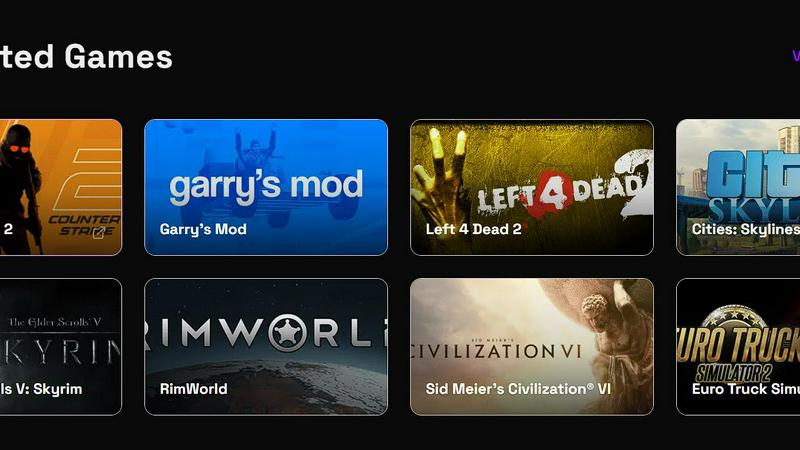
Paste any Steam Workshop URL to instantly download mods, maps, and skins for free with no login required.
ProcessSpy
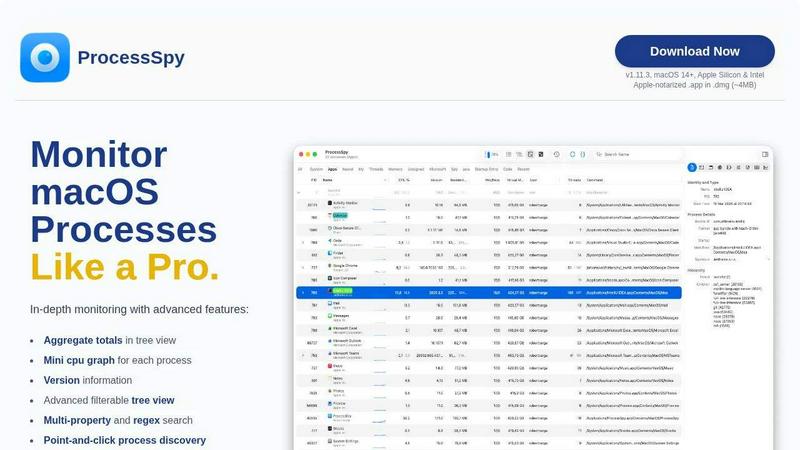
ProcessSpy is the ultimate Mac monitor that empowers you to track and analyze processes with advanced features for unmatched system insight.