CloudBurn
CloudBurn reveals AWS infrastructure costs in pull requests, preventing costly surprises before deployment.

About CloudBurn
CloudBurn is an innovative solution designed for teams using Terraform or AWS CDK who want to avoid costly infrastructure mistakes before they reach the production stage. Often, teams find themselves facing unpleasant surprises on their AWS bills weeks after deploying changes, by which time the infrastructure is already in place, and money has been spent. CloudBurn disrupts this cycle by providing real-time cost estimates during the code review process. When a developer opens a pull request with infrastructure modifications, CloudBurn automatically analyzes these changes using current AWS pricing data. This allows teams to see a detailed cost report right in their pull request, enabling informed discussions about costs before deployment. With CloudBurn, teams can catch expensive decisions early, ensuring that budget overruns are avoided and financial efficiency is maintained throughout the development lifecycle.
Features of CloudBurn
Automatic Cost Analysis
CloudBurn delivers automatic cost analysis on every infrastructure pull request, ensuring that all changes are evaluated for their financial impact. This feature allows developers to see the cost implications of their code changes before deployment, promoting cost-conscious decision-making.
Real-Time AWS Pricing
CloudBurn utilizes real-time AWS pricing tailored to your specific region, ensuring that the cost estimates provided are accurate and reflective of the current market. This means you can trust the figures you see, enabling you to make informed choices about your infrastructure.
Resource-Level Cost Breakdown
With CloudBurn, you receive a detailed resource-level breakdown that compares old and new monthly costs. This granular insight allows teams to pinpoint which specific changes will result in financial increases, making it easier to adjust plans or configurations accordingly.
Integration with GitHub Workflow
CloudBurn integrates seamlessly with your existing GitHub workflow, making setup a breeze. With just a few steps, teams can enable automated cost analysis for every pull request, streamlining the process of monitoring and managing cloud infrastructure expenses.
Use Cases of CloudBurn
Cost Management for Development Teams
Development teams can use CloudBurn to manage infrastructure costs effectively. By integrating cost analysis into the pull request process, teams can identify potential budget overruns before they occur, leading to more predictable financial planning.
Preventing Costly Production Mistakes
CloudBurn helps prevent costly mistakes from reaching production. By showing real-time cost estimates during the code review phase, teams can adjust their infrastructure changes before they become live, safeguarding against unexpected expenses.
Enhancing Financial Accountability
With CloudBurn's detailed cost reporting, teams can foster a culture of financial accountability. Developers can see the cost impact of their work, encouraging more mindful resource utilization and promoting a shared responsibility for cloud spending.
Streamlining CI/CD Workflows
CloudBurn enhances CI/CD workflows by integrating cost insights into the development pipeline. This automation saves time and effort for teams, allowing them to focus on building innovative solutions without the worry of spiraling costs.
Frequently Asked Questions
How does CloudBurn analyze cost changes?
CloudBurn analyzes cost changes by automatically examining the pull request's infrastructure modifications and comparing them against real-time AWS pricing data. This analysis provides an accurate cost estimate for each change.
Can CloudBurn be used with any AWS service?
Yes, CloudBurn is designed to work with various AWS services through Terraform and AWS CDK. It provides cost analysis for a wide range of resources, helping teams gain visibility into their cloud spending.
Is there a trial period for CloudBurn?
Yes, CloudBurn offers a 14-day Pro trial that allows users to experience all the premium features for free. Users can cancel at any time or continue using the Community plan indefinitely.
How secure is CloudBurn?
CloudBurn prioritizes security by handling billing, setup, and permissions entirely through GitHub. This ensures that user data and infrastructure configurations are managed securely within a trusted environment.
Explore more in this category:
Top Alternatives to CloudBurn


Use AI Tools
Discover, compare, and choose from 135+ handpicked AI tools across writing, image, and more, updated weekly.

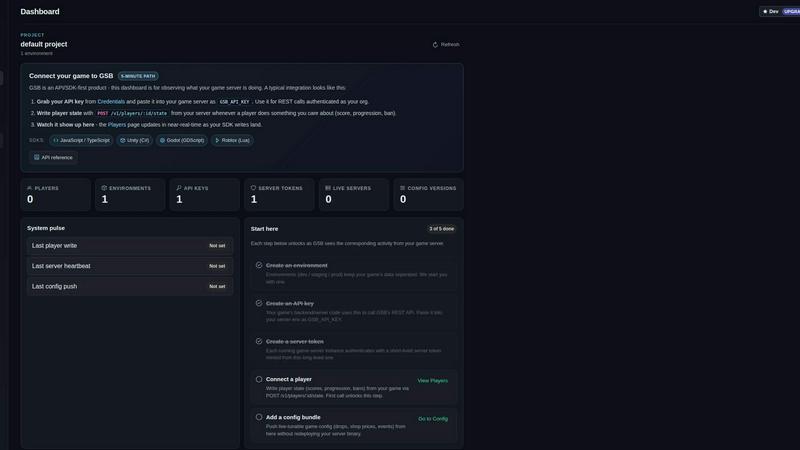
Game Server Backend
Game Server Backend simplifies multiplayer development with integrated player auth, data storage, and matchmaking on one powerful platform.
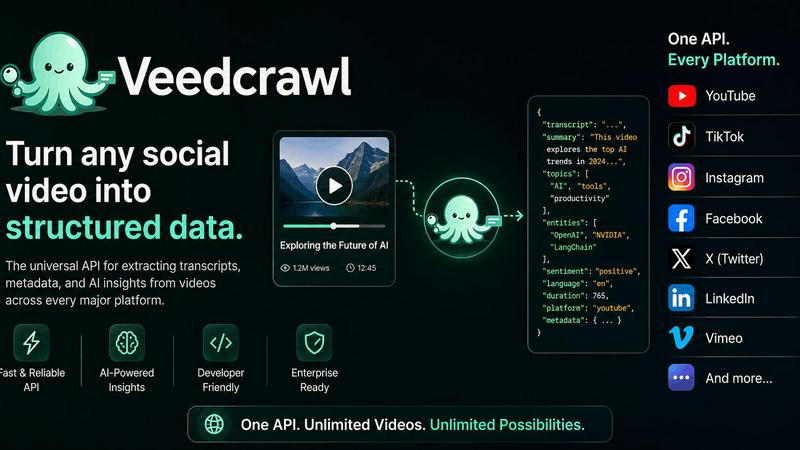
Veed Crawl
Turn any public social video URL into transcripts, metadata, and structured insights for your AI agents.
Headless Domains
Empower your AI agent with a secure, verifiable identity through Headless Domains to enhance trust across digital platforms.