
FragCut
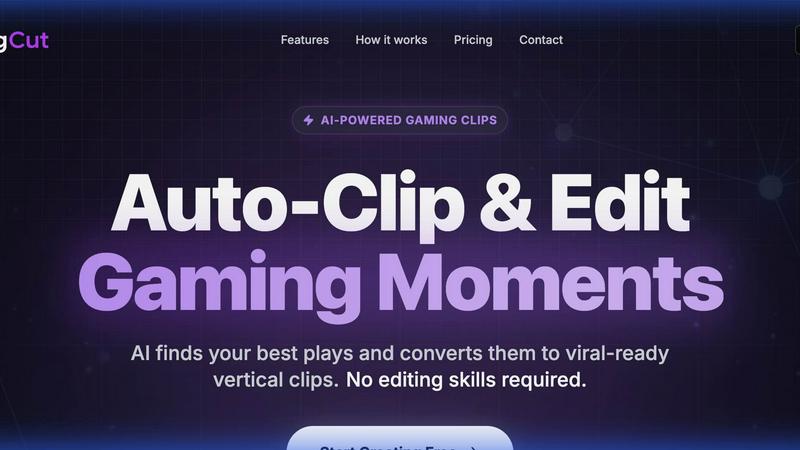
Transform your gameplay into viral clips instantly with FragCut's AI-powered editing, no effort required.
About FragCut
FragCut is the revolutionary AI-powered tool designed specifically for gamers and content creators who want to amplify their online presence without the tedious hours spent on video editing. With FragCut, you can effortlessly create engaging highlights from your Twitch VODs, turning epic gameplay moments into shareable clips for platforms like TikTok, Instagram Reels, and YouTube Shorts in just 10-20 minutes. Whether you are a seasoned streamer, a passionate gamer, or a budding content creator, FragCut streamlines the clip creation process, automatically detecting the best moments from your gameplay. This allows you to focus on what you love most—gaming and engaging with your audience—while we handle the heavy lifting of capturing and editing your content. With over 500 creators already trusting FragCut, it’s time to elevate your social media game and connect with your audience like never before.
Features of FragCut
AI Highlight Detection
FragCut's cutting-edge AI technology meticulously analyzes your gameplay videos to pinpoint the most exhilarating moments, such as kills, aces, and clutch plays. This automatic highlight detection allows you to focus on your performance while we capture the excitement.
Vertical Format
In today’s fast-paced social media landscape, vertical video is king. FragCut effortlessly converts your landscape footage into a 9:16 vertical format, perfectly optimized for TikTok, Reels, and Shorts. No more manual cropping; just upload and let FragCut do the rest.
Auto Subtitles
Enhance viewer engagement with auto-generated subtitles that are burned into your clips. Our advanced speech-to-text technology ensures that your content is accessible, even for viewers watching on mute, making your highlights more shareable than ever.
Montage Maker
The Montage Maker feature allows you to effortlessly stitch together multiple clips into a single video. With an intuitive drag-and-drop interface and an Auto Stitch option, creating highlight compilations in seconds has never been easier.
Use Cases of FragCut
Streamer Content Creation
For streamers looking to grow their audience, FragCut provides a fast and efficient way to create engaging clips from lengthy VODs. Say goodbye to the hours spent editing—now you can produce content quickly and consistently.
Social Media Marketing
Content creators can leverage FragCut to generate eye-catching clips specifically tailored for social media platforms. With optimized vertical formats and engaging highlights, you can capture the attention of your audience in just a few clicks.
Community Engagement
Use FragCut to create relatable and entertaining clips that resonate with your community. By sharing funny moments, epic plays, or unexpected fails, you can foster a deeper connection with your followers and encourage them to engage with your content.
Highlight Reels for Competitions
Competitive gamers can utilize FragCut to compile highlight reels that showcase their best moments in tournaments or matches. Quickly create professional-looking reels that can be shared with sponsors and fans alike, elevating your competitive profile.
Frequently Asked Questions
How does FragCut work?
FragCut works by allowing users to upload their gameplay videos, after which our AI analyzes the footage to detect highlight moments. It then creates optimized vertical clips for social media sharing, all within minutes.
What subscription plans do you offer?
FragCut offers flexible subscription plans tailored to various creator needs. Users can choose from different tiers based on their usage and the features they require, with the ability to cancel anytime.
Which games does FragCut support?
FragCut is optimized for a wide range of popular games, including but not limited to Valorant, Counter-Strike 2, and Fortnite. The tool is designed to cater to the diverse gaming community.
How long does video processing take?
Video processing times vary based on the length and complexity of the video, but users can expect a turnaround time of approximately 15-30 minutes for typical gameplay footage, allowing for quick content production.
Explore more in this category:
Top Alternatives to FragCut
MStudio
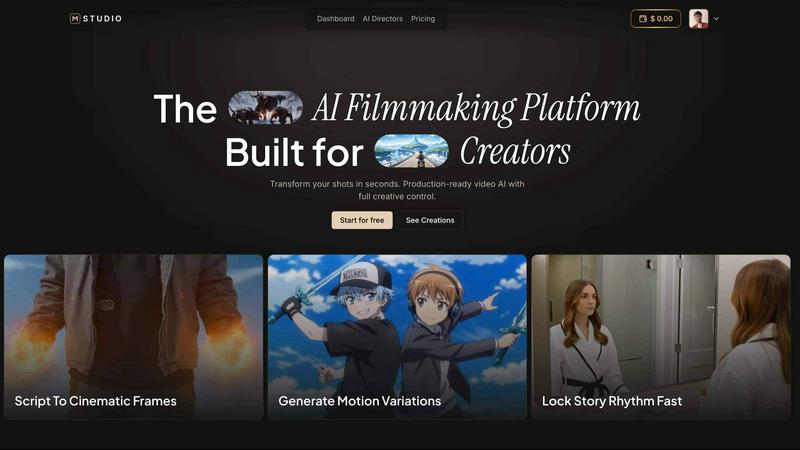
MStudio is the all-in-one AI filmmaking platform that turns your script into a pitch-ready storyboard with motion and sound in one session.

Alma by Olivares AI
Alma by Olivares AI is your smart assistant that remembers, researches, and creates across image, video, and music all under one budget.
KPI Studio
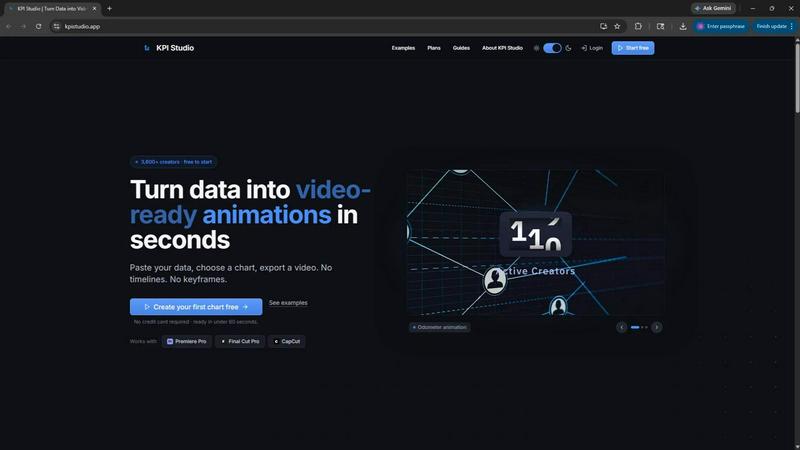
KPI Studio transforms your data into stunning video animations in seconds, making metrics engaging and easy to share with no design skills needed.
Veed Crawl
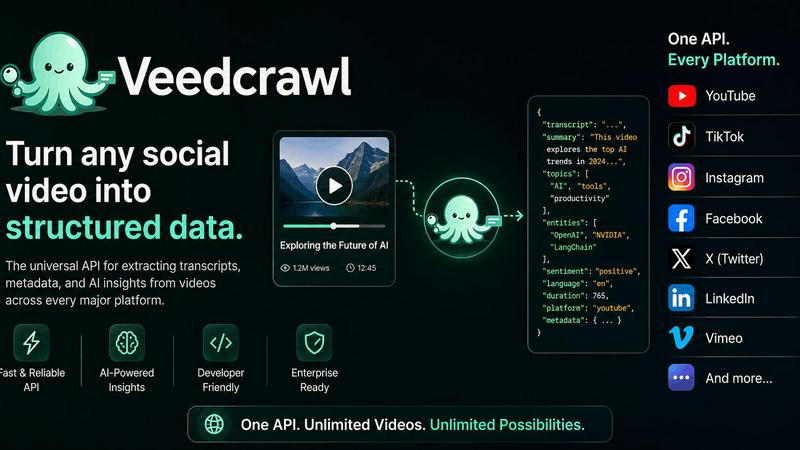
Turn any public social video URL into transcripts, metadata, and structured insights for your AI agents.
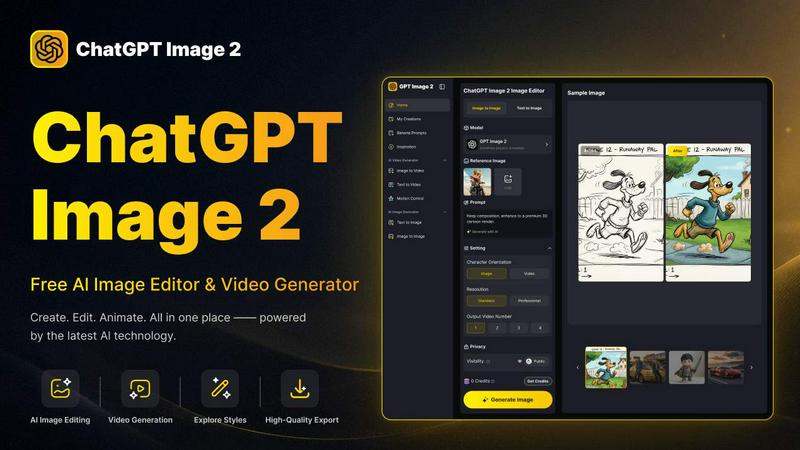
ChatGPT Image 2
Create stunning images, flawless text, and dynamic videos with ChatGPT Image 2, now 50% off for a limited time.
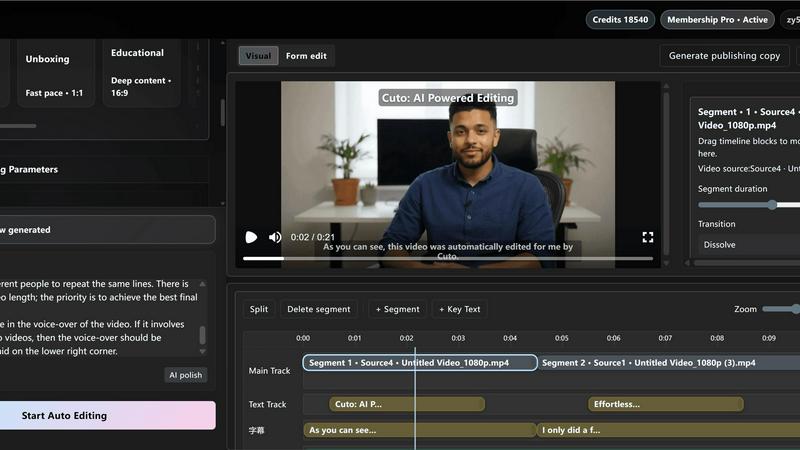
Cuto
Cuto turns your raw footage into polished, commercial-grade videos in 30 seconds with just one prompt and an editable AI edit plan.
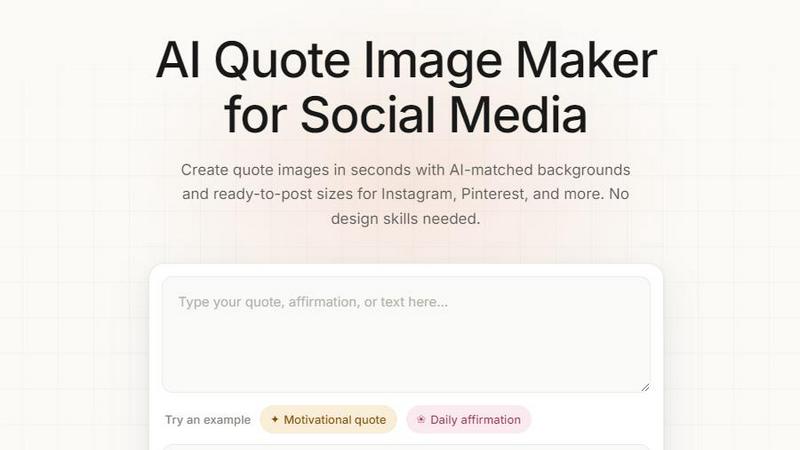
Quote Image Maker
Turn any quote into a stunning social graphic instantly with AI that matches backgrounds to your words, no design skills required.
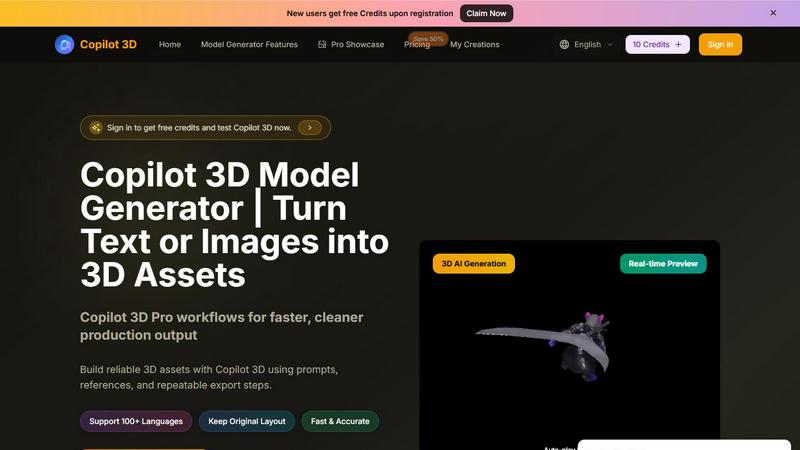
Copilot 3D
Copilot 3D instantly turns your text or images into production-ready 3D assets with fast, accurate AI generation and free credits for new users.