
Kling Motion Control (Kling VIDEO 2.6)
Transform any video motion into stunning character animations for TikTok, Reels, and more with Kling Motion Control.
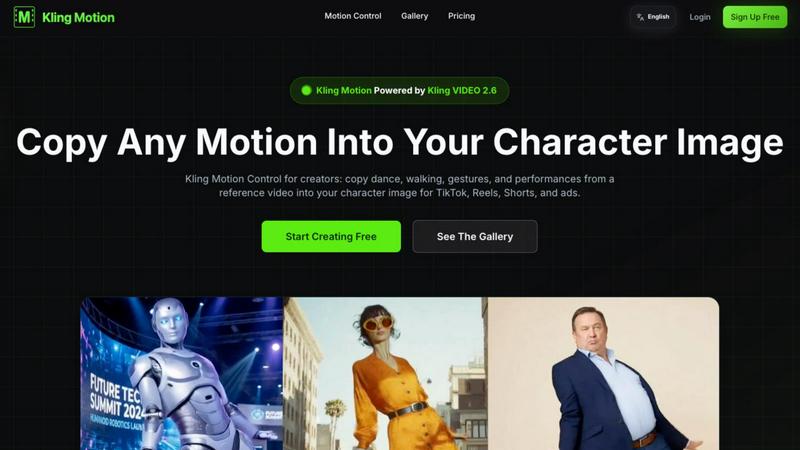
About Kling Motion Control (Kling VIDEO 2.6)
Kling Motion Control, powered by Kling VIDEO 2.6, is an innovative AI-driven tool designed for creators looking to seamlessly convert static character images into captivating motion-driven videos. By utilizing motion transfer technology, Kling Motion Control allows users to copy dynamic movements from various reference videos—such as dance routines, gestures, or performance snippets—into their character images. This makes it an ideal solution for anyone engaged in short-form content creation, including TikTok videos, Instagram Reels, YouTube Shorts, and ad campaigns, without the complexity of manual animation. The standout feature of Kling Motion Control is its ability to lock in motion first and then provide customization options for backgrounds, lighting, and styles through text prompts. This process offers creators a structured, repeatable workflow that eliminates the unpredictability often associated with AI video generation, ultimately enriching the content creation experience.
Features of Kling Motion Control (Kling VIDEO 2.6)
Motion Extraction
Kling Motion Control's advanced AI algorithm enables users to extract precise motion data from any video. This feature enhances the accuracy of motion reproduction, ensuring that the transferred movements closely mimic the original performance.
Full Body Motion
This feature captures comprehensive body movements, including nuanced facial expressions and intricate hand gestures. It allows users to create lively and engaging videos that resonate with viewers by portraying realistic character emotions and actions.
Hand Gesture Recognition
Kling Motion Control includes sophisticated hand gesture recognition technology that accurately tracks and reproduces detailed hand movements. This capability adds an extra layer of expressiveness to character animations, perfect for storytelling and interactive content.
Prompt-Guided Creation
With the prompt-guided creation feature, users can leverage natural language prompts to customize their motion control outputs. This user-friendly approach allows for fine-tuning of backgrounds, lighting, and overall visual style while maintaining the integrity of the transferred motion.
Use Cases of Kling Motion Control (Kling VIDEO 2.6)
Social Media Content Creation
Content creators can utilize Kling Motion Control to generate eye-catching videos for platforms like TikTok and Instagram. By incorporating dynamic movements into their character images, creators can enhance viewer engagement and increase shareability.
Marketing and Advertising
Businesses can leverage Kling Motion Control to produce professional-quality ad creatives quickly. By animating characters with relevant gestures and movements, brands can deliver compelling messages that capture audience attention and drive conversions.
Educational Videos
Educators can create interactive and engaging video content using Kling Motion Control. By animating character images to demonstrate concepts or illustrate storytelling, educators can enhance learning experiences and keep students captivated.
Personalized Video Messages
Individuals and businesses can utilize Kling Motion Control to craft personalized video messages or greetings. By customizing character animations to fit the message, users can create unique and memorable content for special occasions or promotions.
Frequently Asked Questions
What is Kling Motion? How is it different from typical AI Video Generation?
Kling Motion is an AI-powered tool that allows for precise motion transfer from reference videos to character images. Unlike typical AI video generation that may rely solely on random prompts, Kling Motion focuses on accurately copying movements, resulting in more realistic and engaging animations.
What is Kling Motion Control? Who is it for?
Kling Motion Control is an enhanced version of Kling Motion that offers more customization options. It is designed for content creators, marketers, educators, and anyone looking to produce high-quality animated videos without extensive animation skills.
What's the relationship between Kling VIDEO 2.6 and Kling Motion Control?
Kling Motion Control is built on the powerful foundation of Kling VIDEO 2.6. The latter provides the underlying technology that enables motion transfer, while Kling Motion Control enhances user experience with added customization features.
What materials do I need to use Kling Motion Control?
To use Kling Motion Control, you need a reference video (3-30 seconds) that showcases the desired motion and a static character image that you want to animate. Both can be uploaded easily to start the motion transfer process.
Explore more in this category:
Top Alternatives to Kling Motion Control (Kling VIDEO 2.6)
Ltx 2.5 AI Video Generator
Ltx 2.5 turns your text or images into stunning, controllable AI videos in seconds, ready to share.
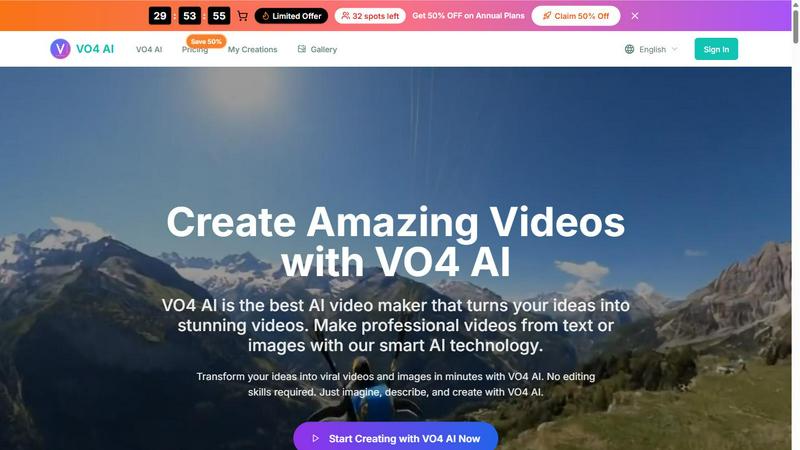
VO4 AI
Create stunning viral videos in minutes from text or images with VO4 AI's powerful and intuitive video generation technology.
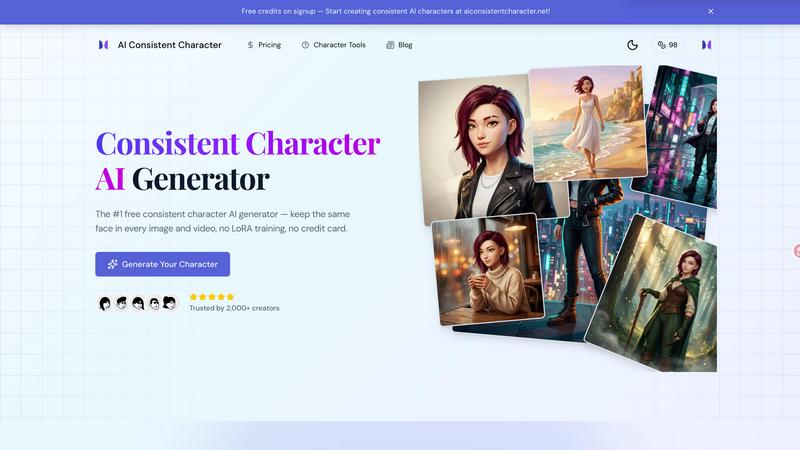
AI Consistent Character
Generate any character once and reuse them in every image and video instantly with zero training, completely free.
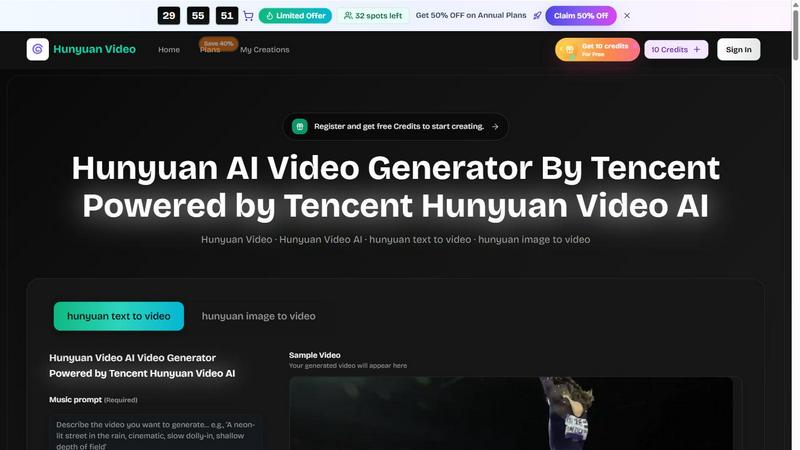
Hunyuan Video
Tencent Hunyuan Video turns text or images into high-quality AI-generated videos with simple prompts and fast, polished results.
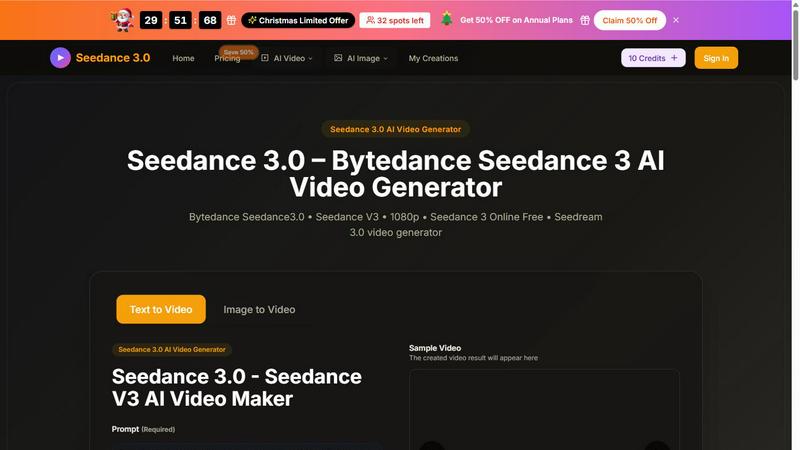
Seedance 3 AI Video Generator
Turn text or images into stunning 1080p videos with Seedance 3, featuring consistent characters and cinematic quality.
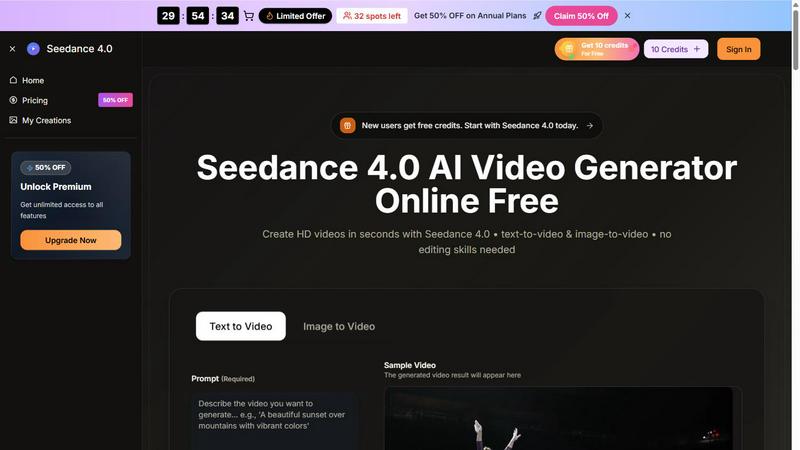
Seedance 4.0 AI Video Generator
Turn prompts and images into stunning HD videos in seconds with Seedance 4.0's powerful browser-based workflow.
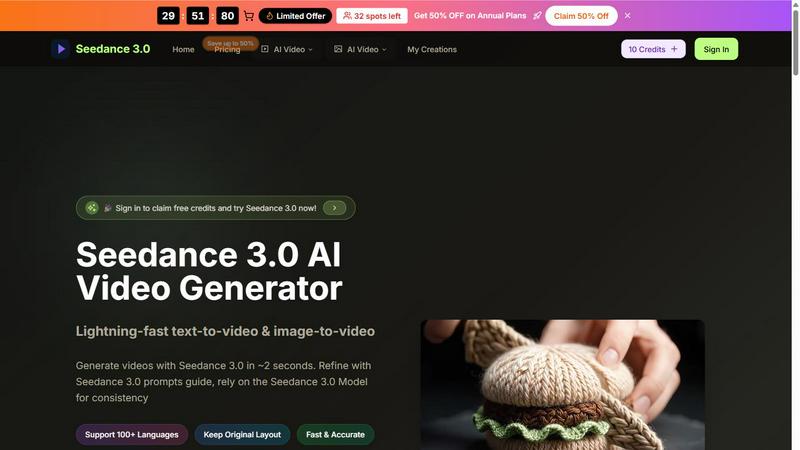
Seedance 3.0 AI Video Generator
Seedance 3.0 instantly creates stunning, professional videos from your text or images in just seconds.
Genie 4 AI 3D World Generator
Transform text into stunning real-time 3D worlds effortlessly with Genie 4 AI, perfect for creators, researchers, and educators alike.