

Alternatives to Kling Motion Control (Kling VIDEO 2.6)
Transform any video motion into stunning character animations for TikTok, Reels, and more with Kling Motion Control.
Explore 20 alternatives to Kling Motion Control (Kling VIDEO 2.6). Compare features, pricing, and find the best fit for your needs.
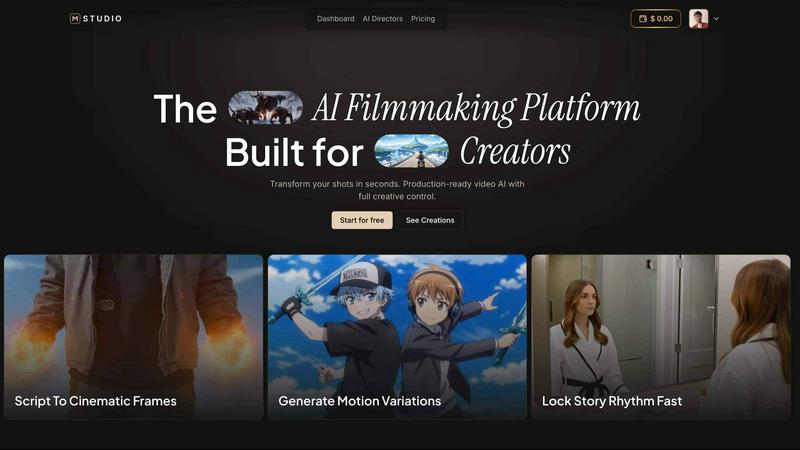
MStudio
MStudio is the all-in-one AI filmmaking platform that turns your script into a pitch-ready storyboard with motion and sound in one session.
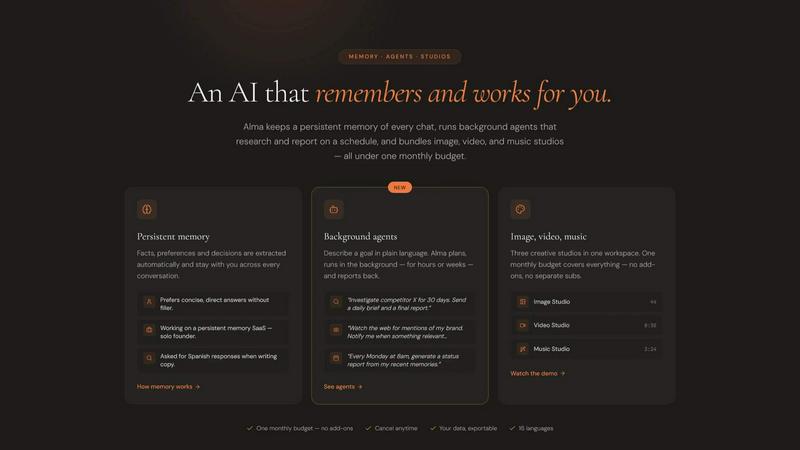
Alma by Olivares AI
Alma by Olivares AI is your smart assistant that remembers, researches, and creates across image, video, and music all under one budget.
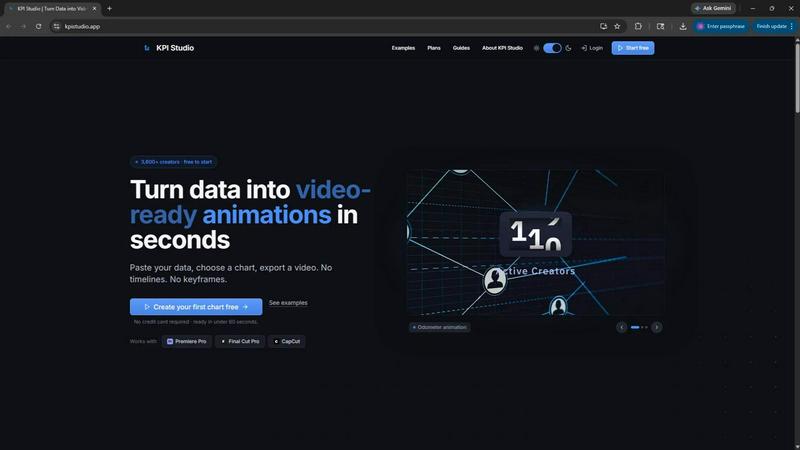
KPI Studio
KPI Studio transforms your data into stunning video animations in seconds, making metrics engaging and easy to share with no design skills needed.
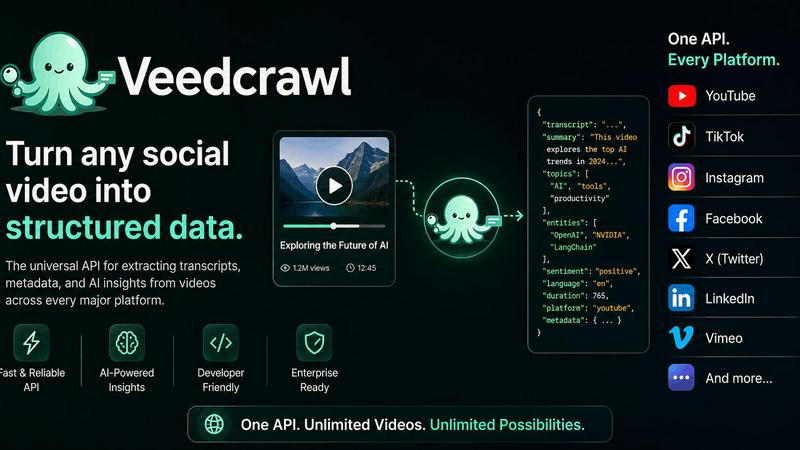
Veed Crawl
Turn any public social video URL into transcripts, metadata, and structured insights for your AI agents.
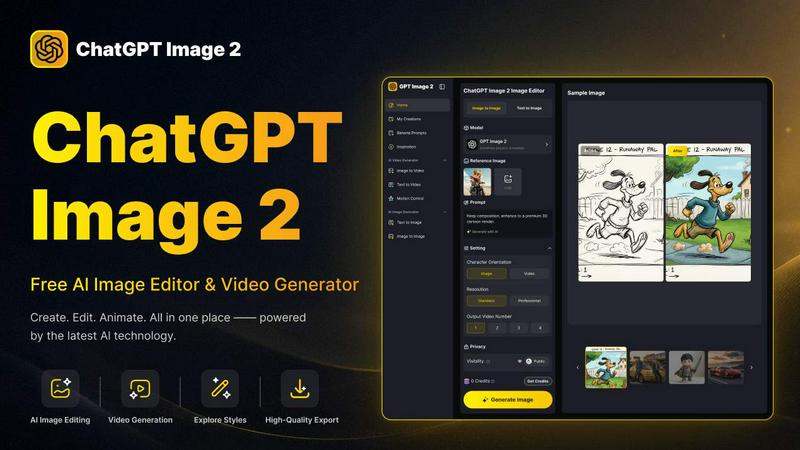
ChatGPT Image 2
Create stunning images, flawless text, and dynamic videos with ChatGPT Image 2, now 50% off for a limited time.
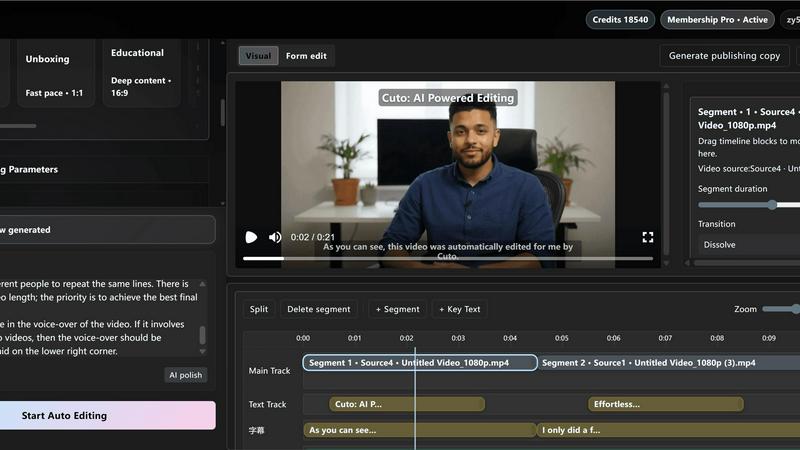
Cuto
Cuto turns your raw footage into polished, commercial-grade videos in 30 seconds with just one prompt and an editable AI edit plan.
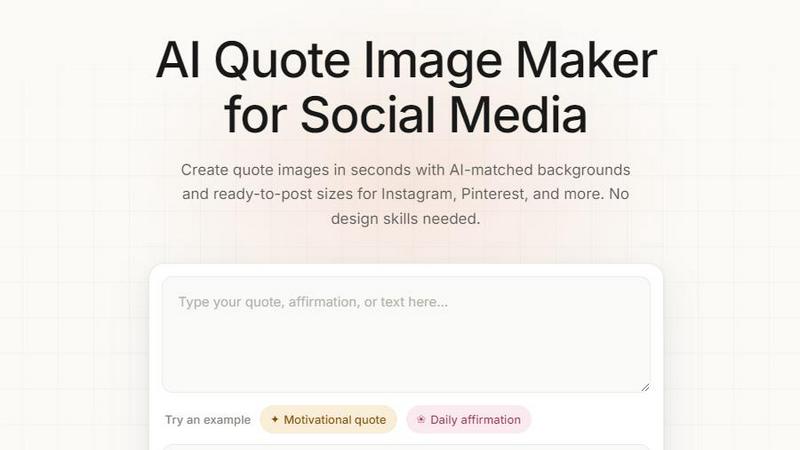
Quote Image Maker
Turn any quote into a stunning social graphic instantly with AI that matches backgrounds to your words, no design skills required.
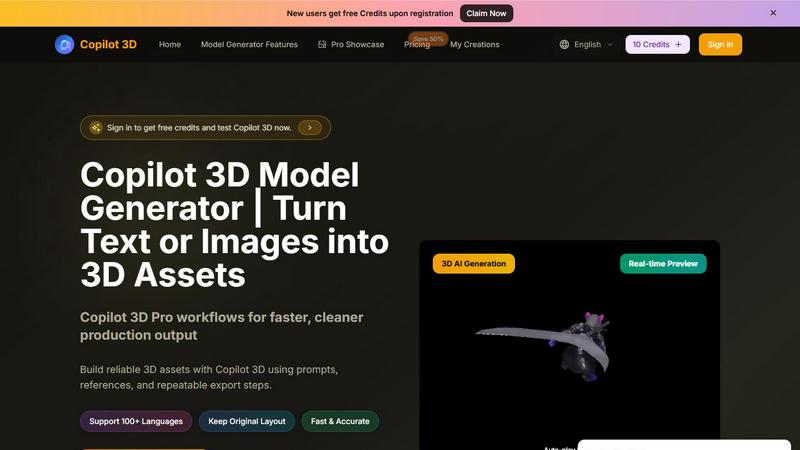
Copilot 3D
Copilot 3D instantly turns your text or images into production-ready 3D assets with fast, accurate AI generation and free credits for new users.
Ltx 2.5 AI Video Generator
Ltx 2.5 turns your text or images into stunning, controllable AI videos in seconds, ready to share.
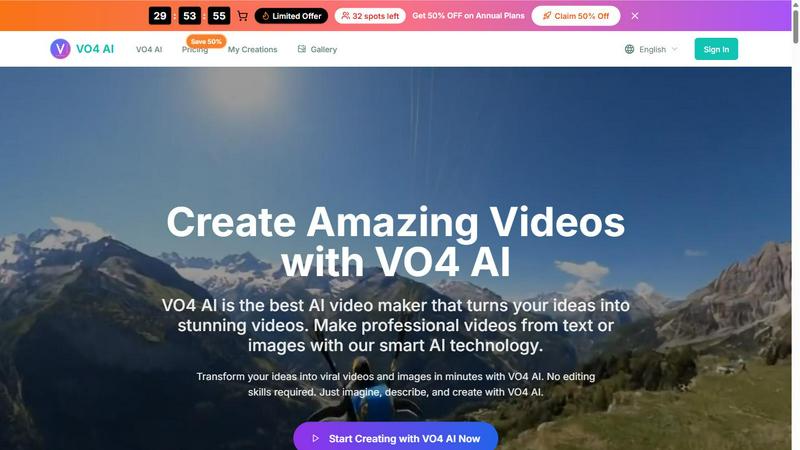
VO4 AI
Create stunning viral videos in minutes from text or images with VO4 AI's powerful and intuitive video generation technology.

EsyBlog
EsyBlog transforms any dataset into editorial-grade articles that sound human, helping serious SEO teams publish a thousand pieces in a single.
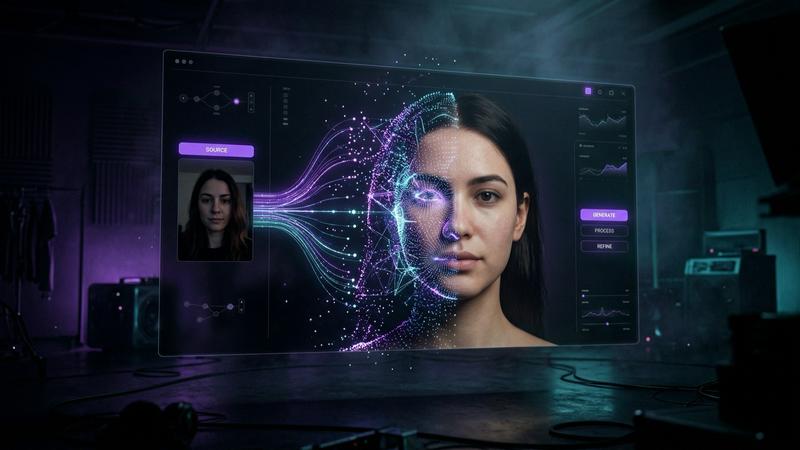
Polymorf
Polymorf turns your selfie into a digital twin with 300+ voices in 40 languages for instant studio-quality video without any equipment.

FormBlink - AI-powered form builder
FormBlink instantly creates ready-to-use forms from your prompts, eliminating setup time and hassle for seamless data collection.
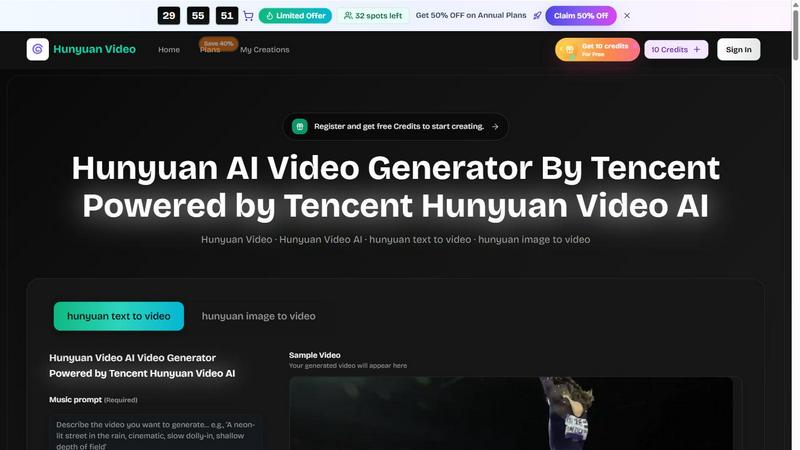
Hunyuan Video
Tencent Hunyuan Video turns text or images into high-quality AI-generated videos with simple prompts and fast, polished results.
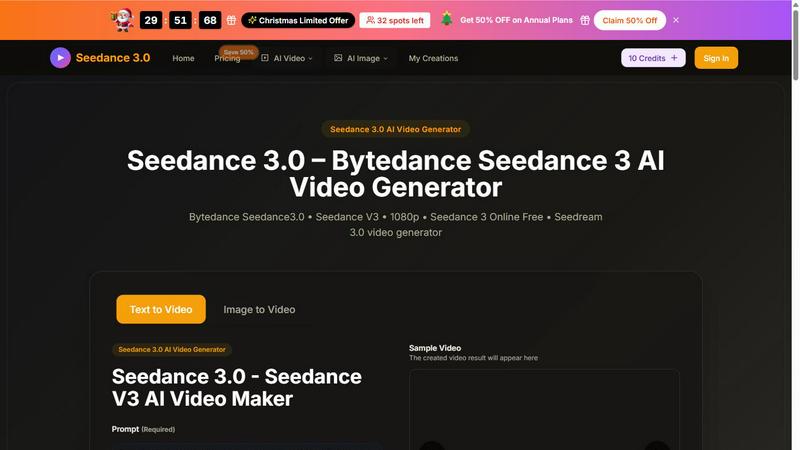
Seedance 3 AI Video Generator
Turn text or images into stunning 1080p videos with Seedance 3, featuring consistent characters and cinematic quality.
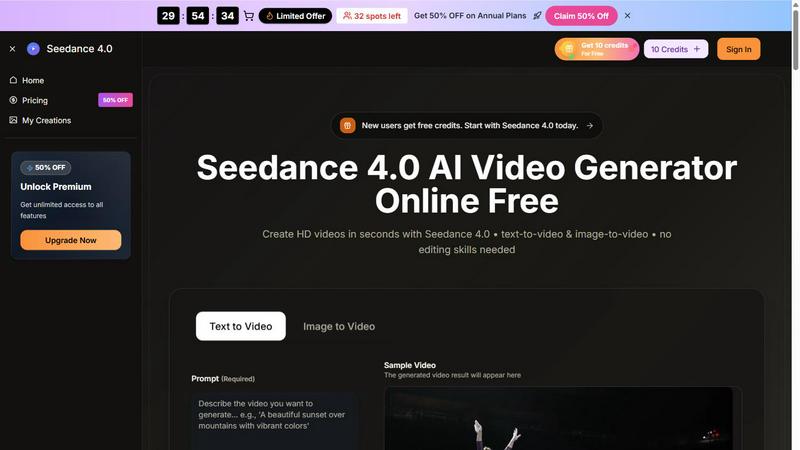
Seedance 4.0 AI Video Generator
Turn prompts and images into stunning HD videos in seconds with Seedance 4.0's powerful browser-based workflow.
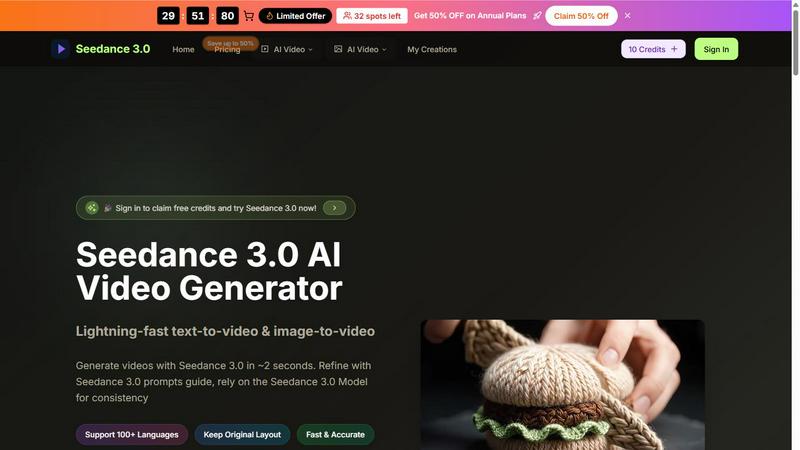
Seedance 3.0 AI Video Generator
Seedance 3.0 instantly creates stunning, professional videos from your text or images in just seconds.
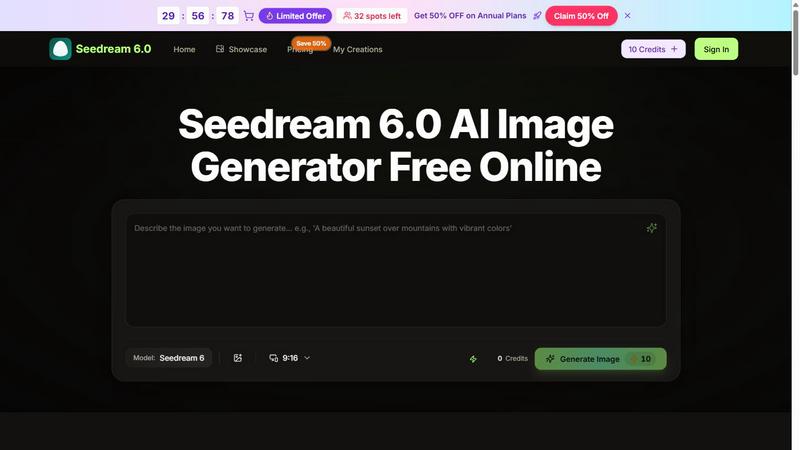
Seedream 6.0 AI Image Generator
Transform your ideas into stunning 4K images in seconds with Seedream 6.0, the AI image generator that blends text and visuals effortlessly.
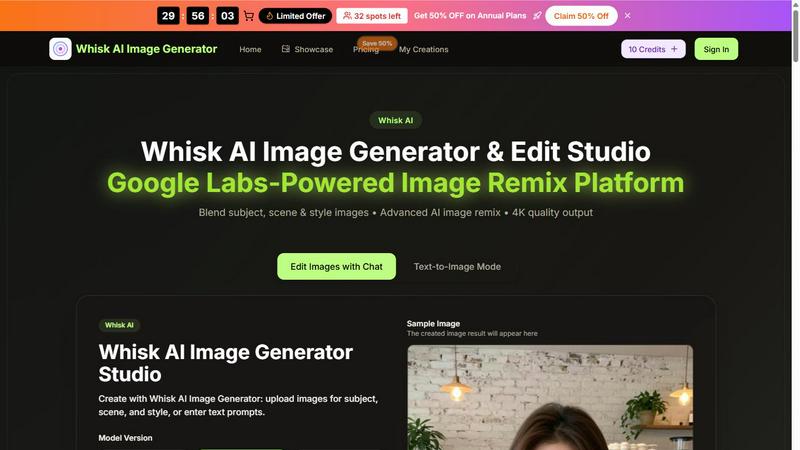
Whisk AI Image Generator
Whisk AI blends subject, scene, and style inputs into stunning 4K images in seconds.
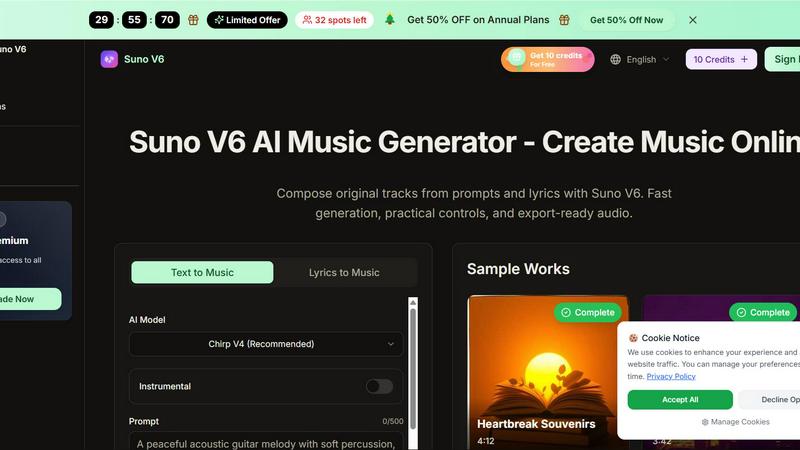
Suno V6 AI Music Generator
Suno V6 AI Music Generator lets you easily create original songs, vocals, and tracks online with fast, export-ready audio.
About Kling Motion Control (Kling VIDEO 2.6) Alternatives
Kling Motion Control (Kling VIDEO 2.6) is an innovative tool in the video creation space, specializing in motion-driven AI video generation for short-form content. This technology transforms static character images into engaging videos by applying motion from reference clips, making it ideal for creators looking to produce dynamic content effortlessly. Users often seek alternatives due to factors such as pricing, feature sets, platform compatibility, or specific workflow needs. When exploring alternatives, it's essential to consider ease of use, customization options, and the quality of the generated content to ensure it meets your creative objectives.
FAQs about Kling Motion Control (Kling VIDEO 2.6) Alternatives
What is Kling Motion Control (Kling VIDEO 2.6)?
Kling Motion Control (Kling VIDEO 2.6) is an AI-powered tool designed to create high-quality, motion-driven videos by transferring motion from reference clips to static character images.
Who is Kling Motion Control (Kling VIDEO 2.6) for?
It is for content creators, marketers, and anyone looking to produce dynamic short-form videos for platforms like TikTok, Reels, and Shorts.
Is Kling Motion Control (Kling VIDEO 2.6) free?
Kling Motion Control (Kling VIDEO 2.6) may not be free; users should check the pricing model on the official website for accurate information.
What are the main features of Kling Motion Control (Kling VIDEO 2.6)?
Key features include motion transfer from reference videos, customizable scenes, backgrounds, lighting, and a user-friendly AI video workflow.