
PDF to MD
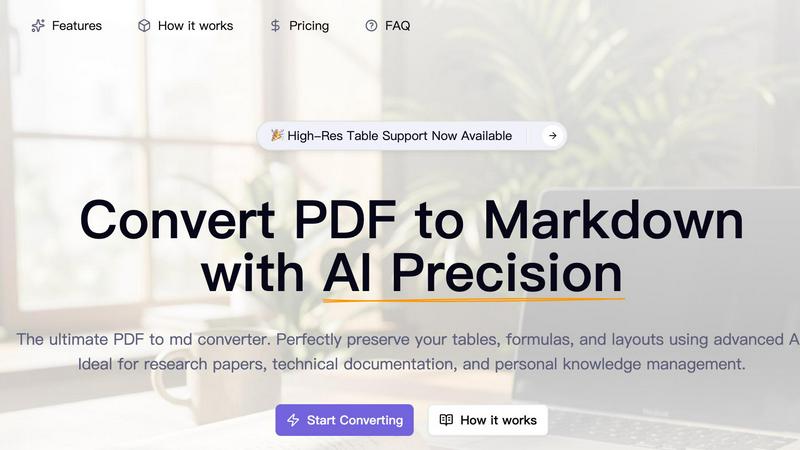
Convert PDFs to perfect Markdown with AI that preserves tables and formulas.
About PDF to MD
PDF to MD is the game-changing AI utility that finally cracks the code on intelligent document conversion. Forget the frustration of traditional tools that turn your carefully formatted PDFs into a jumbled mess of text. Our platform is engineered with a deep-learning AI core that doesn't just read text—it understands document structure like a human. This means it can accurately reconstruct complex tables cell-by-cell, convert mathematical formulas directly into pristine LaTeX, and intelligently re-flow multi-column academic layouts into perfectly linear, readable Markdown. Designed for professionals who demand precision, it features a sleek drag-and-drop interface with instant, side-by-side previews so you can verify every conversion in real time. It’s the ultimate tool for academic researchers, developers, technical writers, and knowledge managers who need to migrate content from static PDFs into dynamic, usable Markdown for platforms like Obsidian, Notion, or GitBook without losing a single detail.
Features of PDF to MD
AI-Powered Layout Intelligence
Our advanced AI engine goes far beyond simple text extraction. It visually analyzes each page to understand its fundamental structure—identifying headers, footers, and, most importantly, multi-column layouts. This allows it to reassemble content in the correct, logical reading order, eliminating the garbled output that plagues rule-based converters and delivering clean, structured Markdown that makes sense.
High-Fidelity Table Reconstruction
Say goodbye to table chaos. PDF to MD's AI doesn't just extract text from tables; it recognizes the entire grid structure, including nested tables. It meticulously reconstructs them row by row and cell by cell into perfectly formatted standard Markdown tables, preserving all your data relationships so it's ready for immediate use in your notes or documentation.
Mathematical Formula Conversion
Tailor-made for academic and technical papers, our tool automatically detects both inline and block mathematical equations. It seamlessly converts them into accurate LaTeX syntax, ensuring that complex formulas remain perfectly renderable in any Markdown editor or platform that supports LaTeX, saving researchers hours of manual transcription.
Secure Instant Preview & Export
Quality control is built into the workflow. The platform provides a high-fidelity, side-by-side comparison view where you can see the original PDF and the generated Markdown in real-time. Once verified, export your content as a clean .md file or as a complete package with extracted images neatly organized in an assets folder, all processed on secure servers that delete your file immediately after conversion.
Use Cases of PDF to MD
Academic Research & Paper Analysis
Researchers can instantly convert dense journal articles and conference papers into analyzable Markdown. Extracted LaTeX formulas and perfectly preserved tables allow for easy quoting, note-taking, and integration into literature reviews or personal knowledge databases, dramatically speeding up the research process.
Technical Documentation Migration
Developers and technical writers can seamlessly migrate legacy PDF manuals, API documentation, and specs into modern, editable Markdown formats for platforms like GitBook or MkDocs. This preserves critical structural elements like code blocks and tables, enabling easy updates and version control.
Personal Knowledge Management (PKM)
Build your "second brain" effortlessly. Convert books, reports, and interesting papers into clean, linkable Markdown for PKM tools like Obsidian, Logseq, or Notion. This transforms static information into a dynamic, searchable, and interconnected knowledge base for lifelong learning.
AI Training Data Preparation
For teams training large language models (LLMs) or building custom AI applications, high-quality, structured data is key. PDF to MD provides a pipeline to convert vast libraries of PDFs into clean, semantically correct Markdown, perfect for creating reliable and well-formatted training datasets and fine-tuning materials.
Frequently Asked Questions
Is PDF to MD really free to use?
Yes! We offer a generous free tier to get you started. You receive free credits upon sign-up, allowing you to experience the power of AI conversion firsthand. This lets you test the tool's accuracy with your own documents before committing to a paid plan for higher-volume needs.
How accurate is the table conversion?
Our AI-powered table conversion is exceptionally accurate, designed to handle both standard and complex nested tables. It reconstructs the visual grid structure into proper Markdown syntax, preserving cell alignment and data relationships far better than any optical character recognition (OCR) or basic text extraction tool.
What happens to my uploaded files?
Your privacy and security are our top priority. Uploaded PDFs are used solely for the AI conversion process and are automatically and permanently deleted from our servers immediately after the processing is complete. We do not store or use your documents for any other purpose.
Can I convert scanned PDFs?
Currently, PDF to MD is optimized for digital, text-based PDFs (those where you can select text with your cursor). For best results with formulas and complex layouts, digital PDFs are recommended. We are continuously improving our AI to expand support for other document types.
Pricing of PDF to MD
We believe in trying before you buy! New users get a welcome bonus of free credits immediately upon sign-up to explore the tool's capabilities. For ongoing needs, we offer flexible, usage-based pricing plans designed to scale with your project volume, whether you're converting a few key documents or processing large libraries. Visit our official Pricing page for the most current details on credit packs and subscription options.
Top Alternatives to PDF to MD
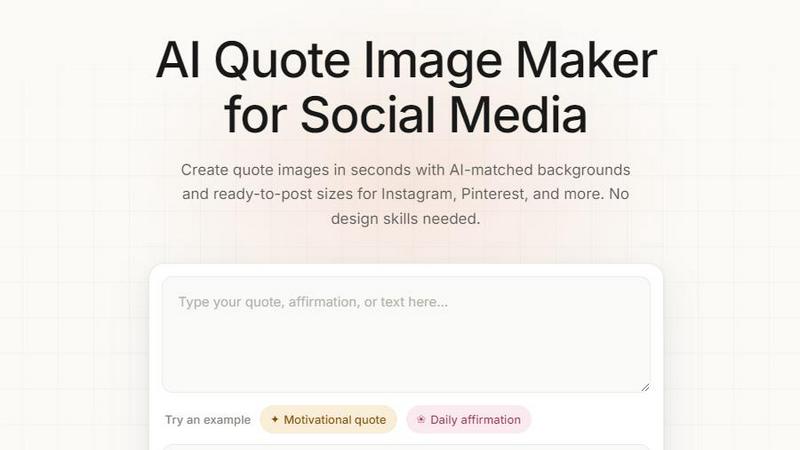
Quote Image Maker
Turn any quote into a stunning social graphic instantly with AI that matches backgrounds to your words, no design skills required.
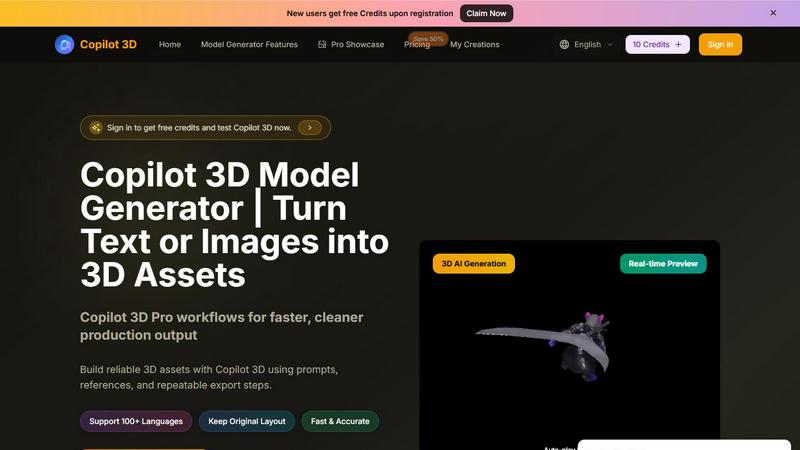
Copilot 3D
Copilot 3D instantly turns your text or images into production-ready 3D assets with fast, accurate AI generation and free credits for new users.

Ltx 2.5 AI Video Generator
Ltx 2.5 turns your text or images into stunning, controllable AI videos in seconds, ready to share.
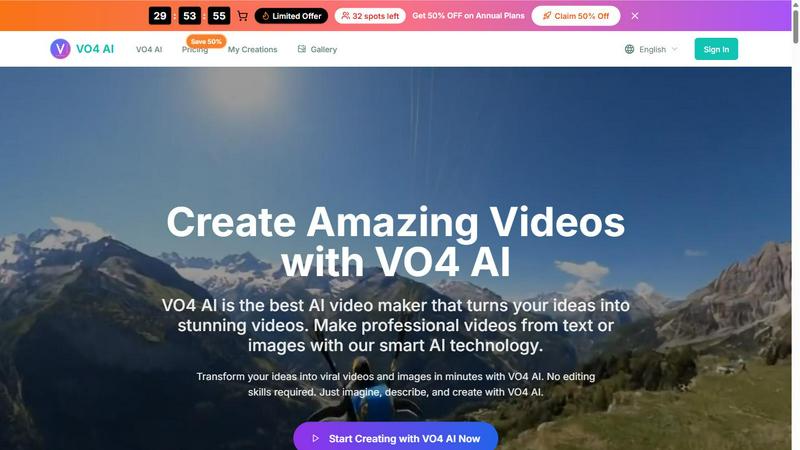
VO4 AI
Create stunning viral videos in minutes from text or images with VO4 AI's powerful and intuitive video generation technology.

EsyBlog
EsyBlog transforms any dataset into editorial-grade articles that sound human, helping serious SEO teams publish a thousand pieces in a single.
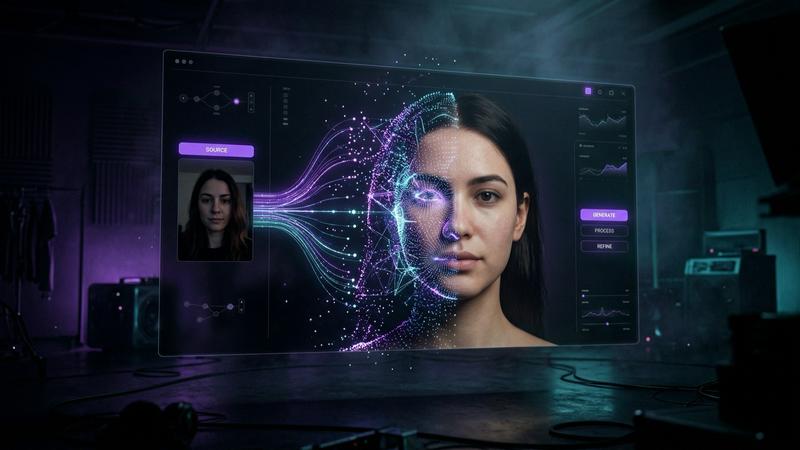
Polymorf
Polymorf turns your selfie into a digital twin with 300+ voices in 40 languages for instant studio-quality video without any equipment.
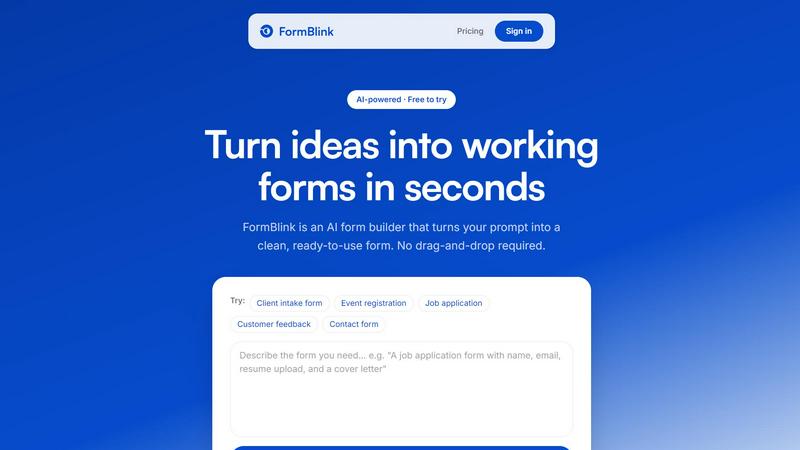
FormBlink - AI-powered form builder
FormBlink instantly creates ready-to-use forms from your prompts, eliminating setup time and hassle for seamless data collection.

Hunyuan Video
Tencent Hunyuan Video turns text or images into high-quality AI-generated videos with simple prompts and fast, polished results.