
Picknar
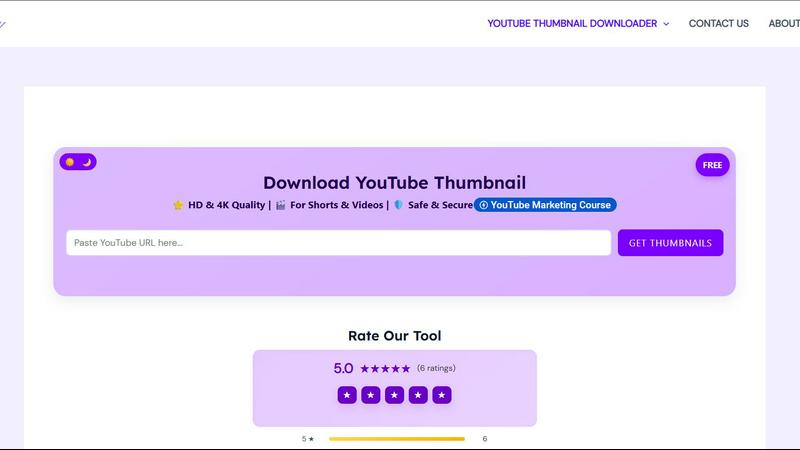
Effortlessly download YouTube thumbnails in HD and 4K quality, no login or watermark required, with Picknar.
About Picknar
Picknar is an innovative and completely free online tool designed to simplify the process of downloading YouTube video and Shorts thumbnails in stunning HD, 4K, and MaxRes quality. With an easy-to-use interface that requires no login or watermarks, Picknar is perfect for anyone needing high-quality thumbnails quickly. Whether you are a YouTube creator looking to analyze competitors' strategies, a designer gathering visual inspiration, or a digital marketer researching click-through rates, Picknar has you covered. The tool automatically fetches all available thumbnail sizes directly from YouTube, making it quick and efficient. With its commitment to privacy and security, Picknar ensures that no personal data is collected, allowing users to download thumbnails safely and securely.
Features of Picknar
High-Quality Thumbnail Downloads
Picknar supports downloading thumbnails in various resolutions, including HD (1280x720), Full HD (1920x1080), and MaxRes (4K). This means users can access the highest quality images for their projects, ensuring they get the best visual content available.
YouTube Shorts Compatibility
In addition to standard video thumbnails, Picknar also allows users to download thumbnails from YouTube Shorts. With support for vertical images in resolutions like 1080x1920 and 720x1280, Picknar caters to the needs of modern content creators who utilize this format.
Instant Access Without Hassle
The process of downloading thumbnails is streamlined into three simple steps: copy the YouTube video or Shorts link, paste it into the designated box, and choose your preferred resolution. This efficiency eliminates the need for complicated software, extensions, or account sign-ups, making it user-friendly.
Privacy and Security Assured
Picknar prioritizes user security, ensuring that no personal data is collected, no URL storage occurs, and that all downloads are conducted over HTTPS. This commitment to privacy makes Picknar a trustworthy choice for anyone looking to download thumbnails without concerns about their data.
Use Cases of Picknar
YouTube Creators
YouTube creators can use Picknar to analyze and download competitor thumbnails, gaining insights into effective design and marketing strategies that can improve their own content.
Designers and Artists
Graphic designers and artists can utilize Picknar to collect high-resolution thumbnails as visual references for their projects, inspiring new ideas and creative directions.
Digital Marketers
Digital marketers can research and download thumbnails to study click-through rates (CTR) and the impact of imagery on audience engagement, helping to refine their campaigns.
Students and Researchers
Students studying media design or researching visual communication can leverage Picknar to download thumbnails for analysis in their coursework or projects, providing practical examples of design principles.
Frequently Asked Questions
Is it legal to download YouTube thumbnails?
Yes, downloading YouTube thumbnails is legal as they are publicly visible images. However, you should not reuse or redistribute them commercially without the creator's permission.
How do I download a YouTube thumbnail in 1080p?
To download a thumbnail in 1080p, simply paste the video URL into the tool and select the MaxRes option (1920x1080) if it is available.
Does this tool work on mobile devices?
Absolutely! Picknar is mobile-friendly and works seamlessly on Android, iPhone, tablets, and desktop browsers, making it easy to download thumbnails on the go.
Why might MaxRes not be available for some videos?
If MaxRes (1920x1080) is not available, it typically means that the video creator did not upload a high-resolution custom thumbnail for that specific video.
Top Alternatives to Picknar
MStudio
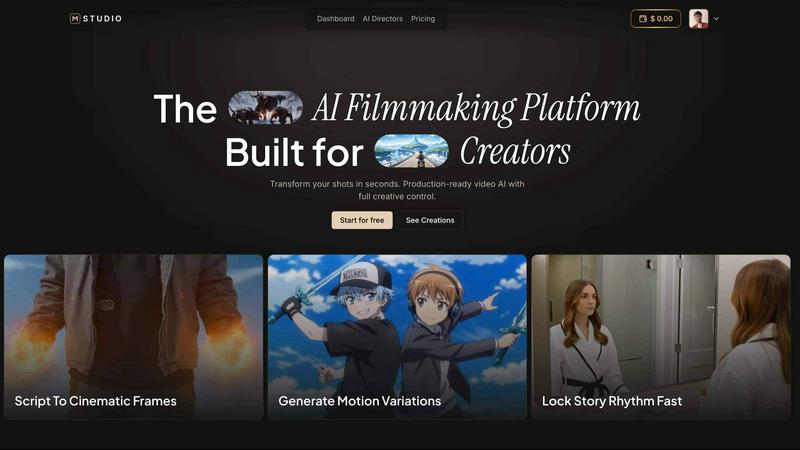
MStudio is the all-in-one AI filmmaking platform that turns your script into a pitch-ready storyboard with motion and sound in one session.
Alma by Olivares AI
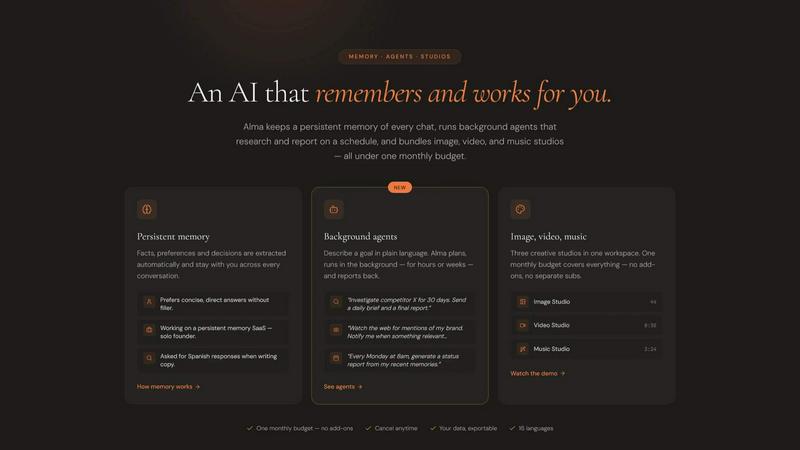
Alma by Olivares AI is your smart assistant that remembers, researches, and creates across image, video, and music all under one budget.
KPI Studio
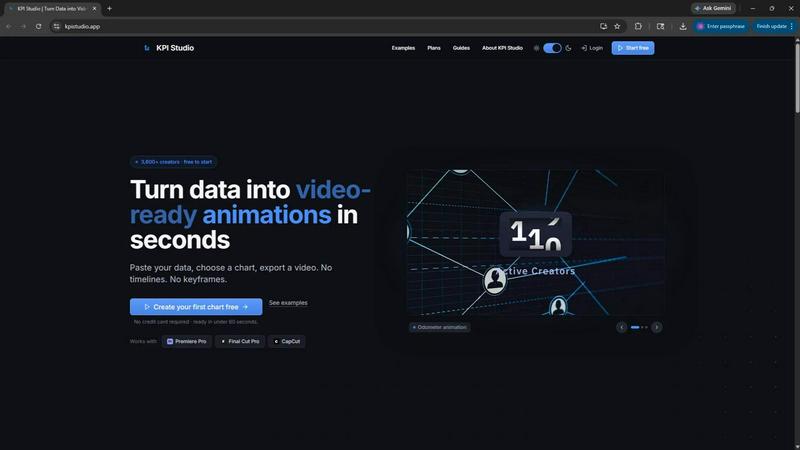
KPI Studio transforms your data into stunning video animations in seconds, making metrics engaging and easy to share with no design skills needed.
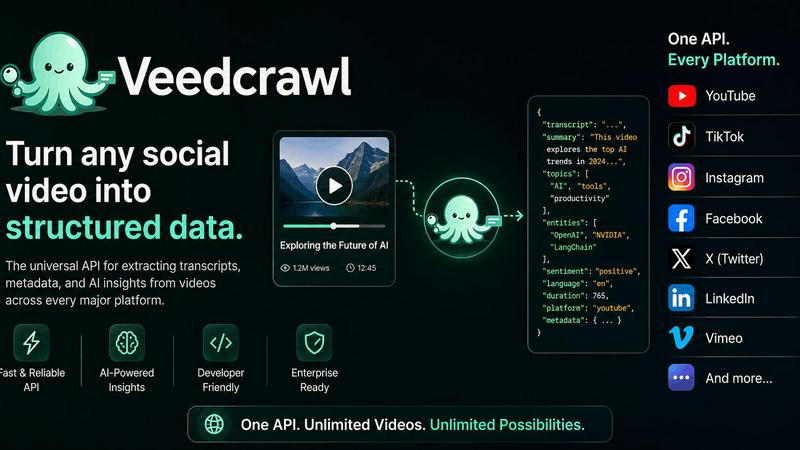
Veed Crawl
Turn any public social video URL into transcripts, metadata, and structured insights for your AI agents.
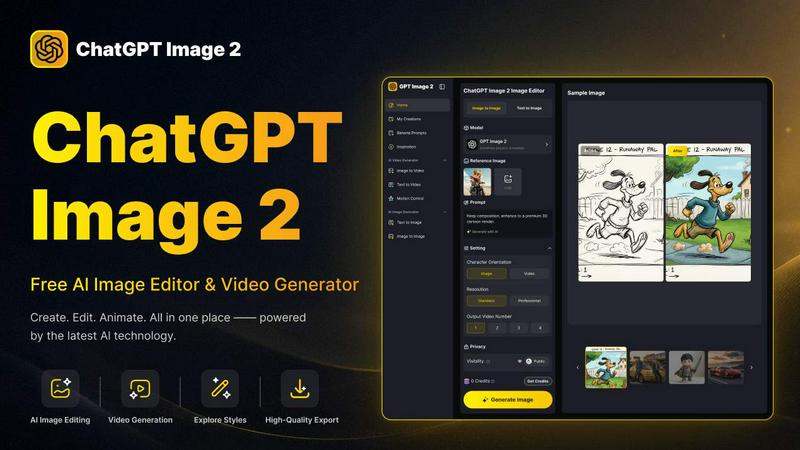
ChatGPT Image 2
Create stunning images, flawless text, and dynamic videos with ChatGPT Image 2, now 50% off for a limited time.
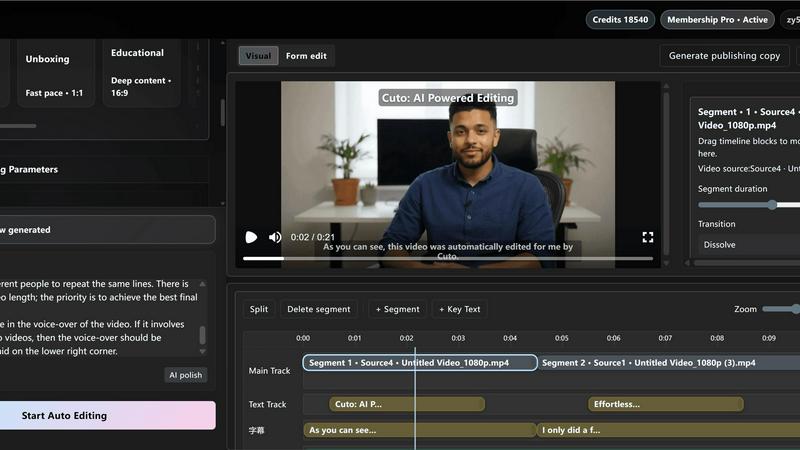
Cuto
Cuto turns your raw footage into polished, commercial-grade videos in 30 seconds with just one prompt and an editable AI edit plan.
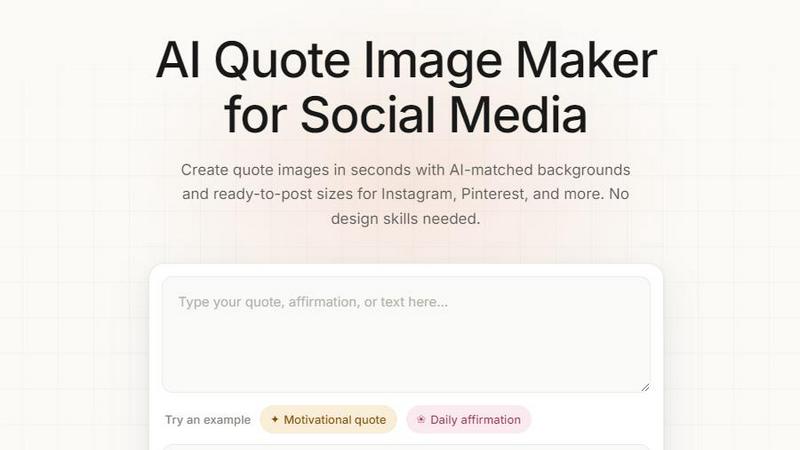
Quote Image Maker
Turn any quote into a stunning social graphic instantly with AI that matches backgrounds to your words, no design skills required.
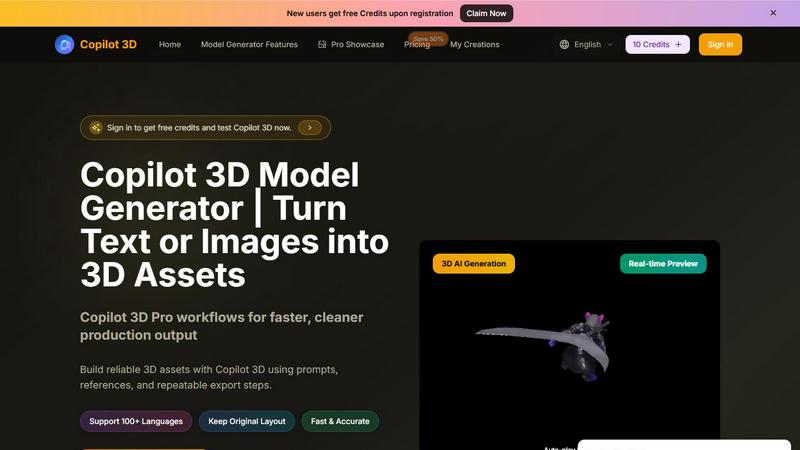
Copilot 3D
Copilot 3D instantly turns your text or images into production-ready 3D assets with fast, accurate AI generation and free credits for new users.