
Timeline Maker
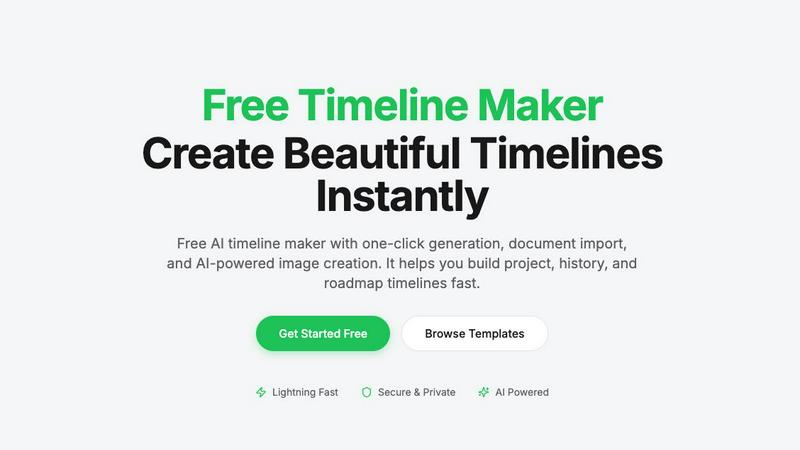
Create stunning timelines effortlessly with our free AI-powered timeline maker.
About Timeline Maker
Timeline Maker is an innovative AI-driven online tool designed to help users effortlessly create professional timelines from text or documents. Whether you're a project manager looking to visualize milestones, a student documenting your learning journey, or anyone needing to present a series of events in a coherent manner, Timeline Maker has got you covered. With its unique combination of automatic timeline generation and a flexible visual editor, users can transform ideas, histories, or project plans into structured timelines in just minutes. Customization options allow for real-time collaboration, ensuring that teams can work together seamlessly, even from different locations. The platform supports various formats for exporting timelines, making it perfect for presentations, reports, or sharing with stakeholders. Fast, intuitive, and adaptable for both simple and complex timelines, Timeline Maker is an essential tool for anyone looking to make their stories clear and engaging.
Features of Timeline Maker
AI-Powered Generation
Harness the power of artificial intelligence to generate timelines with just one sentence. Describe your timeline briefly, and watch as AI transforms your words into a beautifully structured visual representation in seconds. This feature saves time and enhances creativity.
Document Import
Effortlessly convert your documents into timelines by uploading PDFs, Word files, or plain text. Timeline Maker's AI automatically extracts relevant dates and events, creating a timeline ready for you to edit. This eliminates manual data entry and accelerates your workflow.
Real-Time Collaboration
Invite others to collaborate on your timeline with ease. Real-time editing, commenting, and contextual chat features mean that team members can contribute simultaneously, ensuring that everyone stays on the same page without version chaos.
Flexible Export Options
Once your timeline is complete, export it in multiple formats, including high-quality images, PDFs, PowerPoint presentations, Word documents, and Excel spreadsheets. This versatility ensures that your timelines are ready for any occasion, be it a presentation, report, or sharing online.
Use Cases of Timeline Maker
Project Management
Project managers can utilize Timeline Maker to plan milestones and track progress visually. By mapping out key events and deadlines, teams can enhance communication and ensure everyone is aligned on project objectives.
Learning Path
Students and educators can create learning paths that document educational journeys and track personal growth. This feature is perfect for showcasing achievements and understanding the progression of skills and knowledge over time.
Life Story
Capture and visualize life's significant moments with ease. Whether it's a personal biography or a collection of cherished memories, Timeline Maker allows users to create timelines that tell their unique stories in a clear and engaging manner.
Company History
Businesses can highlight their journey and impact by crafting company history timelines. This feature is invaluable for showcasing growth trajectories, product launches, and milestones that define an organization’s path in the industry.
Frequently Asked Questions
How does the AI-powered timeline generation work?
The AI-powered timeline generation works by taking a simple description or prompt provided by the user and converting it into a structured timeline. The AI analyzes the input and organizes events and dates accordingly, creating a visually appealing timeline in seconds.
Can I collaborate with others on my timeline?
Absolutely! Timeline Maker includes built-in collaboration features that allow you to invite colleagues or friends to edit and comment on your timelines in real time. This ensures smooth teamwork and effective communication.
What file formats can I import into Timeline Maker?
You can import various file formats into Timeline Maker, including PDFs, Word documents, and plain text files. The platform's AI is designed to extract relevant dates and events from these documents, streamlining the timeline creation process.
What formats can I export my completed timeline to?
Once your timeline is ready, you can export it in several formats, including high-quality PNG images, PDF documents (in portrait or landscape), PowerPoint slides, editable Word files, and Excel spreadsheets. This flexibility makes it easy to share your timelines in the format that best suits your needs.
Top Alternatives to Timeline Maker

MStudio
MStudio is the all-in-one AI filmmaking platform that turns your script into a pitch-ready storyboard with motion and sound in one session.
Alma by Olivares AI
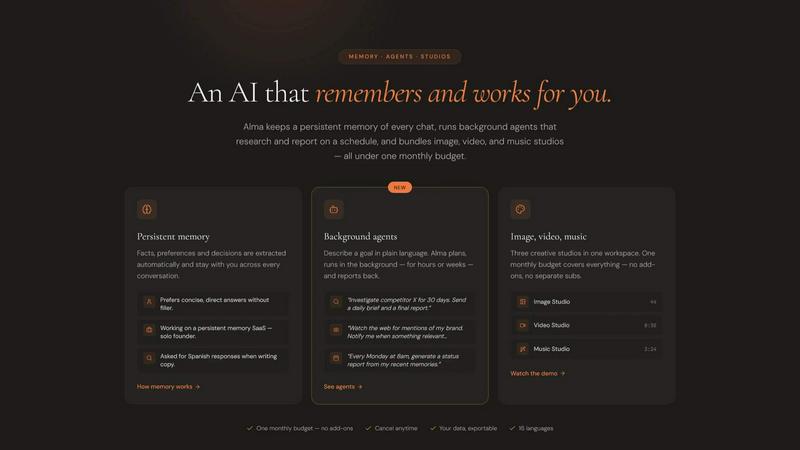
Alma by Olivares AI is your smart assistant that remembers, researches, and creates across image, video, and music all under one budget.
KPI Studio
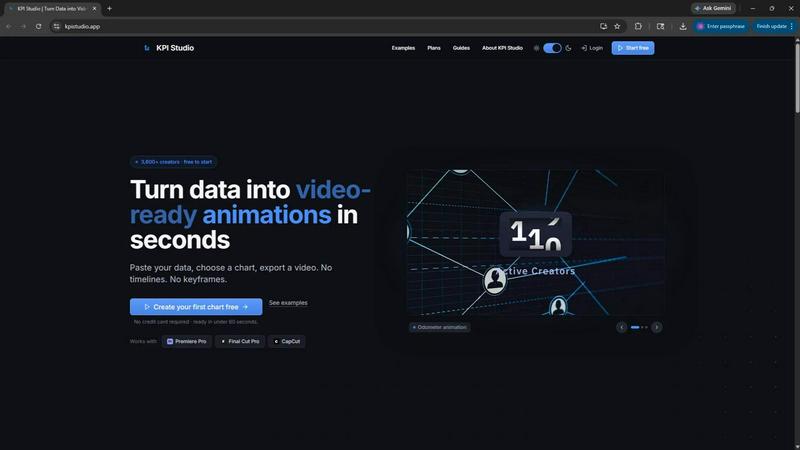
KPI Studio transforms your data into stunning video animations in seconds, making metrics engaging and easy to share with no design skills needed.
Veed Crawl
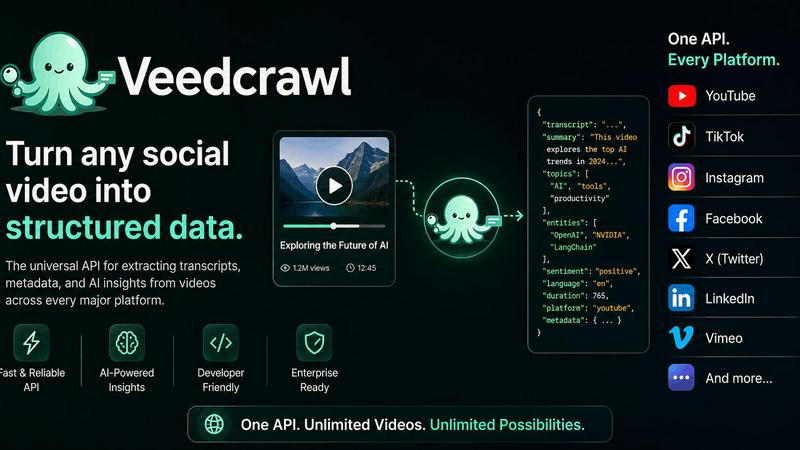
Turn any public social video URL into transcripts, metadata, and structured insights for your AI agents.
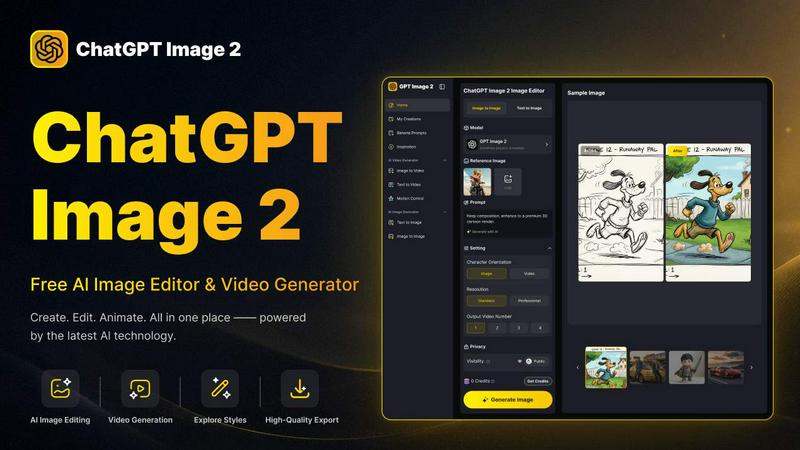
ChatGPT Image 2
Create stunning images, flawless text, and dynamic videos with ChatGPT Image 2, now 50% off for a limited time.
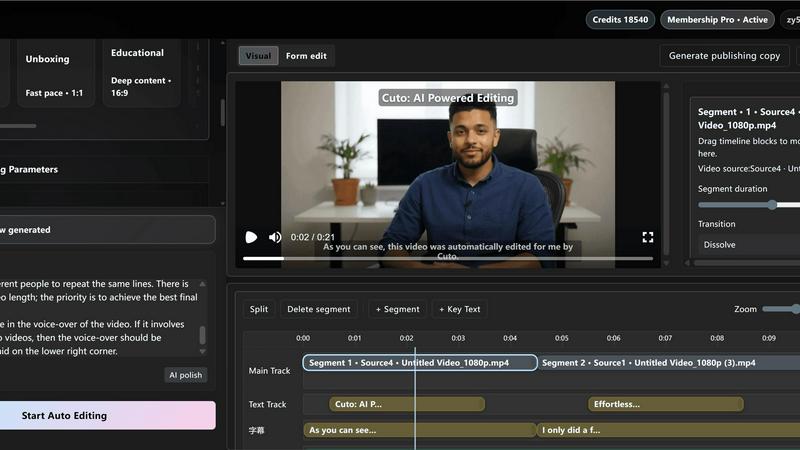
Cuto
Cuto turns your raw footage into polished, commercial-grade videos in 30 seconds with just one prompt and an editable AI edit plan.
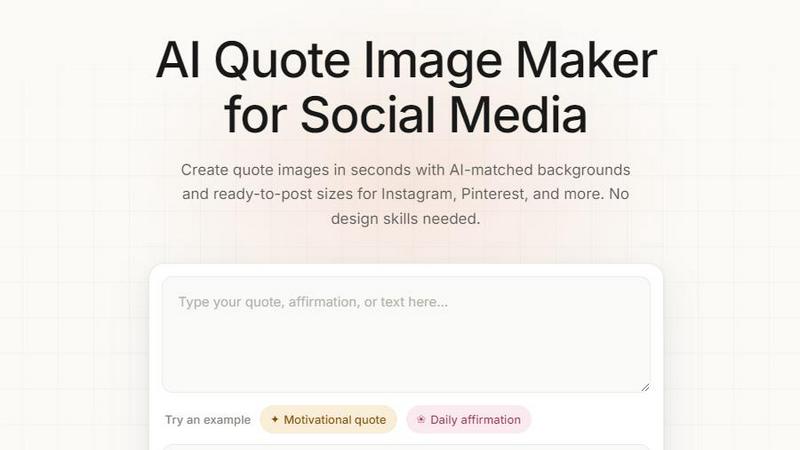
Quote Image Maker
Turn any quote into a stunning social graphic instantly with AI that matches backgrounds to your words, no design skills required.
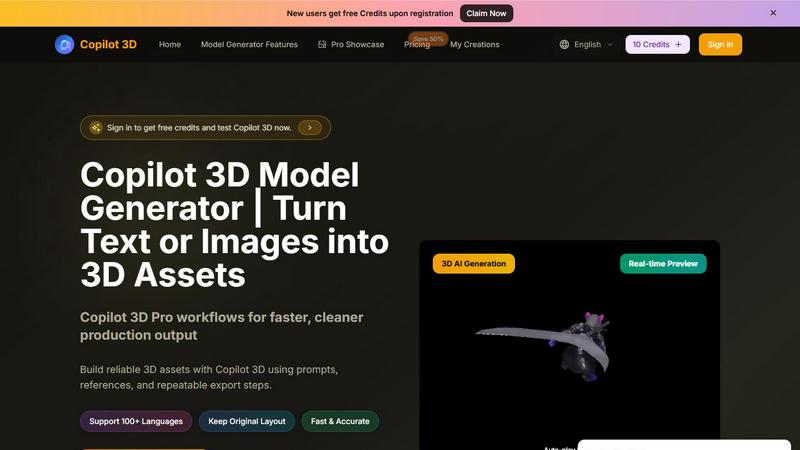
Copilot 3D
Copilot 3D instantly turns your text or images into production-ready 3D assets with fast, accurate AI generation and free credits for new users.