Volume Shader
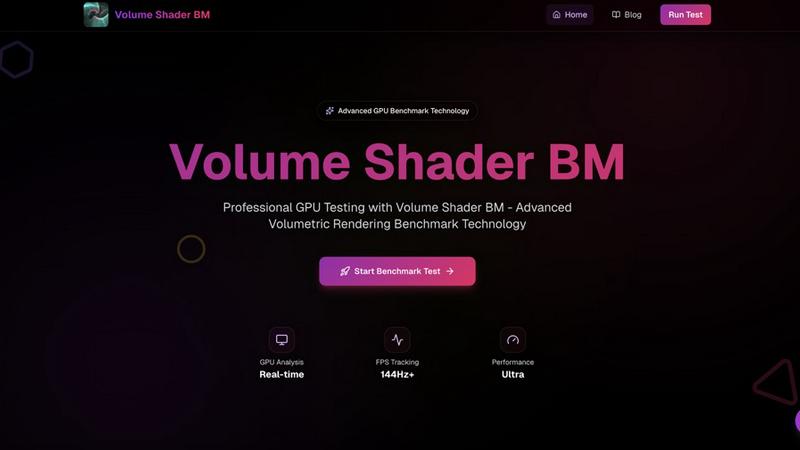
Volume Shader BM is a revolutionary GPU benchmark tool that tests volumetric rendering performance for modern graphics.
About Volume Shader
Volume Shader is an innovative GPU benchmarking platform that revolutionizes the way we assess graphics performance across various devices, from powerful desktops to mobile gadgets. By harnessing the power of advanced volumetric shaders and real-time rendering techniques, Volume Shader simulates realistic graphical workloads that reflect the demands of modern applications. This makes it an essential tool for developers, gamers, and tech enthusiasts looking to push their hardware to the limits. The platform provides precise and detailed insights into GPU performance, helping users identify bottlenecks, optimize settings, and ensure their devices deliver an exceptional graphical experience. With its user-friendly interface and powerful benchmarking capabilities, Volume Shader is not just a tool; it's a game-changer for anyone serious about graphics performance.
Features of Volume Shader
Real-Time Testing
Experience instant feedback with live FPS counters and performance metrics during benchmark execution. This feature allows you to monitor your GPU's performance in real-time, making it easier to understand how it handles various graphical challenges.
WebGL Based
Volume Shader operates entirely within your browser using advanced WebGL technology. This means no downloads are required, ensuring a hassle-free experience. Whether you're on a high-end desktop or a mobile device, you can access our benchmark seamlessly.
Accurate Metrics
Get precise performance data with sophisticated measurement algorithms and accurate timing. This feature ensures that your benchmarking results reflect true GPU capabilities, allowing for informed decision-making and optimization.
Cross-Platform Compatibility
Our benchmark tool is designed to work across any device that supports WebGL. From desktops to laptops and mobile devices, Volume Shader guarantees a consistent and reliable benchmarking experience for all users.
Use Cases of Volume Shader
Game Development
For game developers, Volume Shader provides critical insights into GPU performance, helping optimize graphics for immersive experiences. By understanding how different GPUs handle complex rendering tasks, developers can tailor their games for maximum performance.
Scientific Visualization
Researchers and scientists can leverage Volume Shader to test and visualize complex volumetric data. This is particularly useful in fields like medical imaging and simulation, where accurate graphical representation is crucial.
3D Rendering Applications
3D artists can benefit from Volume Shader by evaluating how their hardware performs under demanding rendering scenarios. This helps in choosing the right tools and optimizing workflows for high-quality results in 3D modeling and animation.
Educational Purposes
Volume Shader serves as an excellent educational tool for students and professionals learning about graphics programming and rendering techniques. It provides practical insights into volumetric shaders, helping users grasp complex concepts in an interactive manner.
Frequently Asked Questions
What is Volume Shader?
Volume Shader is an advanced GPU benchmarking platform that tests graphics performance using real-time rendering and volumetric shader techniques. It provides detailed performance metrics to optimize GPU capabilities for demanding applications.
How does Volume Shader work?
The benchmark initializes by detecting your GPU capabilities and preparing volumetric data structures. It then executes various rendering scenarios while collecting real-time metrics, ultimately compiling comprehensive performance data for analysis.
Can I use Volume Shader on mobile devices?
Yes! Volume Shader is designed to be cross-platform and works on any device that supports WebGL. Whether you are using a mobile device or a desktop, you can access the benchmark without any hassle.
What types of performance metrics can I expect?
You can expect precise performance data, including frame rates, rendering times, and quality metrics. These insights will help you understand your GPU's volumetric rendering capabilities and identify areas for optimization.
Top Alternatives to Volume Shader
Game Server Backend
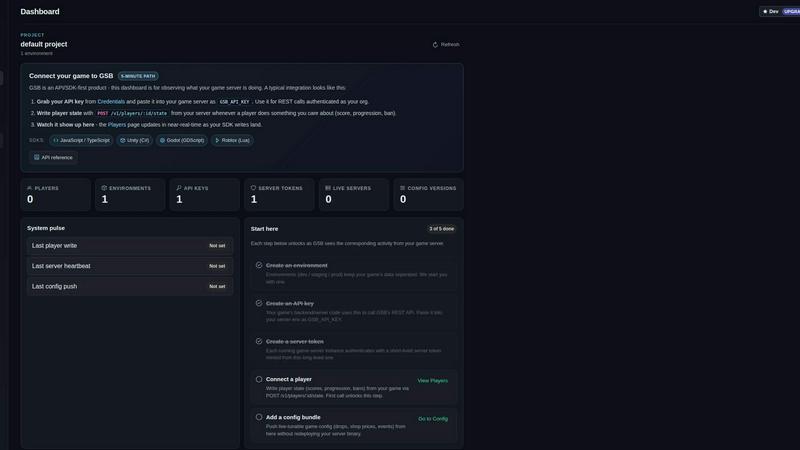
Game Server Backend simplifies multiplayer development with integrated player auth, data storage, and matchmaking on one powerful platform.
Veed Crawl
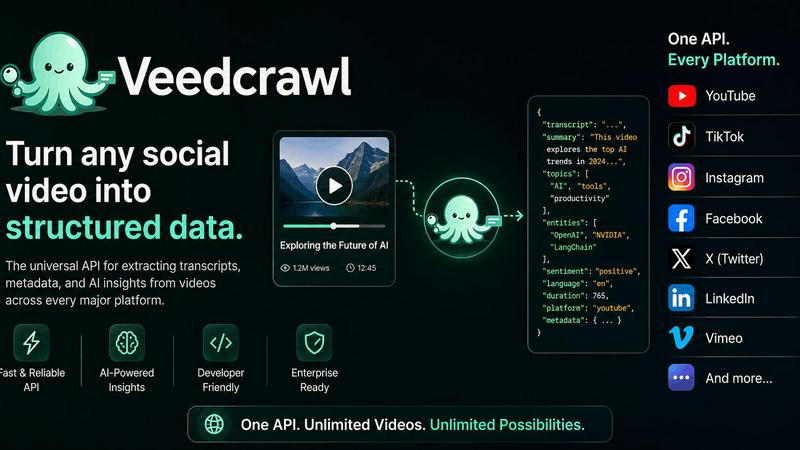
Turn any public social video URL into transcripts, metadata, and structured insights for your AI agents.

Headless Domains
Empower your AI agent with a secure, verifiable identity through Headless Domains to enhance trust across digital platforms.
LoadTester
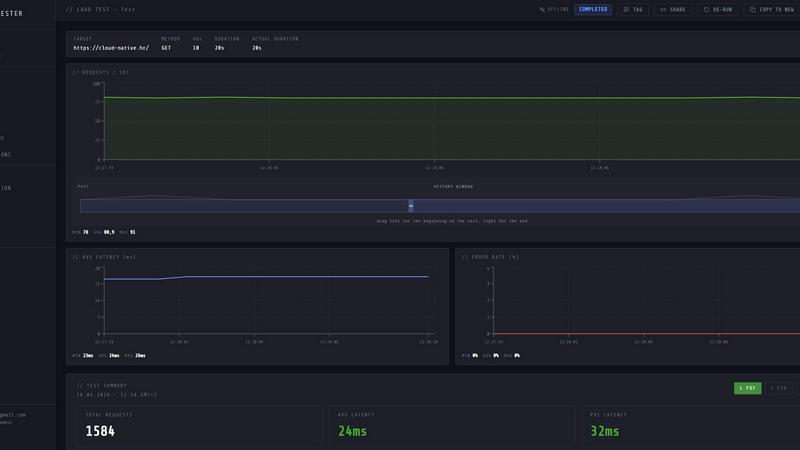
Launch distributed load tests from your browser or CI/CD with live analytics and zero infrastructure to manage.
Steam Workshop Downloader
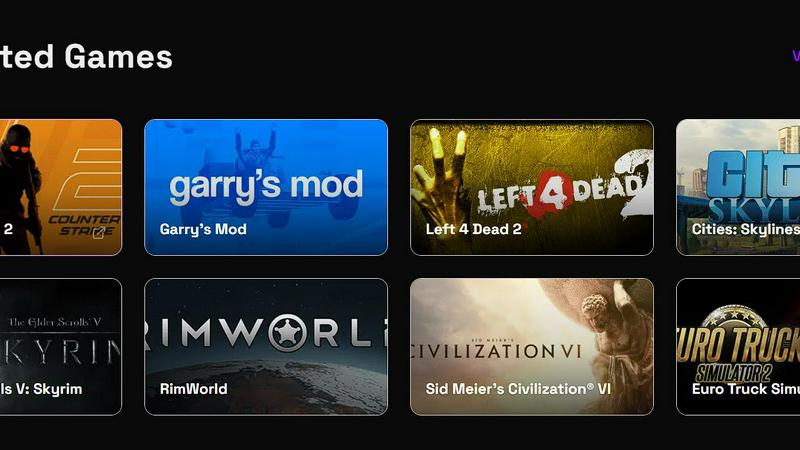
Paste any Steam Workshop URL to instantly download mods, maps, and skins for free with no login required.