
Youtube Transcript
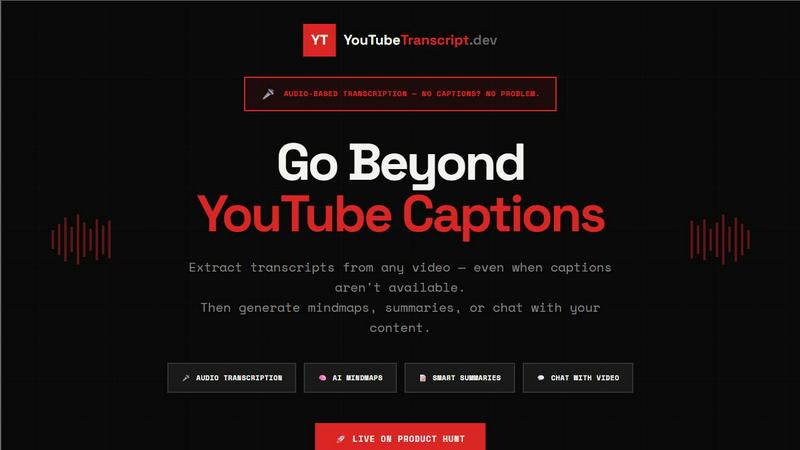
Instantly convert YouTube videos to accurate transcripts, even without captions.
About Youtube Transcript
Youtube Transcript is a powerful tool designed to revolutionize the way we interact with video content on YouTube. It allows users to extract accurate transcripts from any YouTube video, even when captions are unavailable. By leveraging advanced AI-powered audio transcription technology, Youtube Transcript delivers fast and reliable results, converting spoken words into text in seconds. With a user-friendly interface, it caters to a diverse audience including marketers, content creators, students, researchers, and developers, enabling them to transform video content into actionable insights. The main value proposition lies in its ability to save time and enhance productivity by making video content easily searchable and digestible. Whether you want to generate mind maps, create summaries, or even chat with the content, Youtube Transcript empowers you to go beyond passive watching and engage more deeply with the material.
Features of Youtube Transcript
Direct Audio Transcription
Youtube Transcript excels in direct audio transcription, allowing users to extract text from videos that lack captions. Utilizing advanced AI speech recognition technology, it achieves up to 95% accuracy, ensuring that even videos without captions can be understood and utilized for various purposes.
Interactive Viewer
The Interactive Viewer feature enhances the viewing experience by providing real-time synced subtitle overlays. Users can customize font size, color, and position to suit their preferences. Clicking on any line of text seamlessly jumps to that moment in the video, making navigation intuitive and engaging.
Mind Map Generation
With the innovative Mind Map Generation feature, users can visualize video content as interactive mind maps. This is particularly beneficial for students and researchers looking to grasp complex topics quickly, providing a clear and organized view of the content for better retention and understanding.
Chat with Transcript
The Chat with Transcript feature allows users to engage with video content in a conversational manner. By asking questions about the transcript, users receive instant AI-powered responses, making it feel as though they are having a dialogue with the video itself, thus enhancing comprehension and retention.
Use Cases of Youtube Transcript
For Marketers
Marketers can leverage Youtube Transcript to create content faster and analyze competitors' strategies. By extracting transcripts from popular videos, they can identify trends, keywords, and content gaps, allowing them to stay ahead in the competitive landscape.
For Content Creators
Content creators can utilize Youtube Transcript to streamline their workflow. By converting video content into text, they can easily repurpose material for blogs, social media posts, or video scripts, maximizing their content's reach and effectiveness.
For Students & Researchers
Students and researchers benefit greatly from Youtube Transcript by accessing transcripts of educational videos. This makes it easier to study complex subjects, generate notes, and create study materials without the need for manual transcription, saving valuable time.
For Developers
Developers can integrate the Youtube Transcript API into their applications to enhance functionality. By enabling transcription capabilities within their own platforms, they can offer users a seamless experience for converting video content into text, enhancing engagement and usability.
Frequently Asked Questions
How accurate is the audio transcription?
The audio transcription feature achieves up to 95% accuracy, even for videos that lack captions. It uses advanced AI speech recognition to ensure high-quality results.
Can I extract transcripts from playlists?
Yes, you can paste a playlist URL and extract transcripts from all videos within that playlist at once. This is ideal for processing entire courses or series efficiently.
What formats can I export the transcripts in?
YouTube Transcript allows you to export transcripts in multiple formats including TXT, JSON, SRT, and VTT. These formats are compatible with various video platforms and editors.
Is there a free trial available?
Absolutely! You can start extracting up to 10 YouTube transcripts for free without needing to provide credit card information. This allows you to experience the service before committing to a paid plan.
Top Alternatives to Youtube Transcript
MStudio
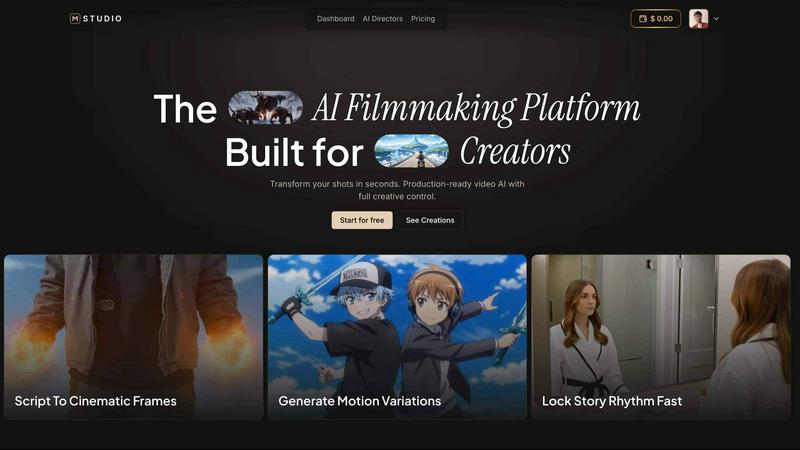
MStudio is the all-in-one AI filmmaking platform that turns your script into a pitch-ready storyboard with motion and sound in one session.
Alma by Olivares AI
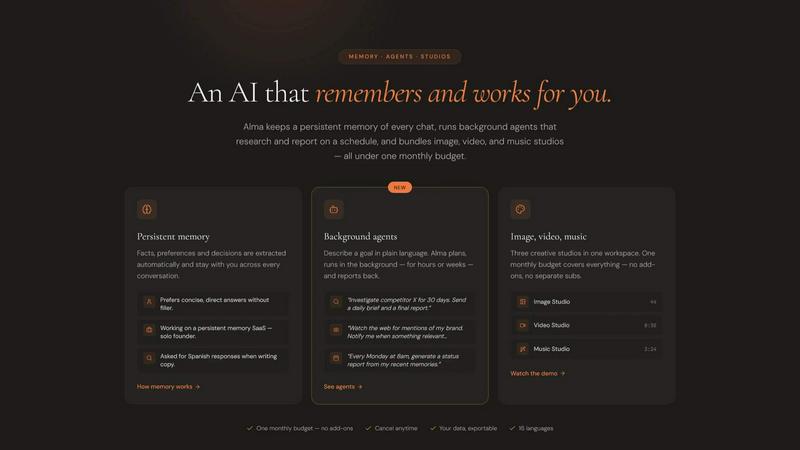
Alma by Olivares AI is your smart assistant that remembers, researches, and creates across image, video, and music all under one budget.
KPI Studio
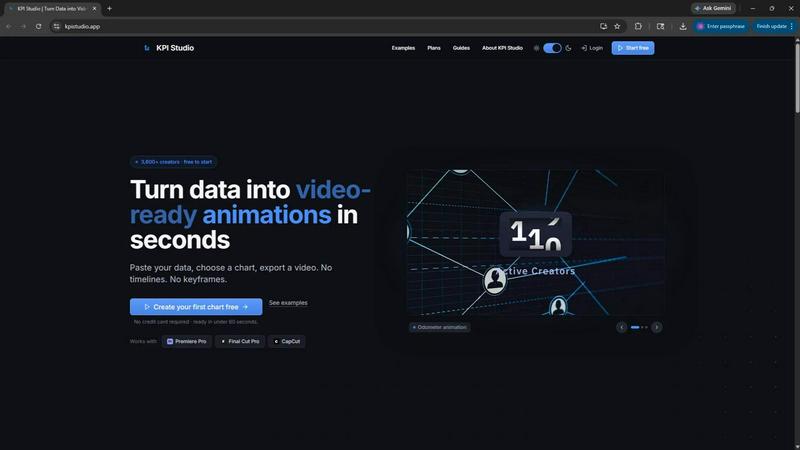
KPI Studio transforms your data into stunning video animations in seconds, making metrics engaging and easy to share with no design skills needed.
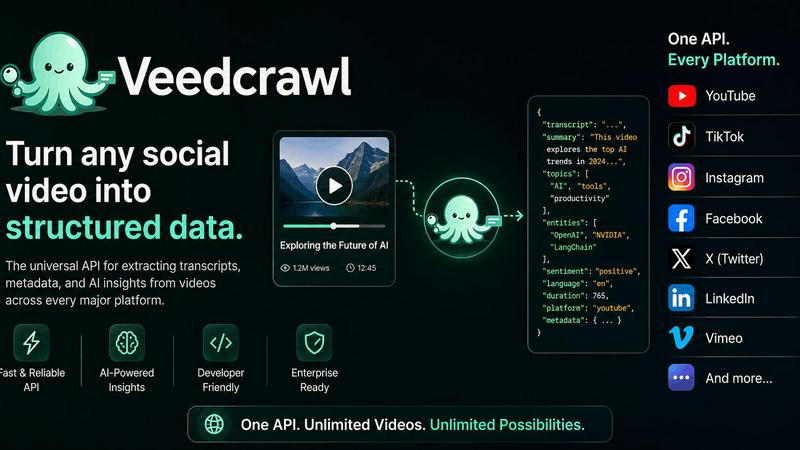
Veed Crawl
Turn any public social video URL into transcripts, metadata, and structured insights for your AI agents.
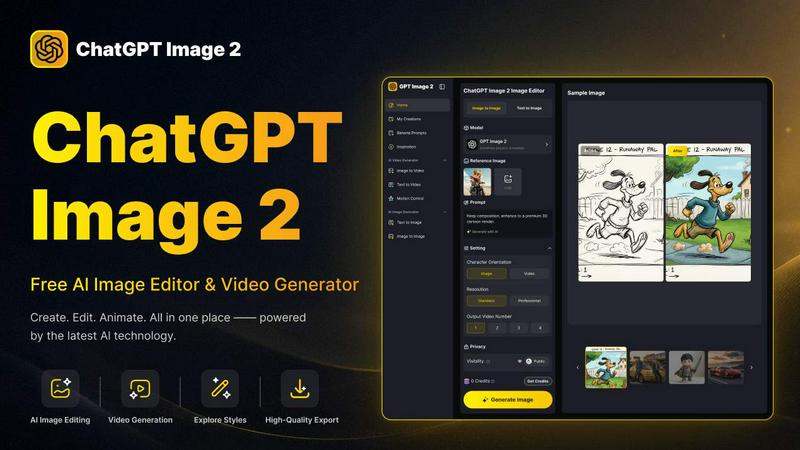
ChatGPT Image 2
Create stunning images, flawless text, and dynamic videos with ChatGPT Image 2, now 50% off for a limited time.
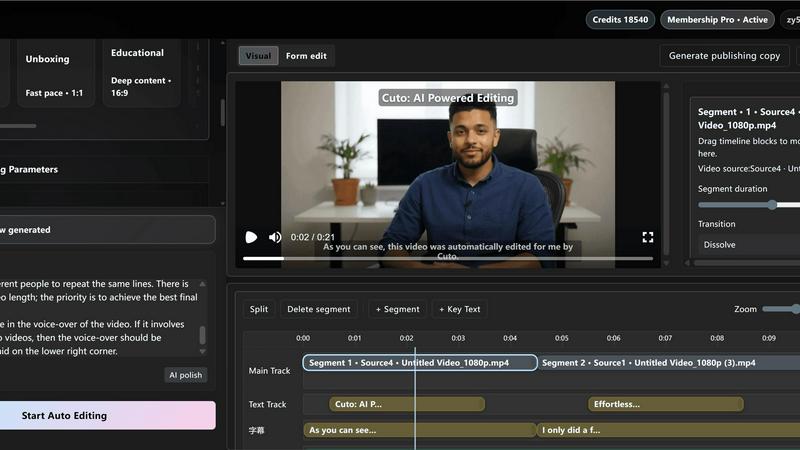
Cuto
Cuto turns your raw footage into polished, commercial-grade videos in 30 seconds with just one prompt and an editable AI edit plan.
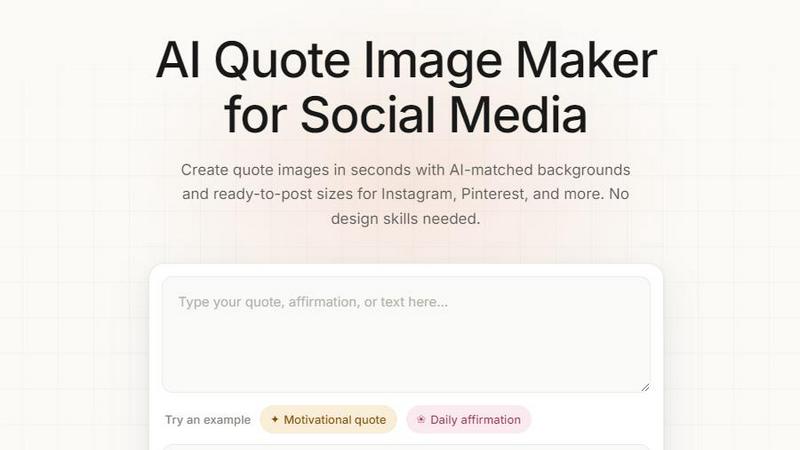
Quote Image Maker
Turn any quote into a stunning social graphic instantly with AI that matches backgrounds to your words, no design skills required.
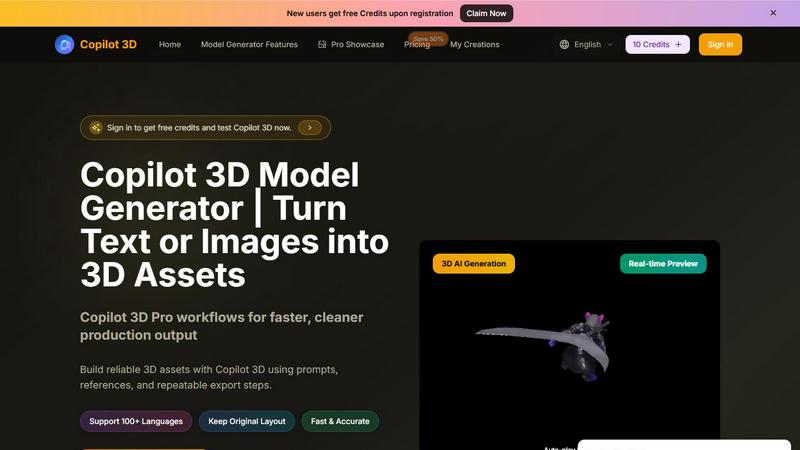
Copilot 3D
Copilot 3D instantly turns your text or images into production-ready 3D assets with fast, accurate AI generation and free credits for new users.